

Why Your Gaming Space Echoes 🔧
You just dropped serious ZAR on a killer setup. But when you fire up your favourite shooter, the audio sounds like you are playing inside an empty metal dustbin. Hard floors and bare walls bounce sound everywhere... completely ruining your immersion. If you are wondering how to improve acoustics in gaming room setups without breaking the bank, you are in the right place. Let us fix that echo.
Sound waves are incredibly lazy. They bounce off hard surfaces like tiled floors and plastered walls... creating that frustrating reverb. This echo ruins directional audio in competitive games where hearing footsteps is vital. It also amplifies the whirring fan noise from powerful graphics cards when your rig is under heavy load. To fix this acoustic nightmare, you need to absorb and diffuse those rogue sound waves.
Soften Up Your Surroundings ✨
The easiest way to improve acoustics in a gaming room is by adding soft materials. Got a cold tiled floor? Throw down a thick, plush rug. Bare windows letting in street noise? Hang heavy curtains to block it out. These simple additions absorb high-frequency sounds beautifully.
If you recently grabbed one of our best gaming PC deals, your audio experience should absolutely match the visual performance. Even if you prefer portable power and game on high-end laptops, softening your room heavily reduces the harshness of high-speed cooling fans during intense late-night sessions.
Acoustic Foam Pro Tip 🎧
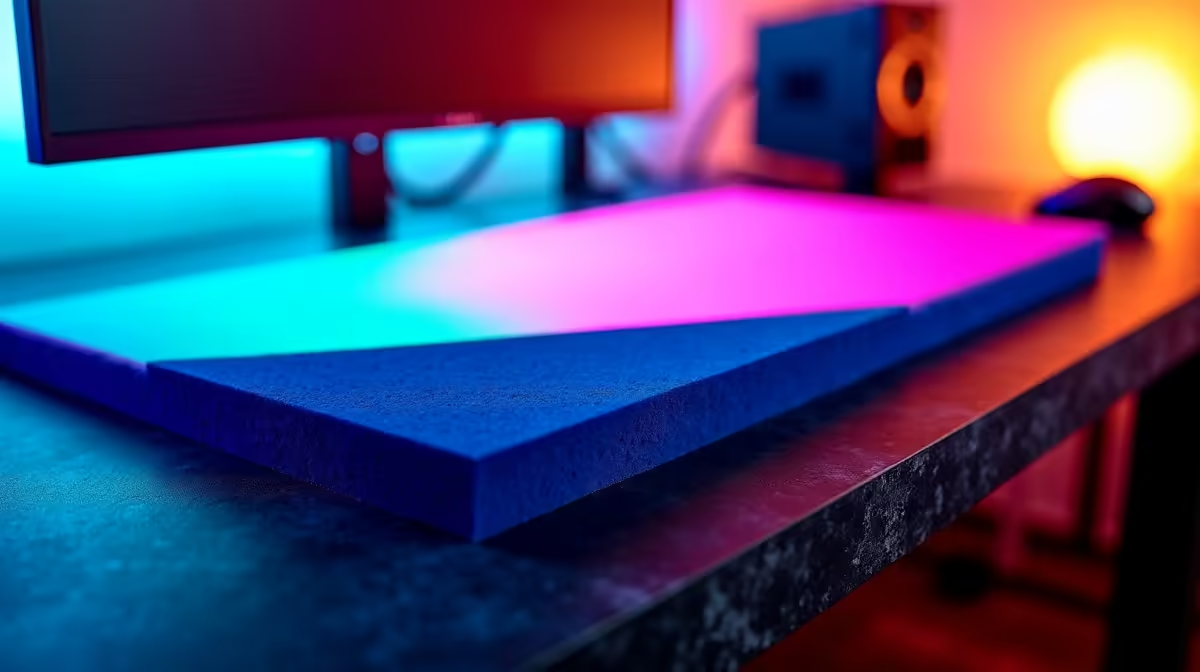
Do not just plaster your entire wall with cheap foam. Place acoustic panels at the first reflection points... usually the walls directly to the left and right of your desk. This stops sound from bouncing straight into your ears.
Strategic Furniture Placement
You do not need an expensive studio setup to get brilliant sound. Everyday furniture works wonders for breaking up audio reflections. A bookshelf filled with games or collectibles acts as a natural sound diffuser.
When you are setting up your desk for one of those sleek pre-built PC deals, try to position it slightly away from the wall. This simple trick gives your speakers breathing room. It also stops muddy bass frequencies from building up in the corners of your room.
Silence the Rattles and Vibrations
Sometimes the problem is not echo... it is vibration. Hard drives, case fans, and heavy subwoofers can rattle against your desk. Put your subwoofer on a foam isolation pad to keep the bass tight. Make sure your PC case sits on a stable, level surface.
By doing this, you keep your gaming audio crisp and clean. If you are looking to upgrade your setup while keeping some cash aside for room treatments, keep a close eye on our weekly specials for massive tech savings.
Ready to Complete Your Dream Setup? 🚀 Now that your room sounds as good as it looks, it is time to power up your gameplay. Evetech offers the best value in South Africa for gamers and creators alike. Explore our unbeatable gaming PC deals and build the ultimate rig today.











