

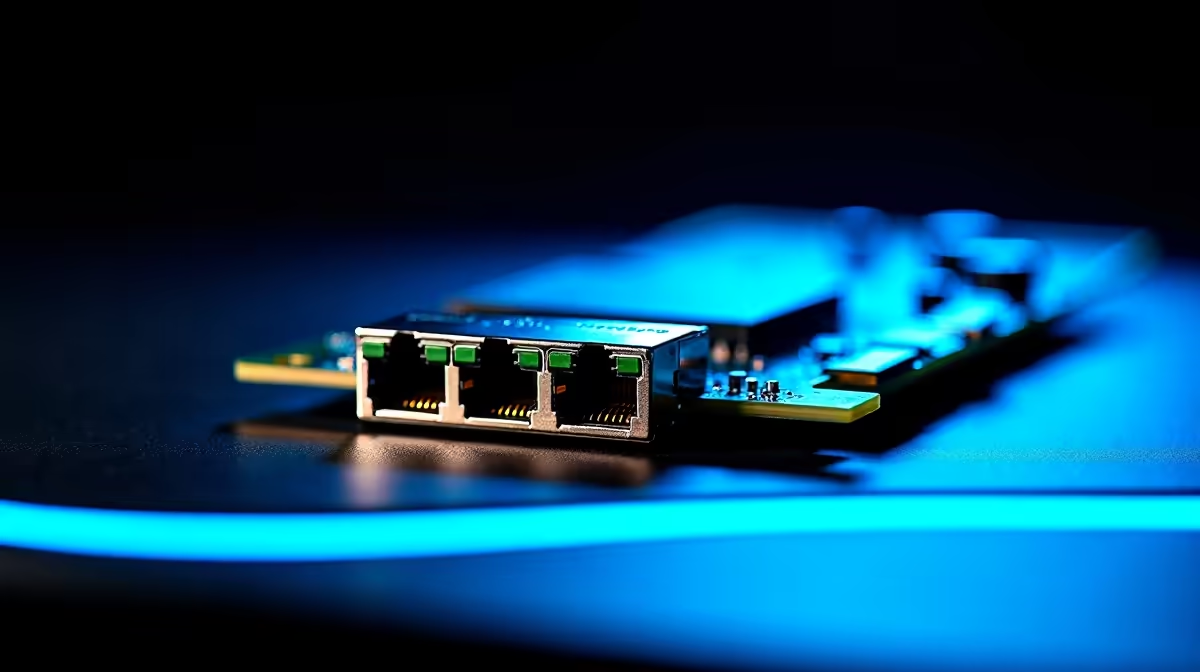
10 Gigabit Ethernet (10GbE) was once the exclusive domain of enterprise server rooms, but in 2026 it's increasingly relevant to South African home power users, content creators, and home lab enthusiasts who need to shift large files between NAS devices, workstations, or servers at speeds that make 1GbE feel ancient. Installing 10GbE is more straightforward than most people expect - it's largely a hardware and cabling exercise.
Quick Answer
To install 10G Ethernet, you need a 10GbE NIC (network interface card) for each device, a 10GbE-capable switch or direct connection cable, and Cat6A or Cat7 cabling (or DAC/SFP+ for shorter runs). Installation involves fitting the NIC into a PCIe slot, connecting cabling, and configuring network settings - no special software beyond standard OS network drivers is typically required.
🔧 Hardware You Need for a 10GbE Setup
NICs: A 10GbE NIC fits into a PCIe x4 or x8 slot (check your motherboard's available slots - even x4 open-ended slots usually work). Popular options include Intel X550-T1 (single port, RJ45), Aquantia AQC107-based cards, and SFP+ cards for fibre or DAC connections. Budget NIC prices have dropped significantly - entry-level 10GbE RJ45 NICs are now available in SA for under R1,500.
Switch: If connecting more than two devices, a 10GbE switch is needed. Managed 10GbE switches with RJ45 ports have become far more accessible, though they remain significantly more expensive than 1GbE switches. For two-device direct connections (e.g., NAS to workstation), a crossover cable or auto-MDI/X cable eliminates the need for a switch entirely. Check Evetech's networking range for current 10GbE hardware availability.
Cabling: RJ45 10GbE connections require Cat6A minimum for 10Gbps at distances up to 55 metres (Cat6) or 100 metres (Cat6A). SFP+ connections use DAC cables (short range, under 7m), fibre patch cables, or transceivers. For most home setups, Cat6A is the practical choice - it's widely available, uses standard RJ45 connectors, and future-proofs any infrastructure upgrade.
⚙️ Installation Steps
- Power off and unplug your PC. Ground yourself via an anti-static wrist strap or by touching the PC case before handling the NIC.
- Remove the expansion slot cover for your target PCIe slot (x4, x8, or x16 mechanical - any will work electrically at x4 bandwidth).
- Seat the NIC firmly in the slot until the clip locks. Secure with the slot screw.
- Connect your Cat6A or SFP+ cable to the NIC port and run it to your switch or direct to the second device.
- Boot your PC. Windows 10/11 and most Linux distros auto-detect Intel and Aquantia NICs and load drivers from Windows Update. If not detected, install the driver from the NIC manufacturer's website.
- Confirm the connection: in Windows, open Network Connections and verify the adapter shows "10.0 Gbps" link speed. On Linux, use
ethtool [interface]to confirm.
❓ FAQ
Q: Will 10GbE actually improve my internet speed? A: Only if your internet service delivers 10Gbps - which no current SA residential ISP offers. 10GbE's benefit is for local network transfers: NAS backups, VM storage, and file sharing between PCs in your home or office. Your internet bottleneck is always the ISP link, not your local NIC.
Q: Is Cat6A cable difficult to terminate at home? A: Cat6A termination requires a quality RJ45 crimping tool and Cat6A-rated keystone jacks or plugs. It's achievable for DIY enthusiasts but requires more care than Cat5e/6 due to tighter impedance tolerances. Pre-terminated Cat6A patch cables are widely available and recommended for non-structured wiring runs.
Q: Can 10GbE NICs cause CPU performance issues? A: On older systems, 10GbE processing can consume notable CPU cycles at maximum throughput. Modern NICs with hardware offloading (TOE - TCP Offload Engine) mitigate this significantly. Intel X550 and Aquantia AQC107-based cards have strong offload capabilities and run well even on mid-range Ryzen and Intel platforms.
Evetech stocks Graphics Card Deals and Evetech Best Sellers — shop online with fast delivery across South Africa.











