

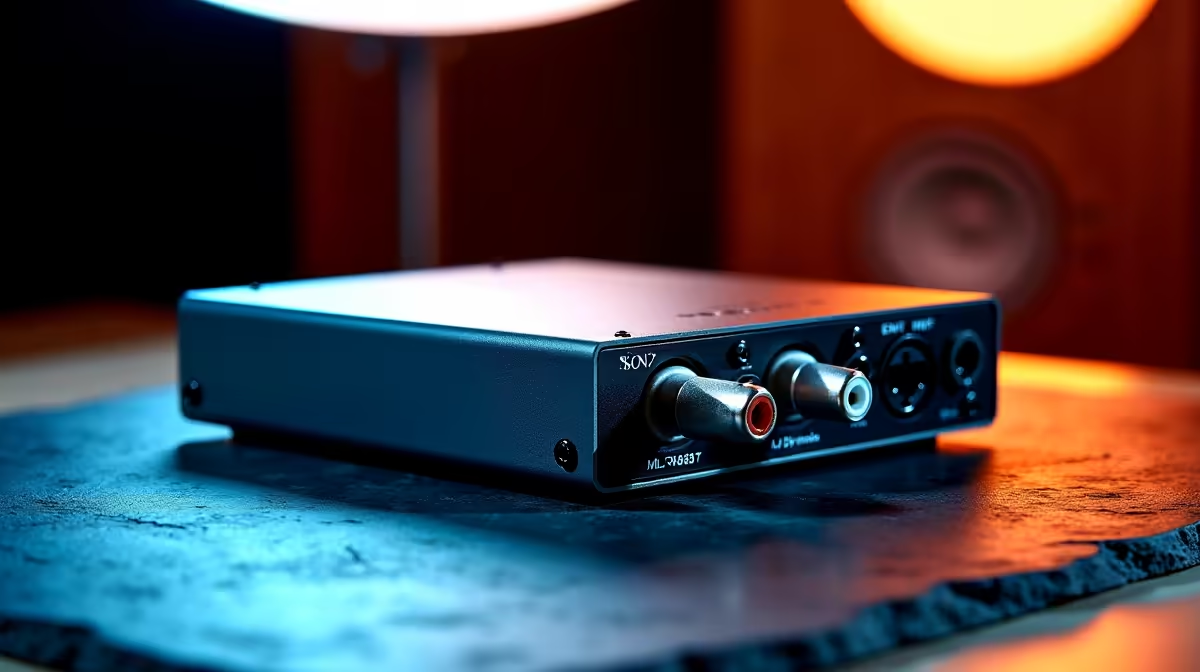
Balanced audio connections offer a significant advantage over unbalanced RCA or 3.5mm cables in PC audio setups - they reject electromagnetic interference through differential signalling, delivering cleaner, quieter sound even when cables run near power supplies and other noise-generating components. For South African PC builders running a high-end DAC, audio interface, or studio monitor setup, understanding balanced audio is a worthwhile upgrade.
Quick Answer
To install balanced audio, connect your audio source's XLR or TRS output to your monitor speakers or amplifier's balanced input using the appropriate cable, ensuring both devices support balanced connectivity.
🔧 Understanding Balanced vs. Unbalanced Audio
Balanced audio uses three conductors: positive, negative (an inverted copy of the signal), and ground. The receiving device compares the two signal wires and cancels any noise that affected both equally - a process called common-mode rejection. This matters most in long cable runs and environments with high electromagnetic interference.
The two most common balanced connectors in PC audio setups are:
- XLR: Three-pin connector standard for studio monitors and professional interfaces
- TRS (Tip-Ring-Sleeve): Looks like a 6.35mm jack but uses the sleeve as a dedicated ground - do not confuse with unbalanced TS connectors
3.5mm balanced (4-pole TRRS) is found on some portable DACs and headphone amplifiers.
💡 What You Need for a Balanced Audio Setup
Three things are required:
- A DAC or audio interface with balanced outputs (XLR or TRS)
- Studio monitor speakers or an amplifier with balanced inputs
- Balanced cables matching your connector types (XLR-to-XLR, TRS-to-TRS, or XLR-to-TRS)
Audio interfaces with balanced outputs are available locally. Confirm balanced output is included on your specific model - some entry-level interfaces only offer unbalanced outputs.
🎮 Step-by-Step Installation
- Power down all audio equipment before connecting cables.
- Connect your balanced cable from the DAC's left output to the left monitor's balanced input. Repeat for the right channel.
- If your monitors use XLR in but your interface outputs TRS, use a TRS-to-XLR cable (pin 2 hot - standard globally).
- Set your interface's output level to around 75% as a starting reference; trim individual monitor volume controls to match.
- Power on the interface first, then the monitors. Reverse this order at shutdown to avoid pops.
FAQ
Q: Do I need an expensive cable for balanced audio? A: No - balanced cable quality matters less than with unbalanced connections because the differential design inherently rejects noise. A mid-range quality cable is perfectly sufficient.
Q: Can I use a 3.5mm-to-XLR cable for balanced audio? A: Only if the 3.5mm side is a 4-pole TRRS balanced output. A standard 3.5mm stereo jack is unbalanced - running it through an XLR cable does not create a balanced connection.
Q: Is balanced audio worth it for gaming? A: For gaming alone with headphones, the benefit is minimal. For a PC audio desk with studio monitors and long cable runs, the noise floor improvement is audible in quiet passages.
Evetech stocks Graphics Card Deals and Evetech Best Sellers — shop online with fast delivery across South Africa.
Ready to Find Your Perfect Match? Explore relevant Evetech options, compare current South African pricing, and choose hardware that fits your setup. Shop now











