

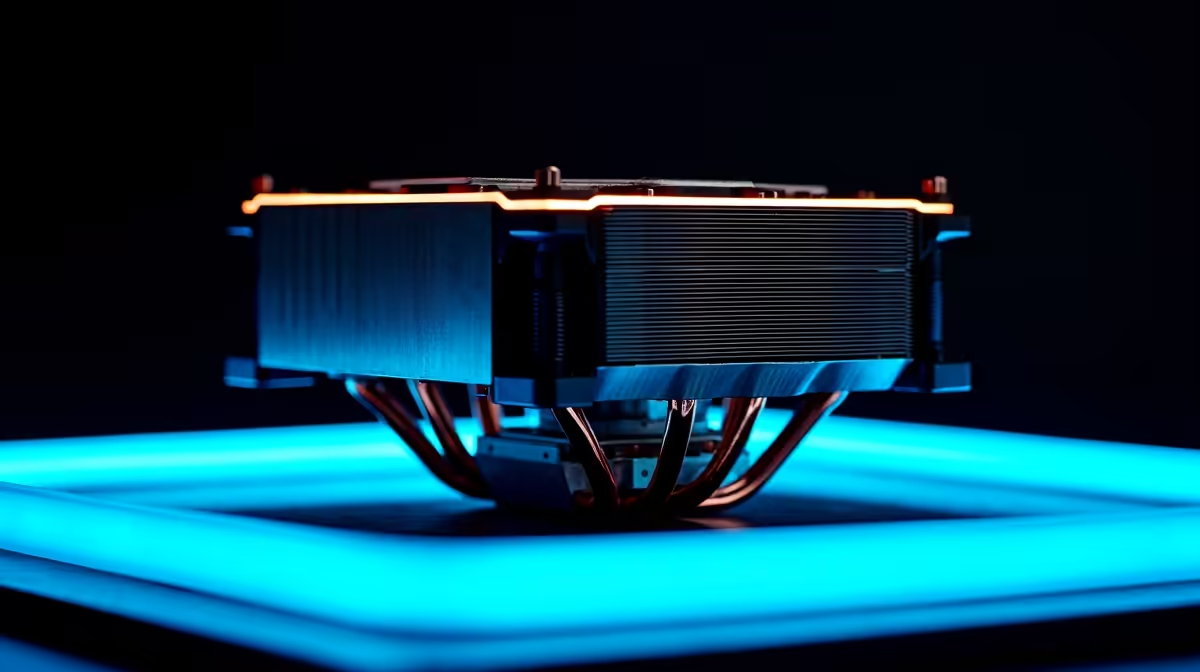
South African summers are unforgiving... especially for your gaming rig 🚀. When ambient temperatures soar, your CPU works overtime to keep up. If your PC sounds like a jet engine, it is time for an intervention. Learning how to install a compact cooler is a fantastic weekend project. It will save your expensive hardware from heat throttling. Let us jump straight into this complete tutorial.
Prepping Your Workstation
Before tearing your rig apart, you need to gather the right tools. Grab a standard Phillips-head screwdriver, some isopropyl alcohol, and a clean microfibre cloth. If you are still shopping around for the perfect thermal solution, browse the massive range of CPU coolers available right now. A reliable air cooler is a small investment. For just a few hundred ZAR, you protect thousands of Rands worth of processing power.
Removing the Old Heatsink
Unplug your PC from the wall and lay the chassis flat on a table. Carefully unscrew the existing cooler using a diagonal pattern to release pressure evenly. If the old thermal paste feels glued down, gently twist the heatsink left and right... do not pull straight up. Upgrading an older rig is incredibly rewarding. However, if your entire system is severely outdated, checking out the best gaming PC deals might actually be more cost-effective than doing piecemeal upgrades.
How to Install Compact Cooler Brackets
Now for the main event. Figuring out exactly how to install compact cooler brackets depends entirely on your motherboard socket type. Most modern coolers include a custom backplate in the box. Align this plate behind your motherboard and secure the mounting standoffs from the front. Building and upgrading your own rig teaches you valuable tech skills. But if this sounds like too much manual labour, you can always browse our pre-built PC deals to skip the DIY hassle completely.
Applying Paste and Seating the Cooler
Clean the bare CPU surface thoroughly with your alcohol and cloth. Apply a fresh drop of thermal paste right in the middle. Carefully lower your new compact cooler onto the mounting standoffs. Tighten the screws diagonally to ensure perfectly even mounting pressure. Finally, plug the primary fan cable directly into the CPU_FAN header on your motherboard to ensure proper speed control.
Thermal Paste Pro Tip 🔧
Less is always more when it comes to thermal paste. A single drop the size of a small pea is perfect. Too much paste will spill over the edges and create a messy cleanup job... potentially damaging your motherboard socket.
Final Checks Before Booting Up
Double-check your RAM clearance and ensure no stray cables are blocking the fan blades. Some compact coolers are surprisingly tight fits in smaller cases. If you travel often and desktop maintenance feels like a chore, exploring notebooks for sale in South Africa offers an excellent, portable alternative. Otherwise, boot up your PC and monitor those fresh, low temperatures ❄️. Do not forget to keep an eye on our weekly specials for more component upgrades to finish off your build.
Ready to Upgrade Your Setup? Keeping your rig cool is just the first step to peak performance. Whether you need a stronger cooler, a brand-new graphics card, or a complete system overhaul, Evetech has you covered. Explore our massive range of PC components and build your ultimate dream machine today.











