

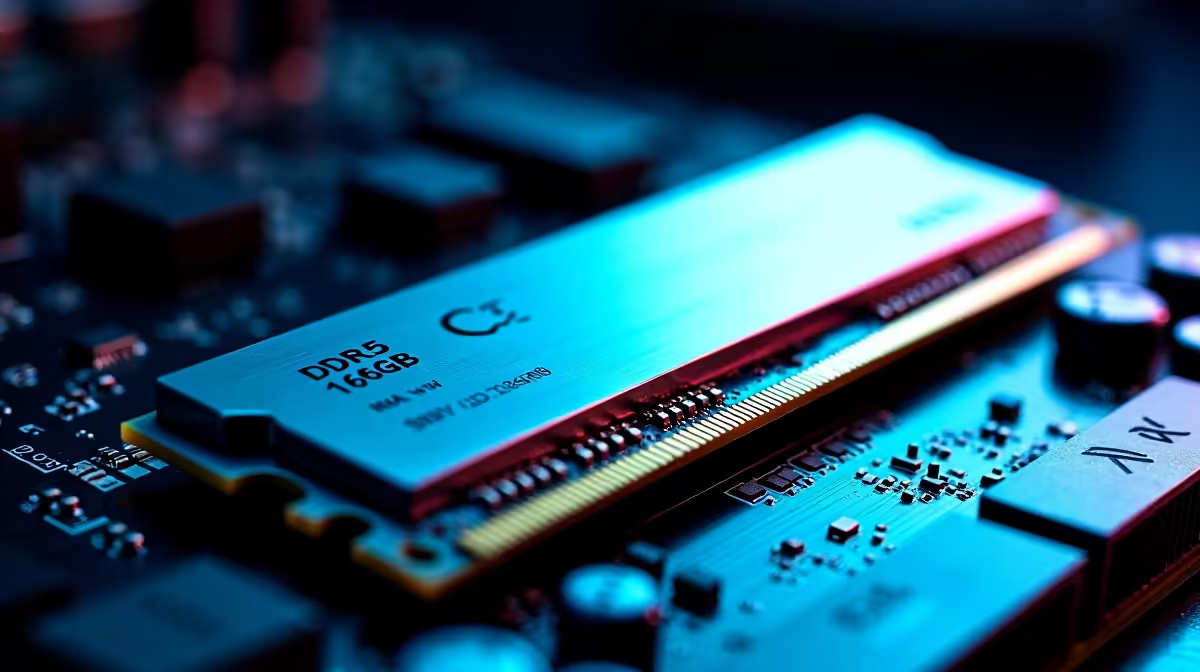
Why Upgrading to DDR5 16GB Matters for South African Gamers ⚡
Looking to boost your gaming PC’s speed and future-proof your setup? Installing DDR5 16GB RAM is one of the smartest upgrades you can do right now. DDR5 offers faster speeds and better energy efficiency compared to DDR4, making it perfect for South African gamers craving smooth gameplay and quick loading times. Ready to get started? Let’s break down the installation process so you can do it yourself with confidence.
Preparing to Install DDR5 16GB RAM: What You Need
Before diving in, gather your tools: a clean workspace, screwdriver, and anti-static wrist strap if possible. Ensure your motherboard supports DDR5 RAM—newer models on the market, like those found in Evetech’s wide selection of PC components, are compatible. If you’re also shopping for a new rig, check out our best gaming PC deals that come pre-loaded with the latest DDR5 memory to save time.
Step-by-Step DDR5 16GB Installation Guide 🔧
1. Power Down and Unplug
Safety first — switch off your PC and unplug every cable. No shortcuts here.
2. Open Your PC Case
Remove the screws holding the side panel and slide it off to access the motherboard.
3. Locate the DDR5 RAM Slots
Look for the DIMM slots near your CPU socket. They’ll have clips on each end.
4. Remove Existing RAM (if upgrading)
Gently push the clips outward to release your current memory sticks. Lift them out carefully.
5. Align and Insert Your DDR5 Module
Hold your new DDR5 16GB stick by the edges and align the notch with the slot. Press down evenly until the clips click back into place. It should fit snugly without force.
6. Close the Case and Reconnect
Replace the side panel, screw it back on, and reconnect your peripherals.
7. Power On and Verify
Boot up your PC and enter the BIOS/UEFI to confirm your system recognises the new DDR5 RAM.
Avoid Static Shock
Always ground yourself by touching a metal case before handling RAM modules. Static discharge can damage sensitive components.
Maximising Your DDR5 16GB RAM for Next-Level Gaming 🚀
Once installed, pair your DDR5 with a high-refresh-rate monitor or a powerful GPU to truly unlock performance. If you prefer pre-built systems, Evetech offers excellent pre-built PC deals featuring DDR5 RAM and hardware optimised for gamers in South Africa. Also, consider upgrading to a gaming laptop with DDR5 if mobility is key—see the latest selections on our notebooks for sale.
Need more budget-friendly options? Don’t miss out on our specials where you can score great prices on DDR5 memory and other components.
Final Thoughts on Installing DDR5 16GB RAM
Installing DDR5 16GB may seem daunting but with the right preparation and tools, it’s straightforward. You’ll gain faster, smoother performance that supports the latest games and future software updates. Plus, doing it yourself gives you deeper PC knowledge—and bragging rights with your crew. So why wait?
Upgrade Your Gaming Experience Today Take your PC’s speed and reliability to the next level. Shop now at Evetech for DDR5 16GB RAM and expert support.











