

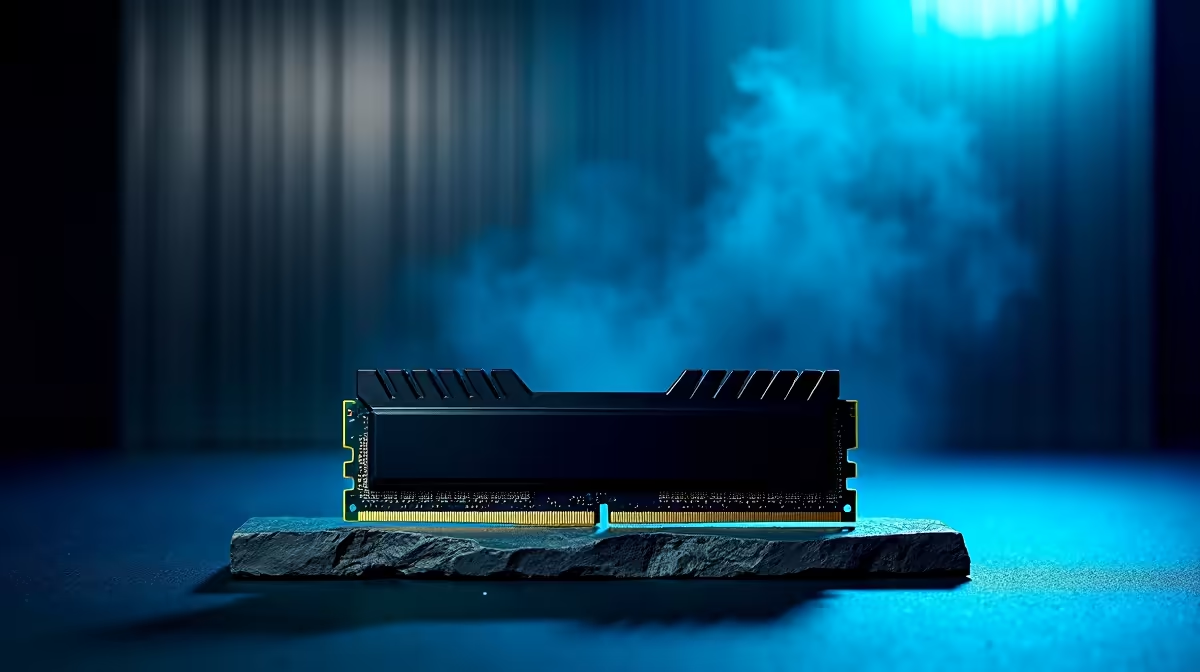
Why Upgrade to a DDR5 64GB Kit for Your South African Gaming Rig? ⚡
If you're hunting for performance gains in 2024, installing a DDR5 64GB kit is a smart move. South African gamers often juggle streaming, AAA titles, and multitasking—it demands memory that won’t bottleneck your rig. DDR5 offers faster speeds and improved power efficiency, ensuring smooth gameplay and quick load times. Ready to get hands-on? This guide makes installing your DDR5 64GB kit straightforward, even if it’s your first time upgrading.
Preparing Your PC for DDR5 Memory Installation
Before you start, ensure your motherboard supports DDR5 RAM—most modern models do. Ground yourself to avoid static damage: a simple metal contact or anti-static wristband works wonders. Power down your PC, unplug it, and open the case to expose your motherboard safely. For new builders or those looking for inspiration on compatible builds, check out Evetech’s best gaming PC deals that already optimise DDR5 performance.
Step-by-Step: Installing Your DDR5 64GB Kit 🔧
1. Locate Your RAM Slots
Most motherboards have four DIMM slots. Refer to the manual to identify the recommended slots for a 64GB kit, usually slots 2 and 4 for dual-channel setups.
2. Remove Old Memory Modules (If Present)
Press the clips at each end and gently lift out the old RAM. Keep them safely in case you want to revert.
3. Align and Insert Your DDR5 Modules
Notice the notch on the RAM stick? Align it carefully with the slot. Then, press evenly on both ends until the clips snap into place—no need to force!
4. Close Up and Power On
After installation, close your case, plug in your PC, and power it on. Enter your BIOS to confirm the system recognises your new 64GB DDR5 kit.
If DIY isn’t your style, Evetech’s pre-built PC deals offer machines with DDR5 memory pre-installed and optimised.
Optimise Your RAM Speed
Double-check your BIOS to enable XMP profiles. That unlocks your DDR5’s rated speeds for peak performance in gaming and apps.
Post-Installation: Testing and Enhancing Performance
Once your DDR5 64GB kit is recognised, run memory diagnostic tools or benchmark games to confirm stability. If you spot crashes, reseat the RAM or revisit BIOS settings.
To complement your DDR5 memory upgrade, consider pairing it with a high-refresh-rate monitor for silky smooth visuals, or grab a powerful gaming laptop featuring DDR5 from Evetech’s notebooks collection. Enhanced hardware synergy makes a massive difference in competitive gaming.
Don't miss out on memory and component discounts—browse the latest Evetech specials for tantalising deals.
Upgrade Your System Today Ready to unlock the full power of your rig? Shop now at Evetech for the best DDR5 64GB kits and exclusive deals. Give your gaming performance the boost it deserves!











