

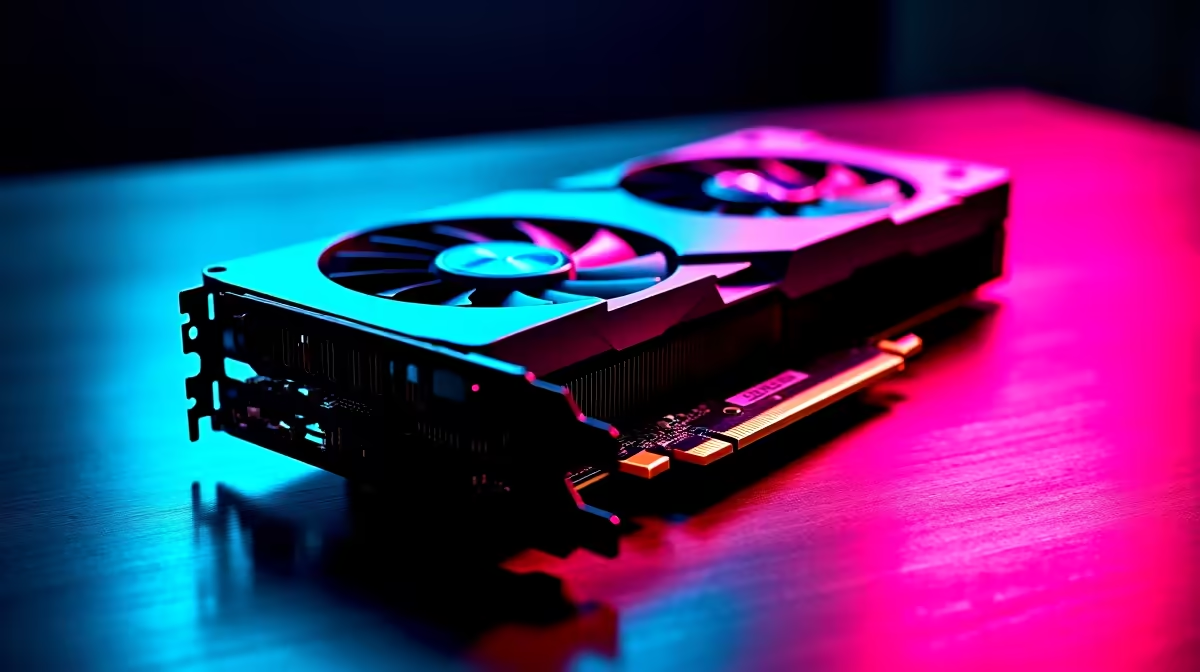
Why the RTX 4080 Super Is Your Next Upgrade 🚀
Looking to elevate your gaming rig in South Africa? The RTX 4080 Super is a beast that promises lightning-fast frame rates and jaw-dropping visuals. But enhancing your system with a premium graphics card requires the right setup for smooth performance. Whether you're upgrading from an older model or building a new PC, this guide will help you install the RTX 4080 Super correctly and get the most out of your investment.
Ready to dominate your favourite titles on ultra settings? Let’s dive in.
Essential Preparations Before Installing the RTX 4080 Super
Check Compatibility and Power Requirements 🔧
Ensure your power supply unit (PSU) offers at least 750W with the necessary 16-pin PCIe connectors. The RTX 4080 Super has substantial power demands, so a quality PSU is non-negotiable. Also, verify your case has adequate space — this card is large and needs proper airflow to keep temperatures down.
If you’re unsure where to start, have a look at Evetech’s range of graphics cards to compare specs and pick a PSU that matches your build.
Prepare Your Workspace and Tools
Clear your desk and ground yourself to avoid static damage. Gather a screwdriver, thermal pads (if needed), and clean, lint-free cloths. Avoid rushing, as carefully seated connections make all the difference.
Step-by-Step Installation of the RTX 4080 Super
1. Remove the Old Graphics Card
Switch off your PC and unplug all cables. Open your case side panel, unscrew the old card, and gently release any locking tabs on the PCIe slot before pulling it out.
2. Install the New RTX 4080 Super
Align the card's PCIe connector with your motherboard slot. Press down firmly but gently until it locks into place. Secure it with screws to prevent movement. Connect the power cables from your PSU to the graphics card.
3. Connect Your Display
Use the latest HDMI 2.1 or DisplayPort cables to connect your monitor for the best experience. If you’re scouting ready-made options that come equipped with powerful GPUs, you might be interested in the best gaming PC deals currently on Evetech.
Optimising Software and Drivers to Unlock Full Potential
Install NVIDIA Drivers and Update BIOS
Download the latest drivers from NVIDIA’s official website to ensure your RTX 4080 Super runs smoothly. Check for motherboard BIOS updates to improve compatibility and stability.
Adjust In-Game Settings
Fire up your games and tweak graphics settings to balance quality and performance. With the RTX 4080 Super, racing games and FPS titles will shine in ray tracing and DLSS modes.
For a hassle-free approach, explore pre-built PC deals from Evetech—handpicked for optimal specs and ready to run straight out the box.
Maximise Cooling Performance
After installation, define custom fan curves in your GPU control panel. Lower fan speeds slightly to reduce noise without sacrificing temperature control.
Extra Tips for South African Gamers on a Budget ⚡
Managing gaming hardware costs in rand can be tricky. Keep an eye on Evetech’s specials for deals that help you upgrade affordably. Also, if you prefer gaming on the go or require a powerful laptop, consider their notebook selections with capable GPUs designed to pack punch without breaking your budget.
You don’t have to build your dream machine from scratch or settle for outdated gear. Smart buying and installation set you up for smooth gameplay and future-proof performance.
Upgrade Your Gaming Setup Today Experience supreme graphics and silky-smooth frame rates by installing your RTX 4080 Super with ease. For unbeatable prices and expert advice, Shop now at Evetech and step up your game.











