

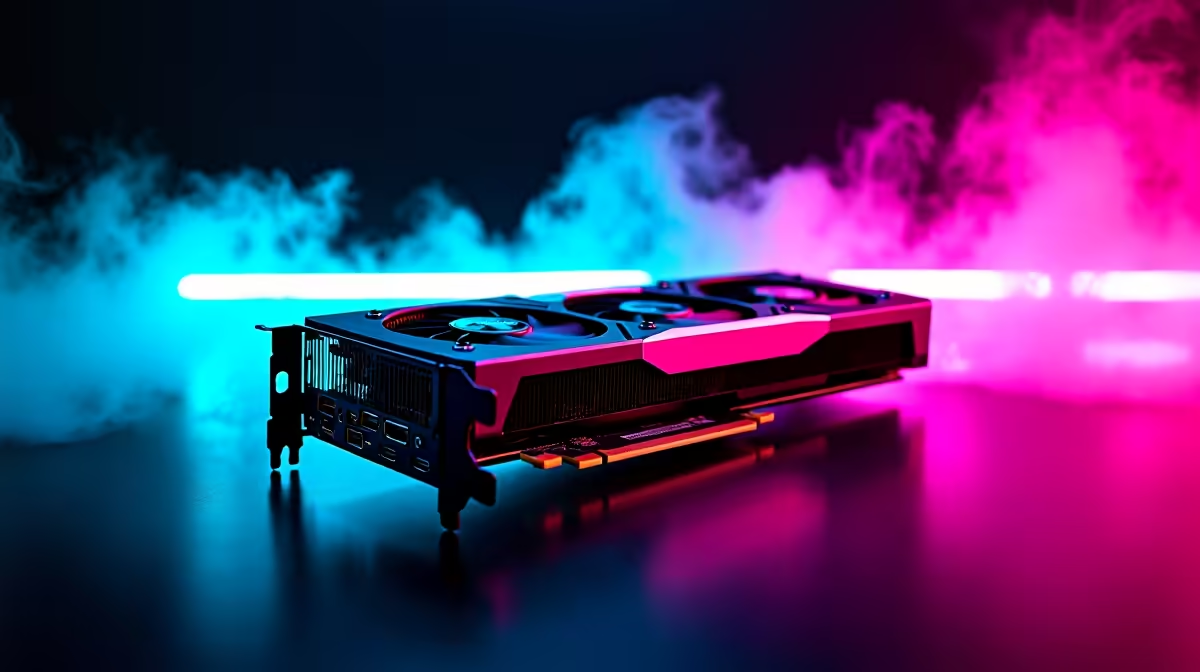
Dropping heavy ZAR on a massive GPU upgrade is thrilling. But staring at your new hardware, wondering where to start, can be stressful. If you just scored AMD's latest powerhouse, you need to know how to install the RX 9070 properly. This complete setup guide will walk you through every step. We will ensure your rig is ready for maximum frame rates without any sparks flying.
Preparing for Your RX 9070 Setup Guide 🔧
Before opening the box, preparation is vital. The RX 9070 is a beast of a card. It requires ample physical space and serious power. Check your PC case clearance first. Then verify your power supply unit (PSU).
If you are still shopping around for the best graphics cards on the market, remember to check the recommended wattage. A weak PSU will cause system crashes. If your current rig is too old, browsing our top-tier gaming PC deals might be a smarter move. Sometimes starting fresh is cheaper than upgrading every single component.
Driver Cleanup Pro Tip ⚡
Before you remove your old graphics card, download a free tool called Display Driver Uninstaller (DDU). Boot into Safe Mode and wipe your old drivers completely. This prevents annoying software conflicts when you finally install your RX 9070.
Physical Installation: How to Install RX 9070 🚀
Safety first. Turn off your PC and unplug the power cable. Press the power button a few times to drain residual electricity.
Unscrew your old GPU from the chassis. Gently push down the plastic retention clip on your motherboard PCIe slot. Pull the old card straight out.
Now, line up your new RX 9070 with the top PCIe x16 slot. Push it down firmly until you hear a satisfying click. Screw the bracket back into the case to prevent GPU sag. Finally, connect your PCIe power cables. Ensure they click securely into the card.
Not keen on risking your hardware with DIY upgrades? You can always skip the hassle. Explore our premium pre-built PC deals that come with next-gen GPUs already installed and tested.
Software Configuration and Optimisation ✨
Plug your monitor directly into the new RX 9070... not the motherboard. Boot up your PC. The screen resolution might look terrible at first. Do not panic. This is completely normal.
Head over to the official AMD website. Download the latest Adrenalin software. Install the package and restart your system. Your display will flicker a few times during installation. Once rebooted, open the software to enable features like AMD Smart Access Memory. This will optimise your gaming performance instantly.
While your new drivers download, why not upgrade the rest of your setup? Check out our weekly tech specials to find a high-refresh-rate monitor worthy of your new hardware. Or, if you need a portable backup machine for work, browse our range of high-performance laptops.
Ready to Push Your Frames to the Limit? A high-end GPU needs a system that can keep up. For maximum power, choice, and value in South Africa, Evetech is your ultimate destination. Explore our massive range of PC components and build the machine to conquer your world.











