

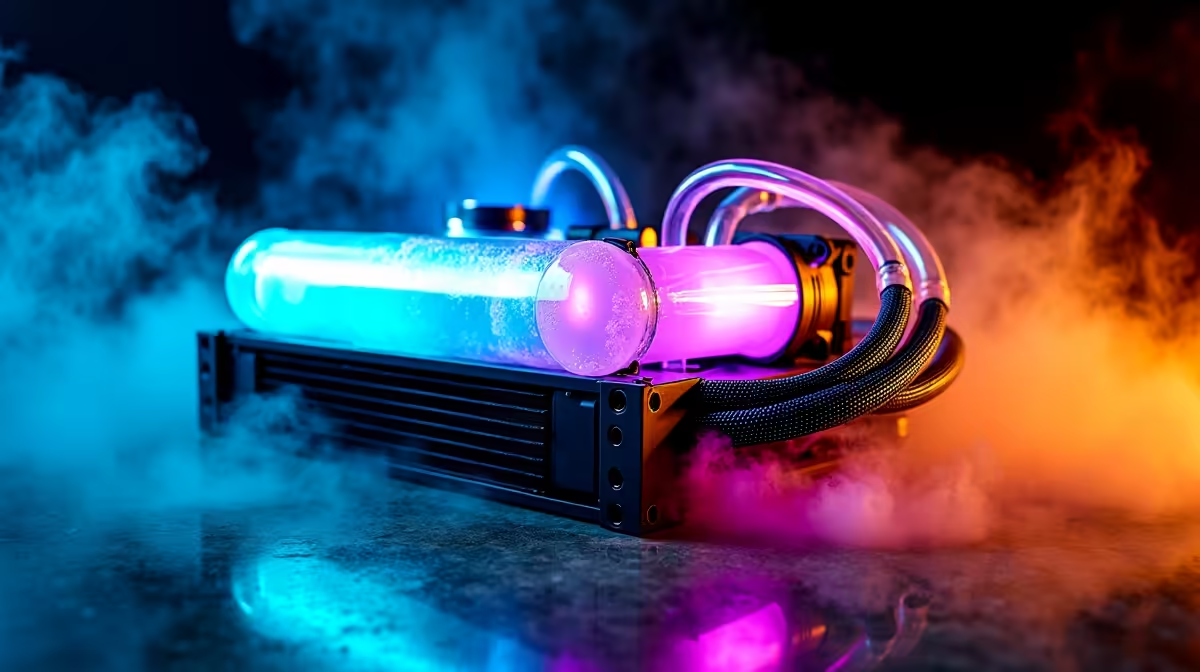
South African summers are unforgiving on hardware. Add a bit of load-shedding dust to the mix, and your rig's thermals will suffer. A custom liquid loop looks incredible and keeps temperatures icy... but only if you look after it. If you are wondering how to maintain a custom water cooling loop, you are in the right place. Let us dive into keeping your system pristine.
The True Cost of Neglecting Your Coolant 💧
Your PC is a serious investment. Leaving old coolant in your reservoir leads to algae growth and micro-fin blockages over time. Replacing a burnt-out processor or graphics card will easily cost you thousands of ZAR. The vibrant colours of your fluid will also fade and look murky.
If you prefer a simpler life with zero maintenance, you have other options. You could always explore reliable CPU coolers like high-end AIOs or traditional air towers. But for absolute enthusiasts, regular upkeep is simply part of the hobby.
Draining and Flushing the Loop
Properly caring for your rig starts with a thorough drain. You should aim to flush your system every six to twelve months depending on the coolant type. Opaque fluids degrade faster than clear ones. Open your drain valve and let the old liquid flow out into a container.
Once empty, flush the entire loop with pure distilled water. Never use standard tap water... the microscopic minerals will quickly destroy your expensive water blocks. If building and draining sounds like entirely too much admin, you have alternatives. You can always browse our premium gaming PCs. They come expertly assembled and ready to play right out of the box.
Maintenance Pro Tip ⚡
Always use a 24-pin ATX jumper bridge when refilling your loop. This lets you power only the pump without turning on your motherboard and expensive components. If a leak happens, your core hardware stays perfectly safe.
Leak Testing and Refilling 🔧
Once your loop is flushed completely clean, it is time to add fresh coolant. Pick a high-quality premix packed with anti-corrosive and biological additives. Fill the reservoir slowly and cycle the pump to push air bubbles out.
Always place dry paper towels under every single fitting to catch rogue drips. A tiny leak can short-circuit pre-built desktop systems or custom rigs in a matter of seconds. If the underlying anxiety of liquid cooling is simply not for you, do not stress. Switching to one of our high-performance laptops is a safer, more portable bet for your daily gaming needs.
Final Checks for Maximum Airflow 🚀
Remember that liquid cooling still relies heavily on ambient airflow. Grab a can of compressed air and carefully clear out your radiator fins. Fine dust acts exactly like an insulating blanket... trapping heat inside. This forces your fans to work much harder than necessary.
Keeping those fins clear ensures your loop operates at absolute peak efficiency during heavy gaming sessions. Upgrading your static pressure fans can also make a massive difference to your thermal headroom. Keep a close eye on our latest tech specials to grab premium cooling gear without breaking the bank.
Ready for the Ultimate Cooling Upgrade? Whether you are building a custom loop from scratch or looking for a professionally built powerhouse, Evetech has you covered. Explore our massive range of PC components and gaming rigs and keep your frames high and temperatures low.











