

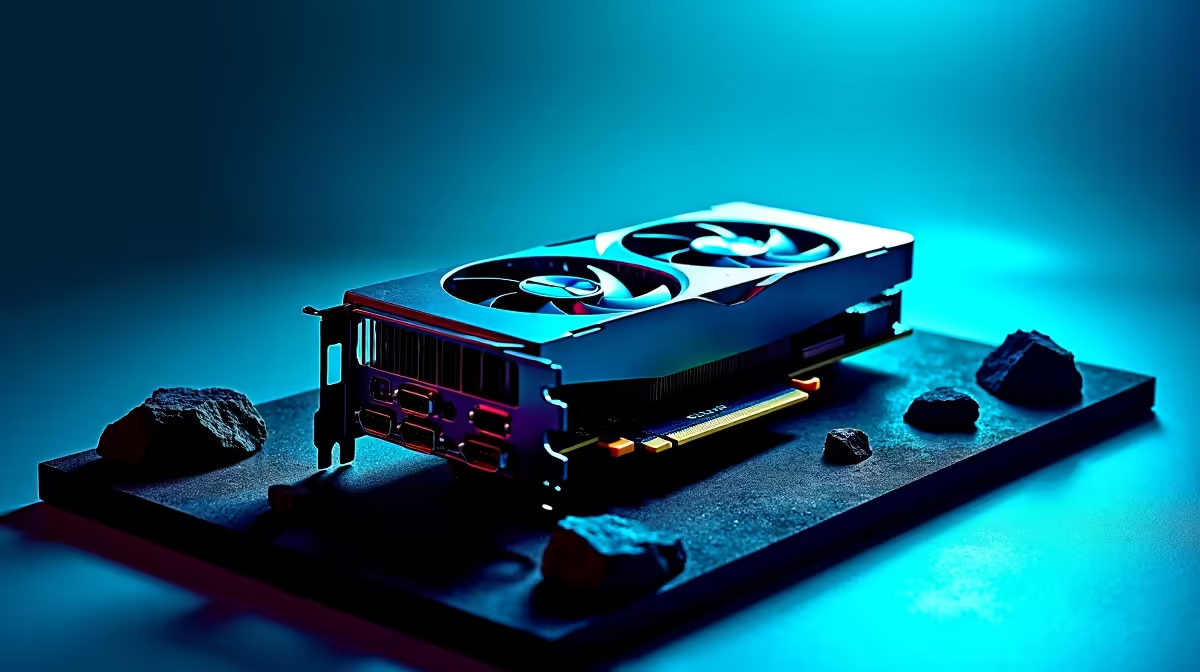
South African summers are brutal. When the mercury pushes past 30 degrees, you aren't the only one sweating. Your gaming rig feels the burn too. If you recently upgraded to Nvidia's latest architecture, you need to know how to maintain your RTX 4060 in the SA summer heat. Let's explore how to keep your frame rates high and temperatures low when the African sun is baking your gaming room.
Why the RTX 4060 Needs Proper Cooling ☀️
Nvidia designed the RTX 4060 to be highly power efficient. However, ambient room temperatures in South Africa can severely impact your thermal headroom. When browsing for the latest graphics cards, many gamers forget to factor in our local climate. High ambient heat leads directly to thermal throttling. This means your GPU actively slows down to protect its silicon. Frame drops in competitive matches are frustrating... especially when they are entirely preventable.
Optimise Airflow and Case Pressure
Good case airflow is your first line of defence against the heat. Ensure your chassis has a clear intake and exhaust path. Dust is the absolute enemy of PC cooling... and our dry summers bring plenty of it. Clean your mesh filters regularly to maintain steady airflow.
If you are browsing premium gaming PCs, pay close attention to the fan configuration. You want positive case pressure. This setup pushes hot air away from your components while naturally keeping dust out of the crevices.
Cooling Pro Tip ❄️
Set a custom fan curve using MSI Afterburner. Ramp up your GPU fans to 70% when temperatures hit 65°C. It keeps your hardware chilled before thermal throttling even begins.
Undervolting for Cooler Performance
Undervolting is a fantastic trick for summer gaming. It reduces the core voltage supplied to your GPU without dropping your clock speeds. This draws less power and generates significantly less heat. It is a vital step to maintain an RTX 4060 in the SA summer heat.
Many pre-built desktop systems come with excellent baseline cooling out of the box... but undervolting adds an extra layer of thermal safety. You save a few rands on electricity while extending the lifespan of your components.
Mobile Gaming in the Heat 🚀
What if you prefer portable gaming? Laptop GPUs face even stricter thermal limits due to their compact chassis. If you use one of the many high-performance gaming laptops available locally, elevate the back of the device.
A dedicated cooling pad is a brilliant, cheap investment. It provides active airflow directly to the intake vents. This simple addition can drop temperatures by up to five degrees during intense gaming sessions.
Keep Your Gaming Environment Chilled
Finally, you must manage your actual room temperature. Keep your curtains closed during the hottest parts of the day to block direct sunlight. If you have air conditioning, use it during peak heat hours.
If loadshedding strikes or you lack AC, position a desk fan to circulate fresh air towards your PC intake. Protecting your hardware saves you thousands of ZAR over the years. Plus, you can use those savings to grab the latest tech deals instead of replacing burnt-out parts prematurely.
Ready to Upgrade Your Summer Setup? Beating the heat means having the right hardware from the start. Explore our massive range of gaming specials and find the perfect, cool-running machine to conquer your world.











