

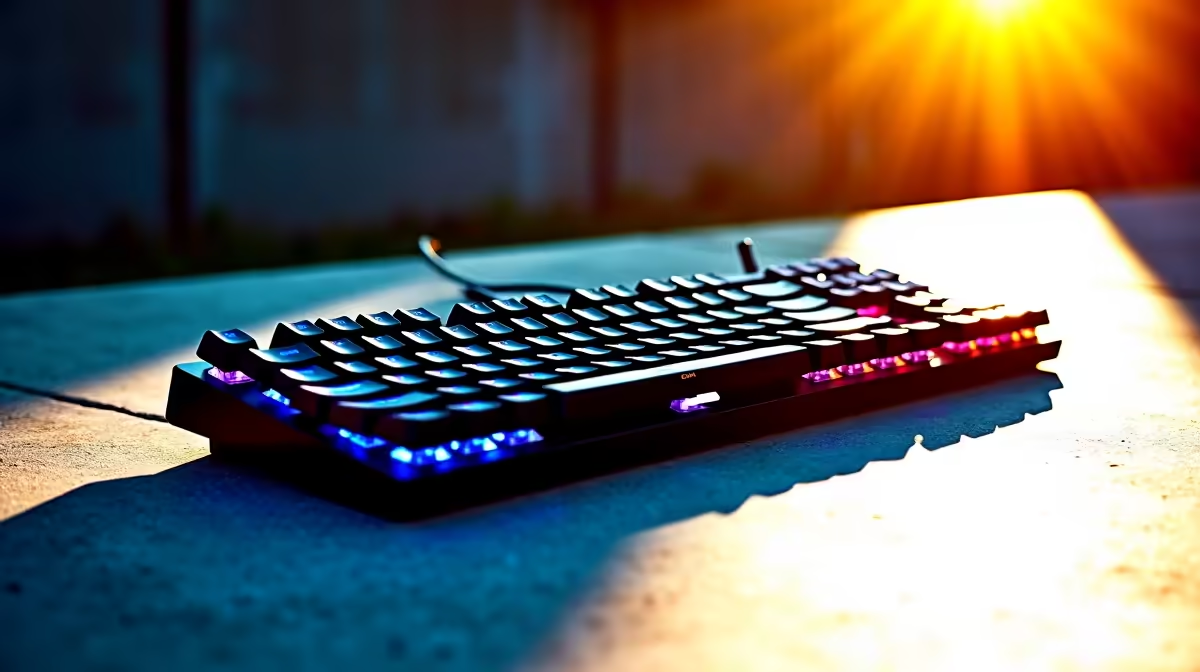
Why Maintaining Your TKL Keyboard Matters in SA Summer Heat ⚡
If you’re gaming or working from home in South Africa’s heat, your tenkeyless (TKL) keyboard faces a tough test. Humidity, sweat, and dust can slowly degrade those crucial keys. Maintaining your TKL keyboard in SA summer heat isn’t just about cleanliness – it’s about preserving your gear’s responsiveness and lifespan. Let’s dive into easy ways to keep your keyboard in top condition while staying cool in the South African sun.
Common Challenges for TKL Keyboards in Summer
South African summers often bring higher temperatures and dusty conditions. Both affect your TKL keyboard’s performance:
- Heat can warp plastic parts and cause key switches to stick.
- Sweat leads to grime buildup beneath keycaps, impacting responsiveness.
- Dust mixes with humidity and forms stubborn residues inside your keyboard.
Ignoring these problems leads to slower keystrokes and even hardware damage.
How to Clean and Care for Your TKL Keyboard 🔧
Routine care prevents summertime keyboard issues. Here’s a simple maintenance routine:
1. Regular Dusting and Keycap Removal
Use compressed air or a small brush to clear dust after every few days. For deeper cleaning, gently pop off keycaps. South African dust is fine and persistent, so don’t skip this step.
You can explore Evetech’s gaming keyboards selection to find models with easy-to-remove keycaps for quick cleaning.
2. Sweat Protection and Wiping
Use a lightly dampened, lint-free cloth (water only) to wipe your keyboard daily during hot spells. Avoid harsh chemicals—these damage key legends and switches.
3. Keep It Cool and Dry
Place your keyboard away from direct sunlight or vents that blow hot air. Consider using a small fan on your desk to lower the ambient temperature.
4. Avoid Eating or Drinking Near Your Keyboard
It’s tempting during long gaming sessions, but spills and crumbs accelerate grime buildup—especially in humid summer air.
Smart Keyboard Care Tip
Clean your keyboard after every extended gaming session during summer. A quick dust-off and wipe prevents sweat and dust from settling deep inside switches.
When to Upgrade Your Setup Instead of Repairing
If cleaning doesn’t restore your TKL keyboard’s feel, maybe it’s time to consider a fresh setup. Evetech offers amazing gaming PC deals and pre-built PCs that include ready-to-roll gaming peripherals.
Planning to game on the go? Check out our sturdy notebooks built for South African use designed to handle heat without overheating.
Don’t miss out on limited-time seasonal specials that bundle peripherals and upgrades perfect for SA summers.
Keep Your Keys Performing All Season Long 🚀
Proper maintenance of your TKL keyboard in South African summer heat ensures every keystroke stays sharp and precise. Regular dusting, cleaning off sweat residues, and avoiding heat exposure can boost your keyboard’s lifespan significantly.
Stay ahead of the heat and grime with these tips — your keyboard (and your gaming) will thank you.
Upgrade Your Gaming Gear Today Ready to protect your gear and boost your setup? Shop now at Evetech for performance that leaves lag in the dust.











