

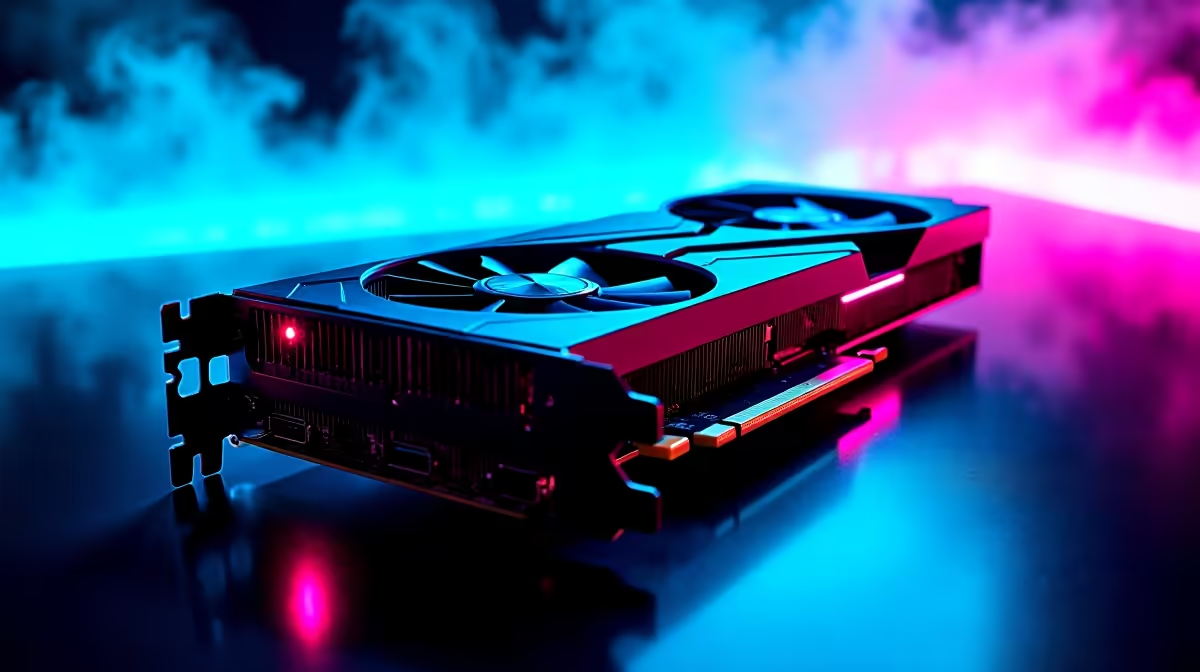
Just grabbed the new RTX 5060 Ti? You are in for a treat. This card is built to push pixels without destroying your budget. But plugging it in is only step one. If you want to squeeze every drop of value for your ZAR... you need to tweak things. Let us look at exactly how to maximize RTX 5060 Ti performance in gaming to keep your framerates sky-high.
Optimise Your In-Game Settings 🔧
The RTX 5060 Ti shines brilliantly at 1080p and 1440p resolutions. To get the absolute most out of it... you must leverage NVIDIA's AI features. DLSS and Frame Generation can make demanding titles run incredibly smooth.
If you are still running older hardware, it might be time to upgrade your graphics card to unlock these modern features. Turn down ultra shadows to high. You will barely notice the visual difference... but your FPS will definitely thank you.
Eliminate Hardware Bottlenecks
A powerful GPU needs a capable CPU. If your processor is lagging behind, your 5060 Ti cannot stretch its legs. This is a common issue we see in the local community.
Looking at our best gaming PC deals is a great way to see perfectly balanced setups. A modern Core i5 or Ryzen 5 is usually the sweet spot. If you prefer a fresh start without the build hassle... checking out pre-built PC deals ensures your components match perfectly out of the box.
NVIDIA Control Panel Trick ⚡
Open your NVIDIA Control Panel, navigate to Manage 3D Settings, and set your Power Management Mode to Prefer Maximum Performance. This stops your card from downclocking during demanding moments... keeping your frametimes incredibly smooth.
Thermal Management and Mobile Alternatives 🚀
Heat is the ultimate enemy of performance. When your card gets too hot, it slows down to protect itself. Ensure your case has good airflow with decent intake fans.
If you travel often or face strict space constraints... desktop gaming is not your only option. You can browse notebooks for sale in South Africa to find portable machines packing similar 50-series power.
Keep Your Drivers Fresh
Software updates matter immensely. NVIDIA constantly releases driver updates that optimise performance for brand new releases. Make it a habit to check GeForce Experience monthly.
Also, keep an eye on our weekly tech specials if you need a better monitor. You need a high refresh rate display to actually see those extra frames.
Ready to Upgrade Your Rig? Pushing your framerates to the limit requires the right gear. Whether you are hunting for a new GPU or a complete system overhaul, we have the best prices in South Africa. Explore our massive range of Evetech specials and find the perfect hardware to conquer your favourite games.











