

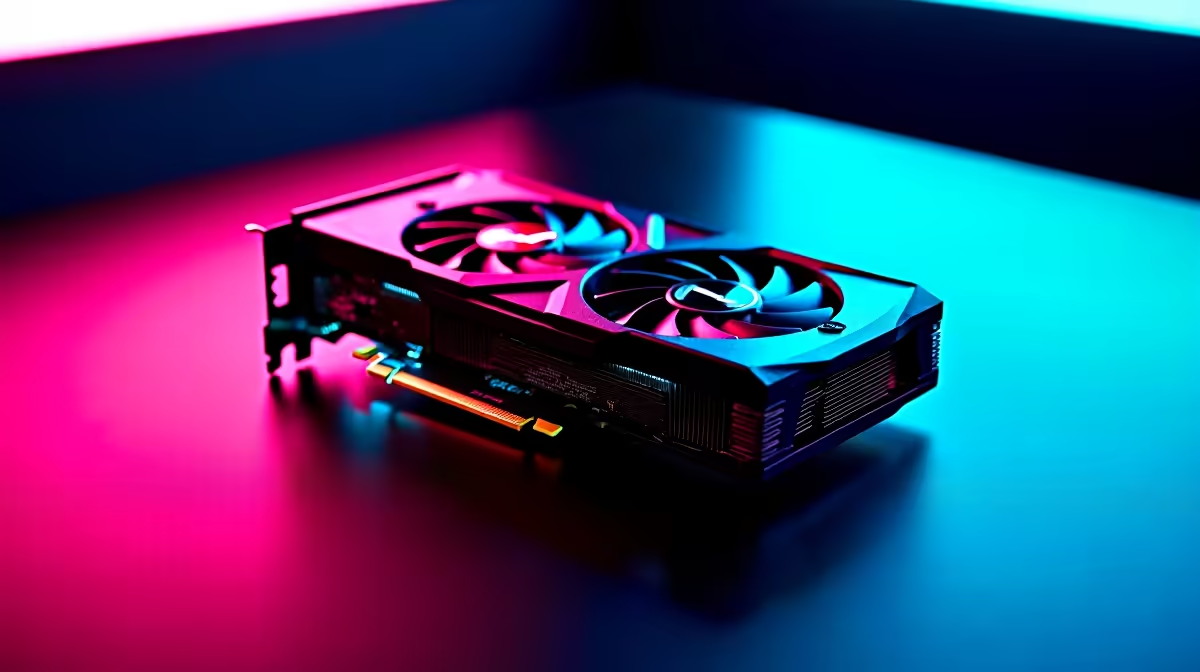
South African Valorant players know the struggle. When you are pushing for Radiant on local servers, every single frame counts. The new Intel Arc B580 is an incredible budget GPU... but out of the box, it needs a little tweaking. If you want to know exactly how to optimize Arc B580 for Valorant, you are in the right place. Let us get those frame rates soaring.
Why the Arc B580 Shines in eSports 🚀
Intel's Battlemage architecture brings serious value to the table. When browsing graphics cards, the B580 stands out for its raw price-to-performance ratio in ZAR. Valorant is heavily CPU-bound... but your GPU still needs to process those frames without stuttering. To get the best out of this card, you need a balanced system. If your current rig is bottlenecking, checking out some gaming PC deals might be your best first step.
Essential Intel Driver Tweaks 🔧
Before opening Riot Vanguard, you need to sort out your Intel Arc Control panel. Intel drops frequent driver updates that drastically improve eSports performance. Always ensure you are on the latest WHQL release.
Inside the software, navigate to the performance tuning tab. You want to set your power limit to its maximum safe value. This stops the GPU from downclocking during intense firefights. If you prefer a machine that is already tuned and ready to play, our pre-built PC deals take the hassle out of setup.
Crucial BIOS Setting ⚡
For any Intel Arc GPU, enabling Resizable BAR (ReBAR) in your motherboard BIOS is non-negotiable. It allows your CPU to access the entire GPU memory buffer at once. Without it, you will lose up to twenty percent of your potential frames in Valorant.
In-Game Valorant Settings for Maximum FPS
Now let us look at the actual game settings to optimise Arc B580 for Valorant. Boot up the game and head to your video settings. Ensure your resolution matches your native monitor refresh rate. First, turn off V-Sync. You want your frames completely uncapped to reduce input lag. Set Multithreaded Rendering to "On" to let your CPU share the load.
For graphical fidelity, drop Material, Texture, and Detail Quality to "Low". Valorant is about clear enemy colours and visual clarity... not fancy shadows. Turn off Anti-Aliasing or keep it at MSAA 2x. Disable Bloom and Distortion. These effects only distract you from landing crisp headshots.
If you often travel between Cape Town and Joburg for tournaments, a desktop is not always practical. In that case, exploring notebooks for sale in South Africa is a smart move for gaming on the go.
Keeping Your System Cool
High frames generate heat. Ensure your case has decent airflow so the B580 does not thermal throttle. A cool GPU gives you consistent frame times. If you need to upgrade your cooling setup or grab some new peripherals to match your high FPS, keep an eye on our latest specials for massive ZAR savings.
Ready to Dominate the Leaderboards? Tweaking your settings is just the beginning. For maximum competitive advantage and the best value in South Africa, Evetech has your back. Explore our massive range of Intel Arc graphics cards and find the perfect hardware to conquer your next match.











