

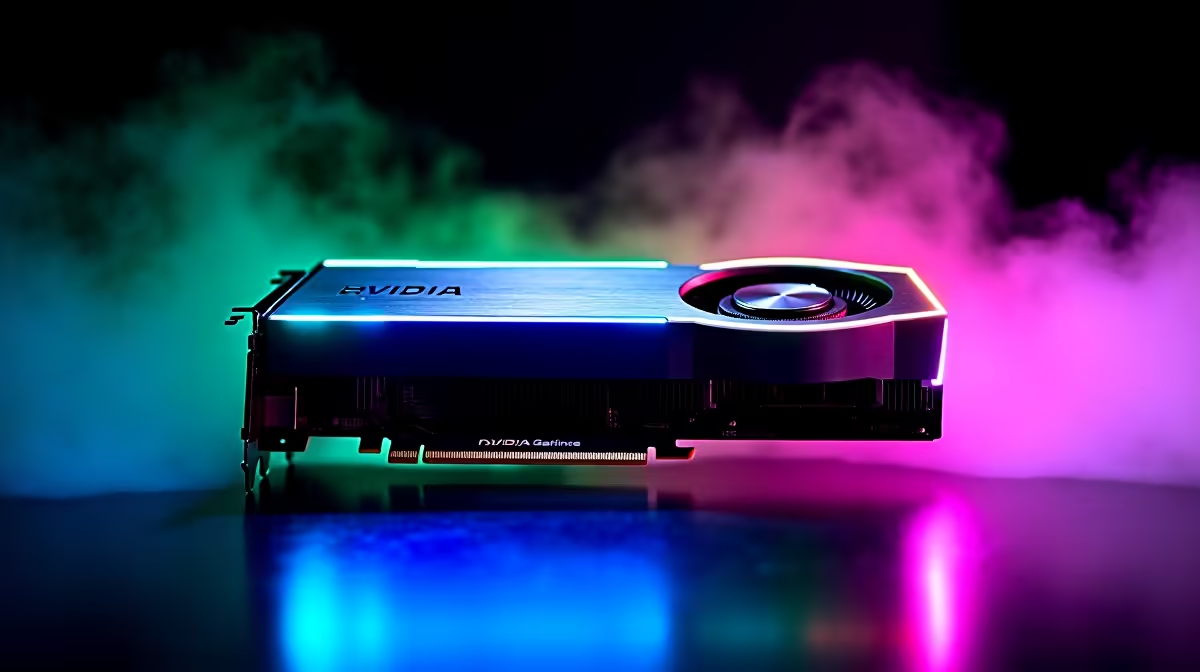
Dropping into Fortnite with stuttering frames is a nightmare... especially when you are rocking solid hardware. If you want to optimize RTX 4060 Ti for Fortnite, you need the right settings. South African gamers already battle high ping and load shedding. You should not have to fight your frame rate too. Let us tweak your setup to guarantee buttery-smooth Victory Royales without dropping thousands of ZAR on unnecessary upgrades. 🚀
Why the RTX 4060 Ti is a Fortnite Powerhouse
NVIDIA built the 4060 Ti for high-refresh 1080p and 1440p gaming. With either 8GB or 16GB of VRAM and DLSS 3 support, it pushes serious pixels effortlessly. But raw power is only half the battle. To truly optimise your RTX 4060 Ti for Fortnite, you must balance visual clarity with maximum frames. Your GPU needs room to breathe. If you are still running an older, struggling graphics card, browsing the latest graphics cards can give you an idea of the massive performance jump waiting for you.
Best In-Game Settings for Maximum FPS
Fortnite offers multiple rendering modes. For pure competitive play, Performance Mode is king. It strips away heavy textures... giving you a massive FPS boost. However, the 4060 Ti handles DirectX 12 brilliantly if you prefer a prettier game.
Set your view distance to Epic, but drop shadows and post-processing to low. Turn on NVIDIA Reflex Low Latency to 'On + Boost'. This reduces system latency... a must-have for those intense build fights on local SA servers. If you play at 1440p, enable DLSS and set it to 'Quality'. This renders the game at a lower resolution and upscales it, giving you free frames. If your current rig struggles even on low settings, exploring new gaming PCs might be your best bet for a flawless experience.
NVIDIA Control Panel Pro Tip 🔧
Open your NVIDIA Control Panel, navigate to Manage 3D Settings, and set Power Management Mode to 'Prefer Maximum Performance'. This stops your GPU from downclocking during quiet moments in Fortnite... ensuring instant responsiveness when a squad suddenly pushes your box.
Avoid Sneaky System Bottlenecks
Your GPU cannot do all the heavy lifting alone. A slow CPU or sluggish RAM will quickly bottleneck your 4060 Ti. You will notice this as sudden micro-stutters when spinning around quickly. Fortnite is surprisingly CPU-heavy during chaotic endgames. Pairing this GPU with a modern Ryzen 5 or Intel Core i5 is ideal.
If you do not want the hassle of building from scratch, picking up expertly assembled pre-built PCs ensures your components are perfectly balanced. Prefer gaming on the move? Modern laptops pack incredible mobile versions of the 40-series chips, delivering desktop-class power right in your backpack.
Software Tweaks and Smart Savings
Always keep your graphics drivers updated via GeForce Experience. Old drivers often cause random crashes. Additionally, turn on Windows Game Mode. This forces Windows to prioritise your game over background tasks. Turn off hardware acceleration in background apps like Discord. Every bit of memory helps keep your frames high and your gameplay fluid.
Upgrading your setup does not have to drain your wallet either. Keep an eye on daily specials to score epic deals in ZAR on SSDs, coolers, or peripherals that complete your ultimate battle station. ✨
Ready to Dominate the Island? Optimising your settings is free, but sometimes your hardware just needs an upgrade. For maximum power and unbeatable value in South Africa, Evetech has you covered. Explore our massive range of gaming deals and find the perfect machine to conquer your world.











