

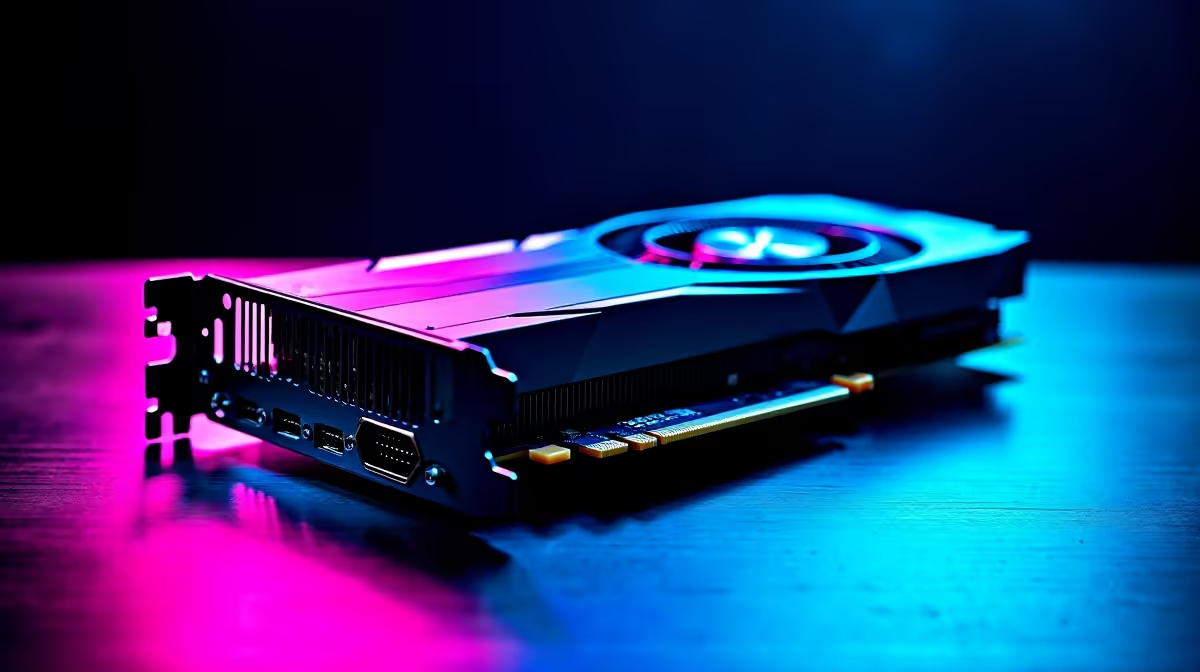
Unlocking the Power of Your RTX 4070 for Apex Legends
South African gamers know every millisecond counts in Apex Legends. If you’ve invested in an RTX 4070, you want it finely tuned to dominate on King’s Canyon or Worlds Edge without lag or stutter. This guide helps you optimise your RTX 4070 specifically for Apex Legends—so you get smooth, high-frame-rate performance tailored to your PC setup and South African network realities. 🔧⚡
Essential Settings to Maximise RTX 4070 Performance in Apex Legends
Optimising your RTX 4070 starts with driver updates. Visit Nvidia’s official site often or auto-update via GeForce Experience for the latest patches. New drivers optimise how the RTX 4070 handles textures and ray tracing in Apex Legends.
Next, within the game’s video settings, drop shadows and ambient occlusion to medium or low. The RTX 4070 handles ray tracing brilliantly, but Apex Legends runs smoother with selective feature use. Balance visual quality and frame rates by disabling motion blur and adjusting anti-aliasing to ‘TSAA’. This keeps edges smooth without overloading your GPU.
South African gamers should pair this with a powerful PC that optimises thermal control—heat throttling kills performance under long squad matches. For those considering upgrades or pre-built rigs, explore Evetech’s best gaming PC deals with RTX 40-series options ready for Apex Legends and more.
Advanced Tips to Boost Frame Rates and Latency 🔥
If you want to squeeze every frame out of your RTX 4070, optimise Nvidia Control Panel settings. Set 'Power Management Mode' to “Prefer Maximum Performance” and enable “Low Latency Mode” to reduce input lag. These tweaks help your PC react as fast as your reflexes do.
Pair your GPU with a fast SSD and sufficient RAM (16GB+ recommended) for Apex Legends texture streaming speeds. High-speed storage reduces load times and stuttering during intense firefights.
For laptop gamers hunting good mobility with raw power, South Africa’s notebooks for sale often come equipped with RTX 4070 variants that support Apex Legends well without sacrificing portability.
Pro Tip for Apex Legends & RTX 4070
Adjust your fan curve in monitoring software. Lower your fan curve by 5% to reduce noise while maintaining temps under 75°C—this keeps your GPU cool and your focus sharp.
The Right Gear Makes All the Difference 🎮
Want to avoid setup headaches? Consider a pre-built gaming PC with RTX 4070 specs optimised for shooters like Apex Legends. Evetech’s pre-built PC deals strike a smart balance between price and power for South African gamers who want reliable, out-of-the-box performance.
If you’re still shopping for that all-important graphics card, check out the latest range on Evetech’s graphics cards page. This is the fastest way to find an RTX 4070 model that fits your budget and gaming needs.
Last but not least, keep an eye on local sales to grab the best prices. Visit Evetech’s specials page regularly—ZAR savings on GPUs and gaming rigs make all the difference.
Ready to upgrade your setup? Unlock your Apex Legends potential with the perfect RTX 4070 — Shop now at Evetech for performance that leaves lag in the dust.











