

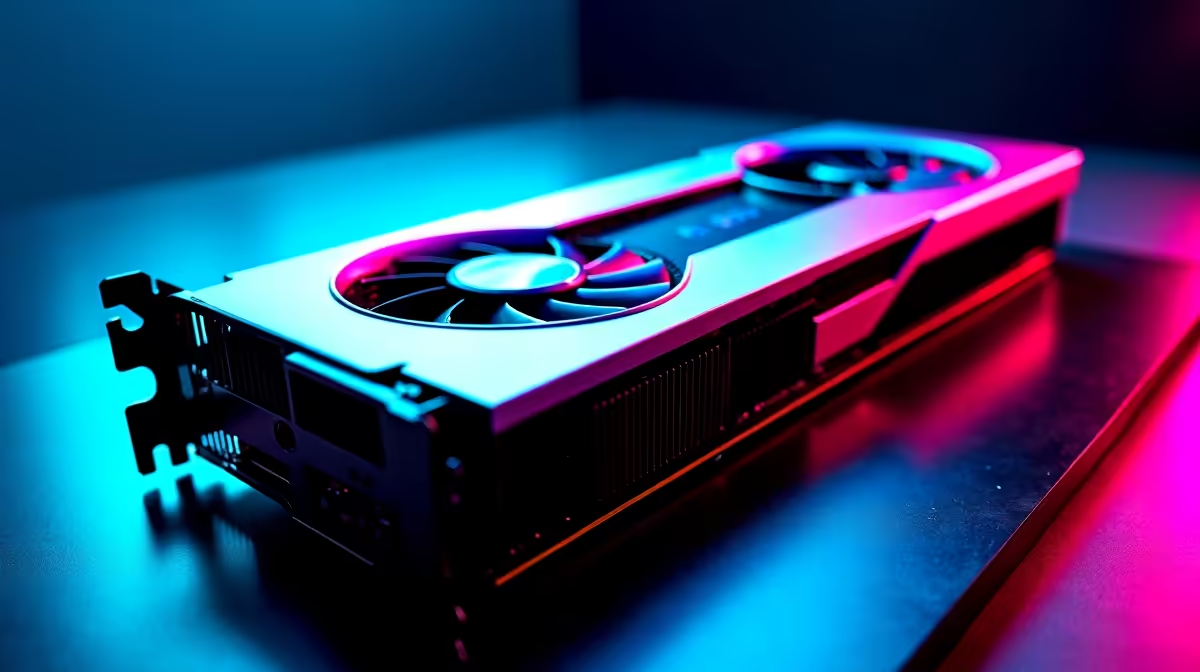
Dropping into World's Edge with high ping is a classic South African struggle. When your connection stutters... every single frame counts. If you recently upgraded your rig, you need to squeeze every drop of performance out of it. Let's explore how to optimise your RTX 4080 Super for Apex Legends. Hitting those buttery smooth 240Hz refresh rates will help you dominate the Outlands.
Why Optimise Your RTX 4080 Super for Apex Legends? ⚡
The 4080 Super is an absolute beast of a card. But Apex is a highly competitive shooter. Frame pacing matters much more than ultra-high textures. You want minimal input lag and maximum visual clarity.
South African gamers know the pain of routing to European servers. We often play with 160ms ping. Because of this delay... your local hardware needs to respond instantly. Every millisecond of input latency matters. To get the most out of your hardware... you need the right foundations. Whether you are browsing graphics cards or fine-tuning your current setup, your settings matter.
Best In-Game Video Settings
The goal here is visual clarity and high frames. Start by turning down unnecessary fluff. Set V-Sync to disabled. This removes artificial frame caps and reduces input lag. Enable NVIDIA Reflex with the Boost option. This is crucial for competitive play.
Set your Texture Streaming Budget to High. The 4080 Super has 16GB of VRAM... so it can easily handle this without breaking a sweat. Set Model Detail to High, but keep Effects Detail low. Explosions can cause sudden frame drops... which is the last thing you want during a chaotic Bangalore ultimate.
If your current processor is bottlenecking this GPU, it might be time to upgrade. Look at some of the best gaming PC deals to match your tier of performance.
NVIDIA Control Panel Tweaks 🔧
In-game settings are only half the battle. You need to tweak your NVIDIA Control Panel for peak performance. Navigate to Manage 3D Settings. Find Power Management Mode and set it to Prefer Maximum Performance. This stops your card from downclocking during quiet moments in-game.
NVIDIA Driver Pro Tip ✨
Always perform a clean installation when updating your NVIDIA drivers. This clears out old registry files and prevents weird stuttering issues in Apex Legends. Use Display Driver Uninstaller (DDU) for the best results.
If you want a rig that comes pre-configured for maximum frames out of the box... our pre-built PC deals offer incredible value in ZAR.
Pushing Frames While On The Move 🚀
You do not have to be tied to a desk to hit Predator rank. Modern portable machines now pack serious desktop-level power. If load shedding ruins your desktop grind... checking out gaming laptops for sale is a smart backup plan. You can still enjoy high refresh rates on battery power.
Staying Updated and Cool
Always keep your drivers updated. Monitor your temperatures during long gaming sessions. A cool GPU maintains higher boost clocks. Upgrading your cooling or peripherals does not have to cost thousands of Rands. Keep an eye on our weekly specials to save money while upgrading your setup.
Ready to Dominate the Apex Games? Having the right settings is only half the battle. For maximum power, choice, and value in South Africa, Evetech is hard to beat. Explore our massive range of PC components and find the perfect hardware to conquer your world.











