

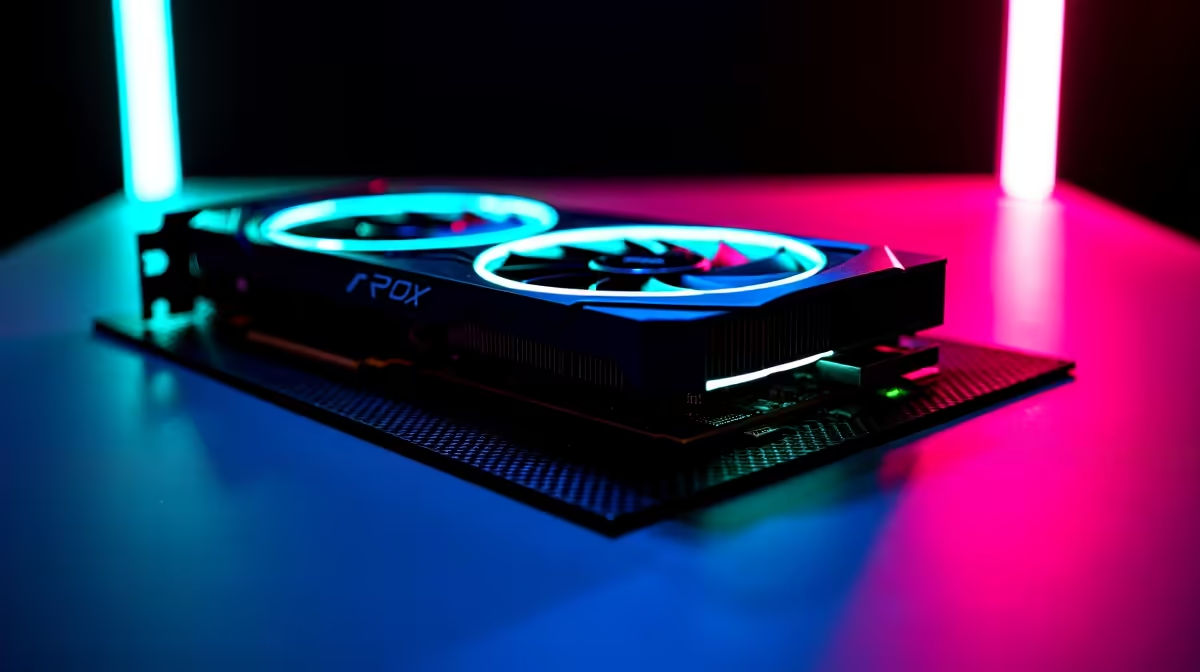
Let's be honest... playing Minecraft on vanilla settings with a beastly GPU is like driving a Ferrari in a 60km/h zone. If you just dropped serious ZAR on a new rig, you want those blocks to shine. Learning how to optimise your RTX 4080 Super for Minecraft transforms a basic survival world into a breathtaking visual masterpiece ✨. Whether you are avoiding loadshedding with an offline world or dominating a local server, let us get those frames soaring.
Why Optimise Your RTX 4080 Super for Minecraft?
The RTX 4080 Super is an absolute monster. But Minecraft relies heavily on Java and your CPU. To truly push your hardware, you need to enable Ray Tracing or high-end shaders. If you are upgrading your setup, browsing the latest graphics cards is just step one. The real magic happens when you tweak the software to match the hardware.
Essential Nvidia Control Panel Tweaks 🔧
Before launching the game, right-click your desktop and open the Nvidia Control Panel. Navigate to 'Manage 3D Settings'. Set your 'Power Management Mode' to 'Prefer Maximum Performance'. This ensures your GPU does not downclock while rendering complex redstone builds. If you are running one of our premium gaming PC deals, you already have the cooling to handle the extra power draw.
Performance Pro Tip ⚡
Always cap your frame rate to match your monitor's refresh rate in the Nvidia Control Panel. Pushing 800 FPS on a 165Hz screen just generates unnecessary heat and wastes electricity... especially important during those long SA summer gaming sessions.
In-Game Settings for Maximum Visuals
If you play Minecraft Bedrock, simply toggle the 'Ray Tracing' option in the video settings. The RTX 4080 Super handles path-traced lighting effortlessly. Make sure to enable DLSS to keep your frame rates buttery smooth. For Java players, you will need shaders. If you prefer a plug-and-play experience without the hassle of manual modding, checking out our pre-built PC deals ensures you get a system ready to handle heavy shader packs right out of the box.
Mods You Need for Java Edition 🚀
Vanilla Java Edition is notoriously unoptimised. Forget OptiFine... the modern standard is the Fabulously Optimized modpack. It uses Sodium and Nvidium to offload chunk rendering directly to your GPU. This is exactly how to optimise your RTX 4080 Super for Minecraft Java. You can push your render distance to 64 chunks without breaking a sweat. It completely removes those annoying micro-stutters when flying with an Elytra. Even if you game on the go using high-end laptops, these mods will drastically improve battery life and thermal performance by making the code run efficiently.
The Final Polish
Pair your optimised settings with a high-resolution texture pack. The difference in lighting, reflections, and water clarity is staggering. You will finally see realistic shadows bouncing off your diamond armour. Whether you are building a replica of Table Mountain or exploring deep caves, your game will look absolutely incredible. Keep an eye on our tech specials if you need a high-refresh-rate OLED monitor to truly appreciate those extra frames and vibrant colours.
Ready to Build Your Ultimate Mining Rig? Now that you know how to push your visuals to the limit, you need the hardware to back it up. Evetech brings South African gamers the best components at unbeatable prices. Explore our massive range of RTX 4080 Super PCs and start crafting your dream setup today.











