

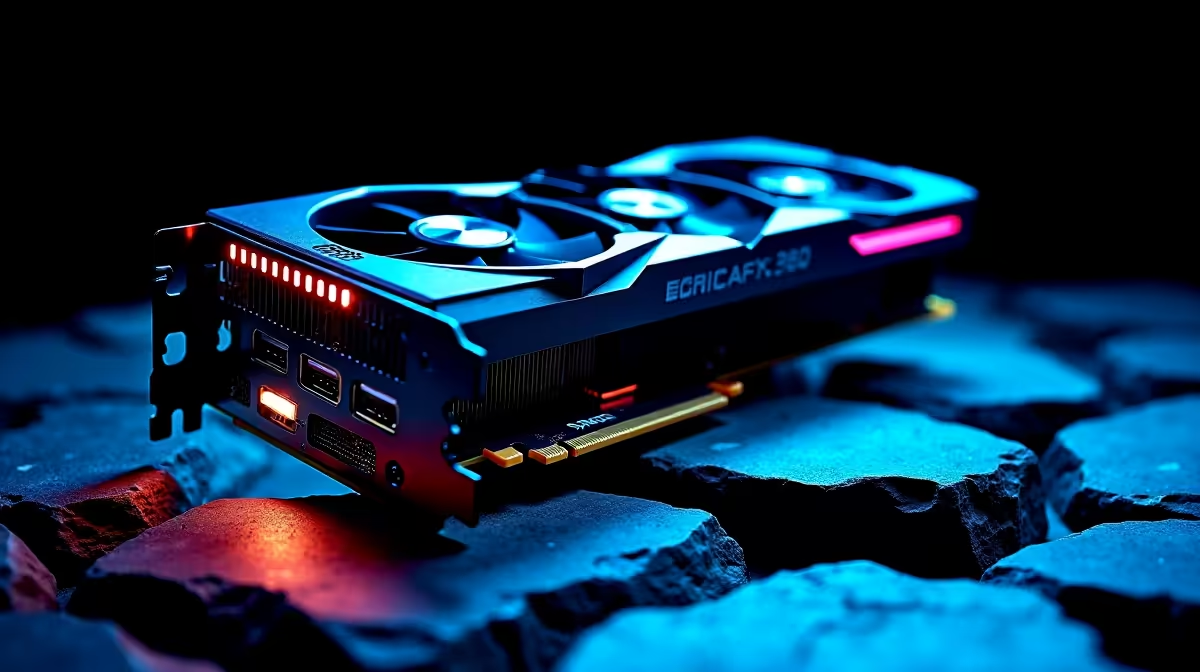
Getting the Most from Your RTX 4090 in Valorant
South African gamers, if you’ve scored the powerhouse RTX 4090, you’re sitting on serious potential for ultra-smooth Valorant runs. But raw power alone isn’t enough to dominate. Optimising your RTX 4090 for Valorant is crucial to hit peak frame rates with stunning visual clarity and zero lag. Ready to unlock every frame and tweak settings tailored for this competitive shooter? Let’s dive into the best strategies to elevate your game performance today ⚡.
Key Settings to Optimise RTX 4090 for Valorant
Valorant is a fast-paced FPS where milliseconds matter. The RTX 4090’s brute strength can push insane frame rates, but specific tweaks ensure you’re balancing visuals with responsiveness.
Adjust In-Game Graphics for Peak FPS
Lower your Valorant settings to “Medium” or “High” rather than Ultra to prioritise stable FPS over flashy effects. The RTX 4090 can handle ray tracing, but Valorant’s design recommends disabling it to avoid input lag. Turn off anti-aliasing and set your texture quality to Medium or High to keep visuals crispy without sacrificing speed.
Update Drivers & Use NVIDIA’s Control Panel
Always use the latest NVIDIA drivers for your RTX 4090, as these include game-ready optimisations. Open the NVIDIA Control Panel and set “Power Management Mode” to “Prefer maximum performance.” Also, enable "Low Latency Mode" to reduce input delay during critical kills.
Check out Evetech’s range of graphics cards if you want to compare or upgrade your GPU options.
Optimising Windows and System Settings for RTX 4090
Beyond Valorant itself, your PC setup needs a tune-up to get every ounce of performance.
Disable Background Processes and Optimise Power
Close unnecessary apps before gaming, especially browsers or streaming software. Set your Windows power plan to “High performance” which stops your system from throttling your GPU or CPU.
Manage VRAM and Temperature
The RTX 4090 has an immense VRAM buffer, but monitoring your GPU temperature helps maintain stable FPS. Ensure your PC case has good airflow and your GPU fans are running optimally—you can tweak fan curves for better cooling without noise.
Explore Evetech’s carefully crafted gaming PC deals for machines that come pre-optimised to handle GPUs like the RTX 4090 perfectly.
Pro Tip for Cooler Gameplay
Set a custom fan curve in MSI Afterburner to kick in fans at 55 °C. It keeps temps low without the typical fan roar, letting you focus on clutch plays.
Choosing the Right Peripherals and Setup for RTX 4090
The GPU is only part of your setup. To fully benefit from RTX 4090 optimisations in Valorant, your system and peripherals should keep up.
Use High Refresh Rate Monitors and Quality Peripherals
A 240Hz or higher monitor paired with the RTX 4090 avoids bottlenecks in smooth display. Pair this with low-latency gaming mice and mechanical keyboards to maximise your reaction times.
If you’re yet to build or upgrade your station, Evetech’s pre-built PC deals offer excellent rigs ready for RTX 4090-level gaming.
Don’t Underestimate The Laptop GOATs
If you prefer mobility, powerful laptops with Nvidia 4090 GPUs are available too. Check out Evetech’s selection of notebooks built to crush Valorant on the go.
Bonus Offers to Fuel Your RTX 4090 Setup
While you optimise, keep an eye out for specials on PC components that complement your RTX 4090. Evetech regularly updates deals that can help you save on RAM, SSDs, or cooling upgrades without compromising performance.
Browse Evetech’s latest specials and keep your setup ahead of the pack 🔧.
Upgrade Your Gaming Setup Today Don’t wait to unlock your RTX 4090’s full potential. Shop now at Evetech for performance that leaves lag in the dust.











