

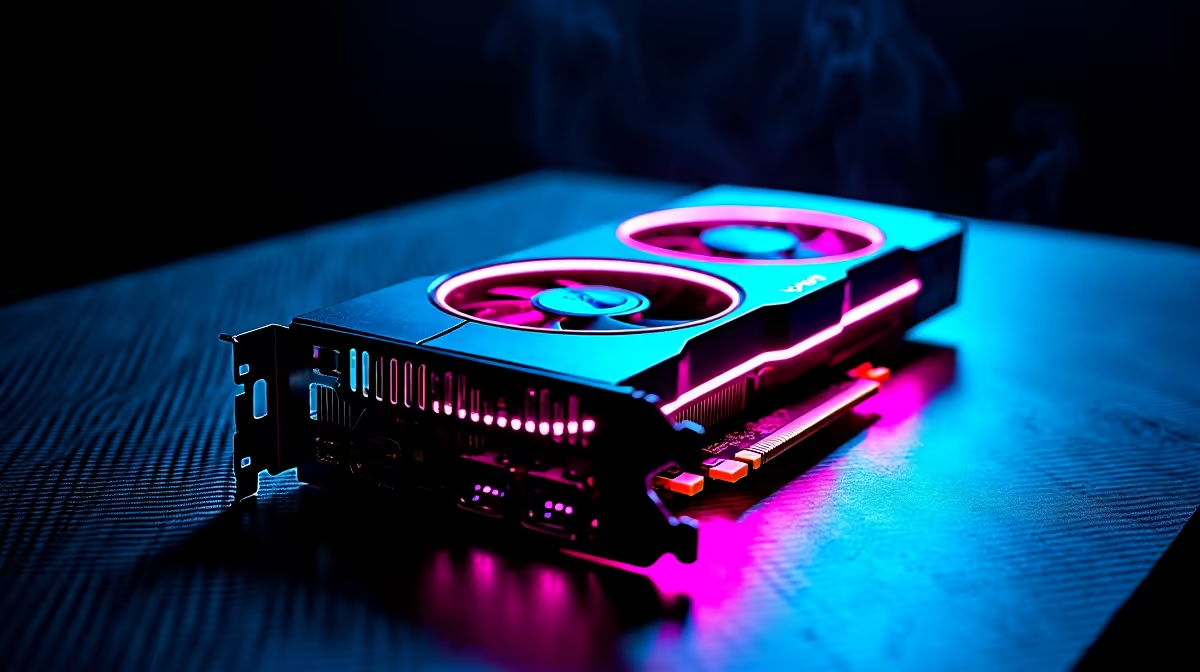
So you finally scored a next-gen GPU... but your blocky world is still stuttering? South African gamers know the pain of dropping frames right when a Creeper sneaks up. Dropping thousands of Rands on a new graphics card only to experience lag is incredibly frustrating. If you want to know how to optimize RTX 5060 for Minecraft, you are in the exact right place. We will help you squeeze every last frame out of your rig... ensuring those ray-traced sunsets look absolutely flawless.
Understanding the New Architecture 🚀
Minecraft with full path tracing is notoriously demanding. Even the newest graphics architecture needs fine-tuning to hit that sweet 60+ FPS mark at high resolutions. The 50-series brings massive improvements to ray tracing cores and frame generation. However... raw power alone will not save poorly configured settings.
Before tweaking anything in-game, ensure your NVIDIA drivers are completely up to date. Fresh drivers often contain specific fixes for ray tracing workloads. If you are still running an older card and hunting for the perfect upgrade... browse our latest graphics cards to see what fits your budget and gaming needs.
Essential Settings to Optimise Your FPS 🔧
To truly optimise your visual experience, you must balance graphic fidelity with raw performance. Start with the basic video settings inside your game menu.
First, keep your render distance between 12 and 16 chunks. Pushing it higher drains your VRAM incredibly fast... especially when the game calculates complex light bounces. Second, always turn on DLSS (Deep Learning Super Sampling) if available. This brilliant AI tech boosts performance without ruining your image colour or quality.
Sometimes the GPU is not the problem at all. Minecraft is a heavily CPU-bound game. If an older processor is bottlenecking your shiny new card... it might be time to check out the best gaming PC deals available to match your graphics power perfectly.
Performance Pro Tip ⚡
If you play the Java edition with heavy shader packs, allocate at least 8GB of RAM in your launcher settings. This prevents annoying micro-stutters when exploring new biomes or loading massive redstone contraptions.
Mods, Shaders, and Native Ray Tracing ✨
Bedrock Edition features native ray tracing built straight into the engine. It looks stunning but requires specific PBR (Physically Based Rendering) resource packs to show true reflections, glowing ores, and realistic water.
Java Edition relies heavily on community shaders like SEUS or Complementary... which require performance mods like Iris or OptiFine to run. Both versions will push your hardware to the absolute limit. If you want a hassle-free setup that handles heavy modding... grab one of our pre-built PC deals that comes ready for action straight out of the box.
Mobile Gaming and Final Tweaks
Not tied to a desktop desk? The mobile versions of these newer GPUs are incredibly capable powerhouses. If you prefer building massive castles on the go... explore our massive range of notebooks for sale in South Africa. Just remember to keep your laptop plugged into the wall and ensure the cooling fans remain clear for maximum airflow.
Finally... always keep an eye out for seasonal specials to upgrade your system memory or storage. Fast NVMe drives make world loading almost instant... saving you precious gaming time.
Ready to Build Your Dream Rig? Optimising your settings is just the start. For maximum power, choice, and value in South Africa... Evetech has you covered. Explore our massive range of gaming specials and find the perfect machine to conquer your blocky worlds.











