

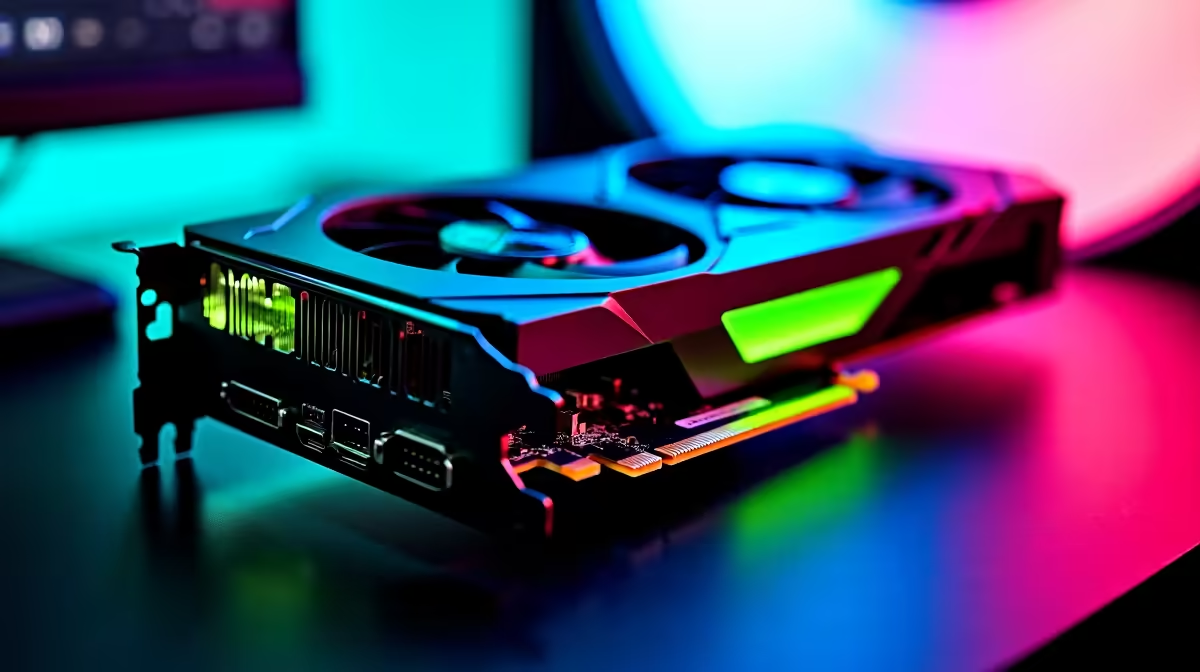
Unlock Your Apex Legends Potential with RTX 5070 Optimisation ⚡
South African gamers, ready to leave your rivals in the dust? To truly dominate Apex Legends, you need every frame and millisecond on your side. The RTX 5070 is a powerhouse, but without proper optimisation, you won’t harness its full beastly potential. Let’s dive into practical ways to optimise your RTX 5070 and crush every drop zone with ultra-smooth gameplay 🚀.
Fine-Tuning RTX 5070 Settings for Apex Legends
The RTX 5070 graphics card packs serious power, but tweaks can make it perform even better in Apex Legends. First, update your GPU drivers regularly via NVIDIA’s official software to unlock performance boosts and fix bugs. Next, consider customising your in-game settings: turn off unnecessary effects like Motion Blur and Ambient Occlusion to maximise FPS without losing visual clarity. Balancing detail and performance is key.
If you're building or upgrading your rig, exploring Evetech's graphics cards section can help you find compatible gear that matches the RTX 5070’s capabilities. Investing in a top-tier graphics card synergy will elevate your gaming experience even further.
Game Mode and Nvidia Control Panel: Your Secret Weapons 🔧
Enable “Game Mode” in Windows 10/11 to prioritise Apex Legends, ensuring your system saves resources for gaming. Then, head to the NVIDIA Control Panel. Set power management mode to “Prefer maximum performance” for consistent frame rates. Use “Low Latency Mode” set to ‘Ultra’ to reduce input lag — crucial when split-second decisions save your squad.
Also tweak texture filtering quality to ‘High Performance’ to get that extra FPS boost. Finally, vertical sync is optional; many pros disable it to reduce input lag but test what works best for you during intense firefights. For all this, pairing your RTX 5070 with carefully chosen pre-built systems is easier than ever — check out the latest Evetech pre-built PC deals tailored for highFPS gaming.
Boost Performance with Hardware and Software Tips
Don’t underestimate the impact of your entire setup. Faster RAM and a quality SSD can shave load times and stabilise your frame rates. Make sure your system cooling is up to scratch — heat throttling can kill your FPS and cause stutter. Customisable RGB lighting aside, consider cases that prioritise airflow.
Want mobility with power? The right gaming laptop can deliver RTX 5070 performance on the go. Browse trusted models in Evetech's notebooks for sale to balance performance with portability.
Optimise Display Settings
Adjust your monitor’s refresh rate to match Apex Legends FPS targets. Higher refresh rates reduce screen tearing and ensure your RTX 5070 workload translates into crisp visuals and quick reactions. Keep your display drivers updated, too!
South African Deals to Maximise Your RTX 5070 Setup
To capitalize on your hardware and skill, take advantage of Evetech’s specials and bundles. Whether you need a budget upgrade or premium parts tailored for Peak Legends FPS, their specials page regularly offers ZAR-based deals that keep your wallet intact. Use seasonal discounts to grab quality components without breaking the bank.
Finally, if you prefer building your own immersive rig, explore comprehensive gaming PC deals at Evetech. Their expert-tested combos ensure no bottlenecks throttle your RTX 5070.
Boost Your Apex with High-Performance Gear Dominate Apex Legends with optimised RTX 5070 performance. Shop now at Evetech for performance that leaves lag in the dust.











