

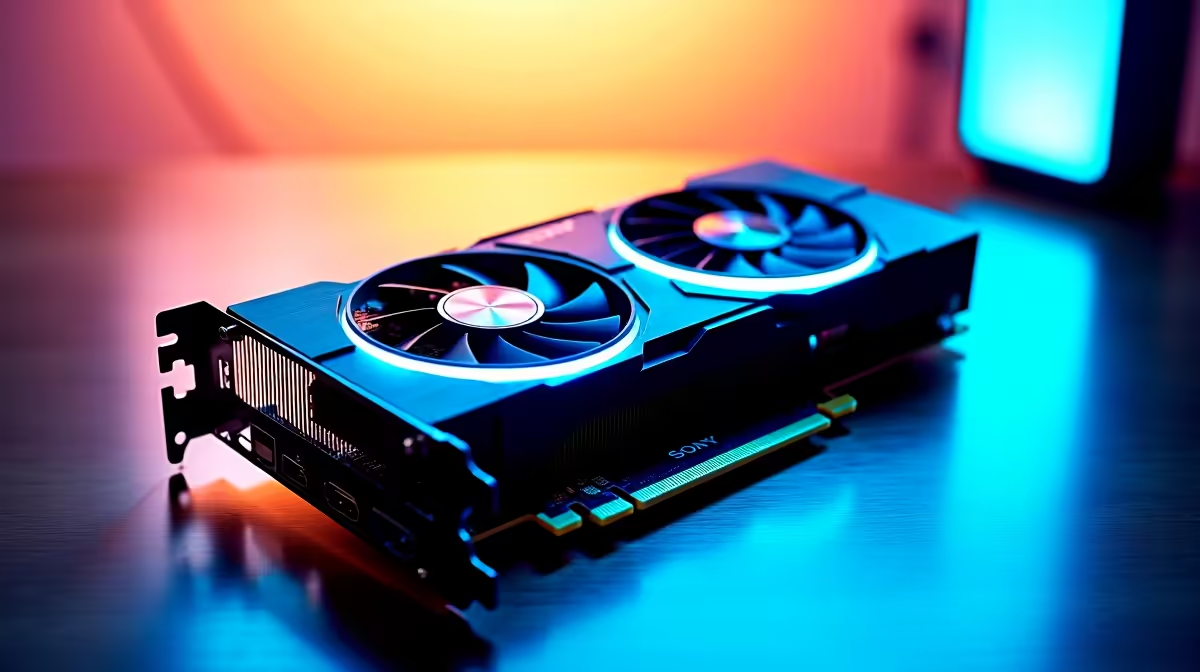
Load shedding just ended... you boot up your rig to explore your blocky empire. But wait. Why is your frame rate dipping? If you want to know how to optimise RTX 5070 for Minecraft, you are in the right place. Nvidia’s latest powerhouse is a beast. However... full path tracing needs a little tweaking to run flawlessly. Let us get those frames up. ✨
Why You Need to Optimise the RTX 5070 for Minecraft
Minecraft might look incredibly simple. But turning on full ray tracing transforms it into a demanding monster. You might have just grabbed a shiny new GPU from our premium graphics cards collection. Raw power alone is rarely enough.
The RTX 5070 features cutting-edge architecture and massive memory bandwidth. However... ray tracing calculates thousands of complex light bounces per pixel. Without the correct settings, your ZAR 15,000 investment might struggle. Dense jungle biomes can easily drop you below 60 frames per second.
Essential Settings for Ray Tracing Brilliance 🚀
To truly optimise RTX 5070 for Minecraft, you must leverage Nvidia's incredible AI technology. First... enable DLSS in your advanced video settings. Set it to 'Quality' or 'Balanced' mode.
If your version supports it, turn on DLSS 3 Frame Generation. This uses AI to create entirely new frames. It makes your gameplay feel incredibly fluid. This renders the game at a slightly lower resolution and intelligently upscales it. You get a massive performance boost without losing any visual fidelity. Are you currently hunting for the best gaming PC deals? Look for systems that pair the 5070 with a strong multi-core CPU to handle this natively.
Shader Pro Tip 🔧
If you play the Java edition, skip OptiFine. Instead, install the Fabulously Optimised modpack. It uses Sodium and Iris to run high-end shaders flawlessly... squeezing every drop of performance from your Nvidia hardware while keeping frame times incredibly low.
Balancing Mods and System Performance
South African gamers absolutely love customising their digital worlds. High-resolution texture packs look stunning when combined with ray-traced lighting. But they eat up your Video RAM very quickly.
The RTX 5070 handles 4K textures brilliantly thanks to its fast memory. Just keep your render distance perfectly reasonable. A distance of 12 to 16 chunks is usually the sweet spot for smooth gameplay. Pushing it to 32 chunks will bring any system to its knees. Perhaps your older rig is bottlenecking your brand new GPU. Browsing our latest pre-built PC deals is the easiest way to ensure your CPU can keep up.
Keeping Your Rig Cool Under Pressure
Pushing millions of blocks and realistic shadows generates serious hardware heat. Do you play on a massive desktop? Or do you prefer browsing notebooks for sale in South Africa for portable gaming? Either way... proper cooling is vital.
Ensure your fan curves are set aggressively in your control software. A cool GPU maintains much higher boost clocks. This directly translates to smoother gameplay during intense creeper explosions. Good airflow prevents thermal throttling when you are deep in the Nether. Keep a close eye on our specials. You might need to upgrade your case fans or liquid cooling to keep temperatures down.
Ready to Build Your Dream Blocky World? Getting the absolute best out of your games requires the right hardware. For maximum power, choice, and value in South Africa, Evetech is hard to beat. Explore our massive range of gaming PC specials and find the perfect machine to conquer your world.











