

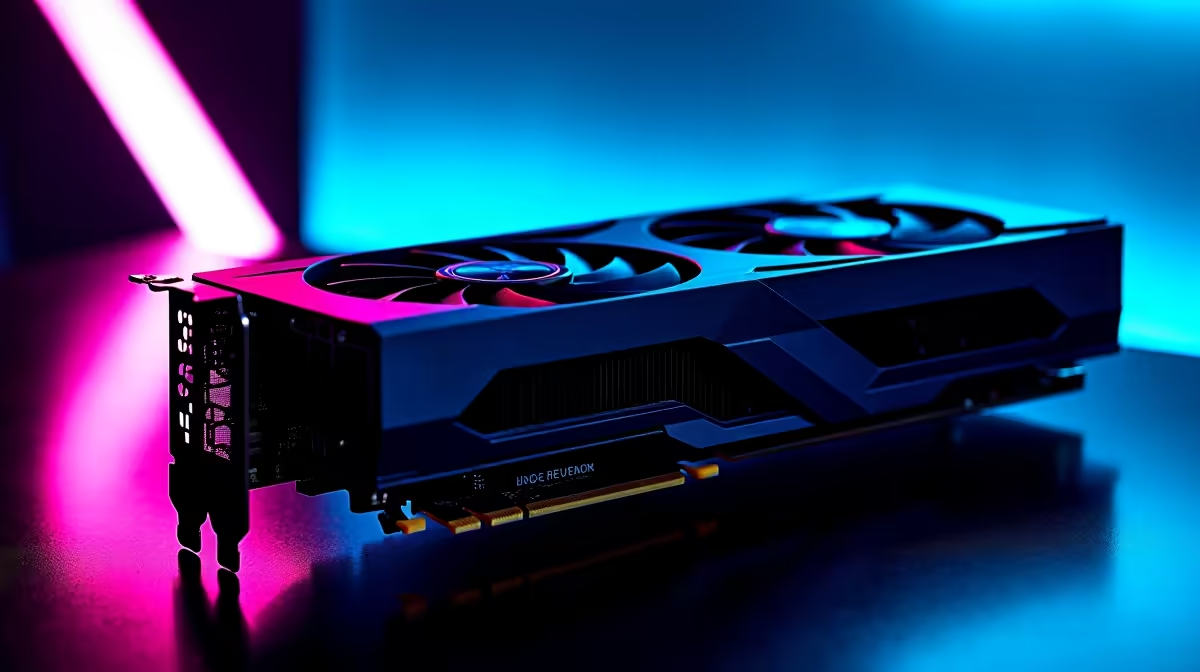
Dropping frames when you are holding an angle on Ascent is a uniquely frustrating experience for any competitive player. If you recently upgraded to the new RTX 5070, you already know it packs serious horsepower 🚀. But raw performance means nothing if your system is not tuned for competitive play. Let us look at how to optimise your RTX 5070 for Valorant so you can secure those crisp headshots without breaking a sweat... or your budget.
Tweaking NVIDIA Control Panel Settings
To truly optimise the RTX 5070 for Valorant, you need to dive directly into the NVIDIA Control Panel. Skip the default factory settings. You want maximum frames per second to reduce input latency and make every millisecond count. First, set your Power Management Mode to 'Prefer Maximum Performance'. Then, ensure Low Latency Mode is switched to 'Ultra'. These small tweaks tell your GPU to prioritise speed over power saving. If you are still running an older card and feeling left behind by your squad, it might be time to browse the latest graphics cards to stay highly competitive.
Perfecting In-Game Video Settings
Valorant is notoriously CPU-bound... but your GPU still plays a massive role at 1440p and 4K resolutions. Under the game video settings tab, turn off VSync completely. You do not want any artificial caps on your frame rate. Keep Multithreaded Rendering enabled to share the processing load. For graphics quality, drop settings like Material, Texture, and Detail Quality to 'Low'. Your RTX 5070 can easily handle them on high, but serious players prefer visual clarity over pretty shadows 🎯. If you want a rig that comes pre-tuned for this exact competitive setup, checking out the best gaming PC deals can save you thousands of ZAR.
NVIDIA Reflex Pro Tip ⚡
Always enable NVIDIA Reflex + Boost in your Valorant settings. This feature forces your RTX 5070 to keep its clock speeds high in CPU-bound scenarios, drastically reducing system latency for faster reaction times during intense firefights.
Balancing CPU and GPU Bottlenecks
A beastly GPU needs a processor that can actually keep up. If you pair your new 50-series card with an outdated chip, your system will bottleneck... meaning your graphics card sits idle while the processor struggles to catch up. Upgrading your entire setup might sound pricey, but finding solid pre-built PC deals gives you a balanced system with a fresh warranty. For players who travel or attend local LAN events, you might even consider ditching the desktop entirely. Modern mobile equivalents are incredibly powerful, and browsing notebooks for sale in South Africa is a very smart move for gamers on the go.
Keep Your Drivers Lean and Updated
Never underestimate a clean driver installation 🔧. Use Display Driver Uninstaller before installing the latest NVIDIA updates. This prevents old registry files from causing annoying micro-stutters during crucial clutch moments. Keeping your Windows operating system lean and fully updated ensures you get the absolute most out of your premium hardware investment. Speaking of smart investments, always keep a close eye on our daily specials to score top-tier gaming mice and high-refresh-rate monitors that perfectly match your blazing-fast frame rates.
Ready to Dominate the Server? Getting your frames high is only half the battle. For maximum power, choice, and value in South Africa, Evetech has you covered. Explore our massive range of PC specials and find the perfect machine to conquer your world.











