

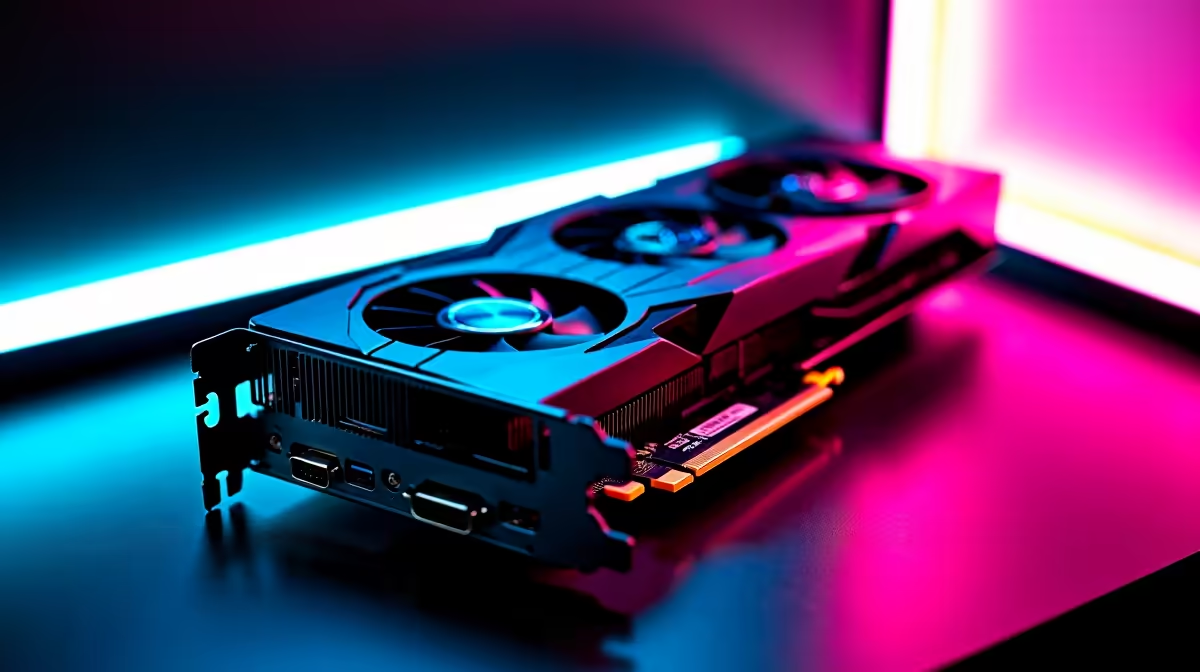
Dropping into Urzikstan with a stuttering frame rate is a fast track to the Gulag. South African gamers know the struggle of high ping. You do not need poor performance dragging you down too. You recently grabbed NVIDIA's latest powerhouse. Now you must learn how to optimise your RTX 5070 Ti for Call of Duty Warzone 2. Let us squeeze every last frame out of this beast. 🚀
The Raw Power of the RTX 5070 Ti 🔧
The RTX 5070 Ti is an absolute monster for competitive shooters. It delivers incredible rasterisation performance and next-generation ray tracing. This card easily pushes high frames at 1440p. It even handles 4K gaming brilliantly with the right tweaks. To get those buttery-smooth 144Hz plus frame rates, you need to adjust a few settings. If you are still running an older GPU, do not panic. It might be time to browse the latest graphics cards to stay competitive.
In-Game Settings to Boost Performance
Warzone 2 is notoriously CPU and GPU heavy. Start by enabling NVIDIA DLSS 3 in your graphics menu. Set it to 'Quality' or 'Balanced' depending on your monitor resolution. Turn on NVIDIA Reflex Low Latency to 'On + Boost'. This reduces system latency... giving you a crucial edge in close-quarters gunfights. Perhaps your CPU is bottlenecking this incredible GPU. Exploring pre-built PC deals could solve your bottleneck issues entirely.
NVIDIA Control Panel Pro Tip ⚡
Open your NVIDIA Control Panel and navigate to Manage 3D Settings. Set Power Management to Prefer Maximum Performance. Also, boost Digital Vibrance to 65 percent for better colour visibility. This stops downclocking and helps you spot enemies hiding in dark corners... ensuring you never miss a shot.
Balancing Visuals and High FPS
You want the game to look good without sacrificing speed. Set Texture Resolution to 'Normal' for a great balance. The RTX 5070 Ti has plenty of VRAM to handle it. Drop Volumetric Quality and Shadow Map Resolution to 'Low'. These settings drain your FPS during fast-paced combat. They offer barely noticeable visual upgrades anyway. Turn Particle Quality to 'Low' as well. Explosions look great but they will tank your frame rate. Want a rig that handles these max settings effortlessly? Check out the best gaming PC deals available right now.
Taking the Action Anywhere
Maybe you travel often and cannot lug a desktop around. The mobile versions of the RTX 50 series are incredibly capable. You can absolutely optimise an RTX 5070 Ti for Call of Duty Warzone 2 on a laptop. Just ensure your cooling pad is ready for the heat. Browse the latest notebooks for sale in South Africa if you need portable power.
Upgrading Your Rig on a ZAR Budget ✨
Gaming in South Africa can get expensive very quickly. A new GPU might cost upwards of R15,000 depending on the model. That is why hunting for discounts is absolutely essential. Keeping an eye on weekly tech specials ensures you get the best local prices. Optimising your hardware saves you money... and keeps you out of the Gulag.
Ready to Dominate the Warzone? Having the right hardware is the first step to securing those high-kill victories. Whether you need a fresh GPU or a complete system overhaul, Evetech has you covered. Explore our massive range of gaming PC specials and find the perfect machine to conquer your next match.











