

Preparing Your Rig for Vice City
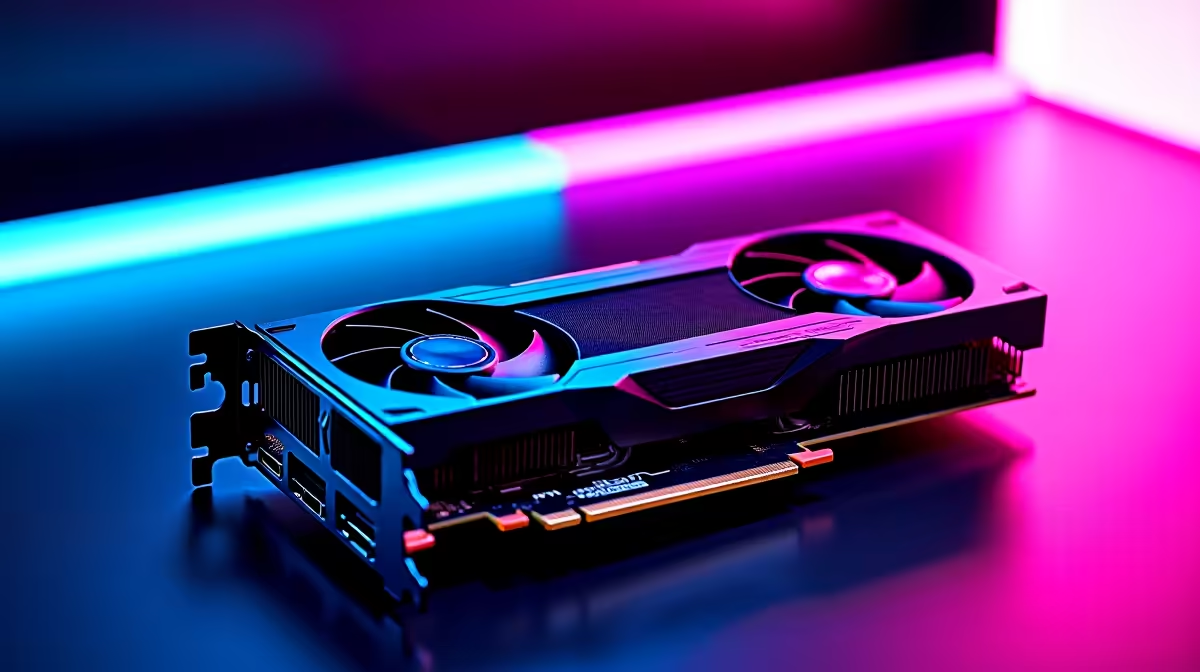
GTA 6 is finally on the horizon. Rockstar has promised a visual masterpiece, and you want your hardware ready on day one. If you are planning to explore Vice City in all its neon glory, you need serious hardware. The RTX 5070 Ti is shaping up to be an absolute beast for 1440p and 4K gaming. But raw power is not enough... you need to know how to optimise RTX 5070 Ti for GTA 6 to get buttery-smooth frame rates without spending extra ZAR.
Before tweaking in-game settings, ensure your system is not bottlenecking your GPU. Pairing a high-end card with an outdated CPU will ruin your frame pacing. If your current rig is showing its age, it might be time to browse the best gaming PC deals available locally. A balanced system ensures your graphics card can stretch its legs.
Core Settings to Optimise RTX 5070 Ti for GTA 6 ✨
Rockstar's engine is notoriously demanding. To truly optimise RTX 5070 Ti for GTA 6, start with DLSS. Nvidia's upscaling tech is essential for modern titles. Set DLSS to 'Quality' for 1440p or 'Balanced' for 4K. You get crisp visuals while saving massive amounts of processing power.
Next, look at ray tracing. The 50-series architecture handles ray tracing beautifully. However, maxing out every reflection and shadow will tank your FPS. Keep ray-traced reflections on, but dial down ray-traced shadows to medium. If you are building a custom rig just for this release, exploring our dedicated range of graphics cards helps you compare specs and find the exact cooling solution you need.
Nvidia Control Panel Tip ⚡
Open your Nvidia Control Panel and set Power Management Mode to 'Prefer Maximum Performance'. This stops your RTX 5070 Ti from downclocking during intense GTA 6 police chases, keeping your frame rates incredibly stable.
Display Settings and Refresh Rates
Your graphics card is only as good as the monitor it connects to. Ensure your monitor is actually set to its maximum refresh rate in Windows. It sounds silly... but many gamers play at 60Hz on a 144Hz screen for years without noticing. A high refresh rate monitor is crucial for that competitive edge, especially if GTA Online makes a massive return.
Enable G-Sync if your monitor supports it. This synchronises your monitor refresh rate with your GPU output. It eliminates screen tearing during those high-speed coastal drives. It also makes minor frame dips feel much less noticeable.
Memory and System Considerations 🔧
High-resolution textures eat VRAM for breakfast. The RTX 5070 Ti has plenty of memory... but background apps will steal it. Close unnecessary programs before launching the game. Web browsers with dozens of open tabs are the biggest culprits when it comes to memory hoarding. If you prefer a plug-and-play solution without the hassle of building, checking out pre-built PC deals guarantees you get a machine stress-tested for modern titles.
For gamers on the move, desktop power is no longer the only option. Modern gaming notebooks pack incredible cooling and desktop-class GPUs. Just remember to keep them plugged in and elevated for maximum airflow when running heavy open-world games.
Maximise Your ZAR and Performance 🚀
Optimising is not just about software. It is about getting the best value for your hard-earned Rands. Keep your drivers updated. Nvidia usually releases custom drivers just before massive launches like GTA 6. If you are still saving up for that dream upgrade, keep an eye on the latest tech specials to grab the components you need at a fraction of the cost.
Ready for the Ultimate GTA 6 Experience? Do not let an old system ruin your return to Vice City. Whether you are hunting for a new GPU or a complete system overhaul, Evetech has the hardware you need. Explore our massive range of PC specials and build a rig that dominates every game.











