

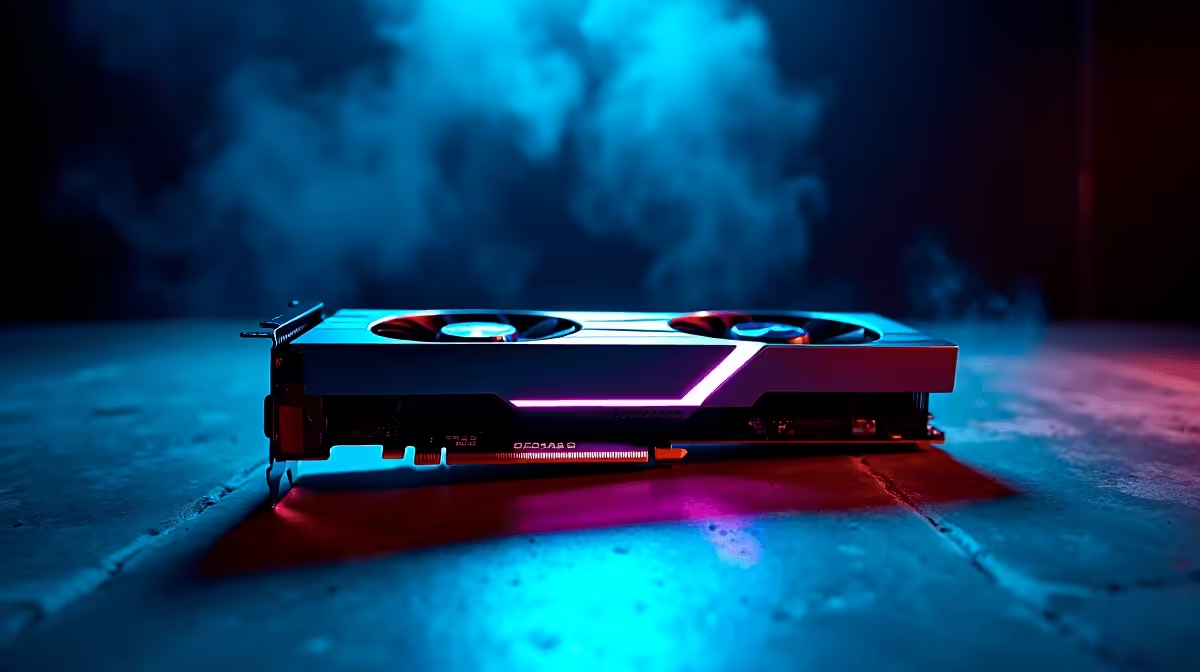
Dropping into Al Mazrah or Urzikstan with a stuttering frame rate is a quick way to the Gulag... especially when you are dealing with local SA servers and sweaty lobbies. If you just dropped serious ZAR on Nvidia's latest beast, you want maximum performance. Here is exactly how to optimise your RTX 5080 for Call of Duty Warzone 2 and dominate the competition.
Unleashing the RTX 5080 in Warzone 2
To truly optimise the RTX 5080 for Call of Duty Warzone 2, we need to look beyond just cranking every single setting to "Ultra". This GPU is an absolute monster, but Warzone 2 is notoriously CPU-heavy and demanding on system memory. If you are building a rig from scratch, browsing the latest graphics cards is step one, but balancing your entire build is what gets you those buttery-smooth 240+ frames per second.
Crucial In-Game Settings for Maximum FPS ⚡
Warzone 2 thrives on high refresh rates and minimal input lag. First, switch your display mode to Exclusive Fullscreen. This reduces system latency... a total lifesaver when you are in a chaotic close-quarters gunfight. Next, turn off Ray Tracing entirely. While it looks incredible in single-player campaigns, it eats into your FPS and offers absolutely zero competitive advantage in a fast-paced shooter.
If your current rig is struggling to keep up even with low settings, it might be time to look at some of the best gaming PC deals to ensure your processor is not bottlenecking your shiny new 5080.
Nvidia DLSS 3 Pro Tip 🚀
For the RTX 5080, enable DLSS 3 with Frame Generation in your Warzone 2 settings. Set it to 'Quality' if you are playing at 1440p or 4K. It uses AI to generate extra frames, massively boosting your FPS without making the game look blurry.
Avoiding the Dreaded CPU Bottleneck
You can tweak and optimise your RTX 5080 for Call of Duty Warzone 2 all day, but if your processor is five years old, you are leaving massive performance on the table. Warzone eats CPU cycles for breakfast. If you want a hassle-free upgrade path, grabbing one of our pre-built PCs paired with a high-end Ryzen 7 or Intel Core i7 will ensure your GPU can finally stretch its legs.
What About Gaming on the Move?
Not everyone wants a massive desktop tower taking up space in their room. If load shedding hits and you need to keep playing through a UPS, or you just travel often, modern mobile hardware is incredibly potent. You can still get top-tier Warzone performance by exploring our wide range of laptops for sale in South Africa. Just remember to keep them plugged in and elevated for the best cooling while gaming.
Maximise Your ZAR and Your Frames 🔧
Finally, always keep your Nvidia drivers updated. A clean driver install can often fix random micro-stutters in Warzone 2. And if you are looking to upgrade your monitor to match your new 5080's insane output without breaking the bank, keep a close eye on our daily specials. You need at least a 144Hz or 240Hz panel to actually see the frames your new GPU is pushing.
Ready to Dominate the Warzone? Upgrading your hardware is the fastest way to get a competitive edge in Call of Duty. Explore our massive range of gaming specials and find the perfect components to secure your next Warzone victory in South Africa.











