

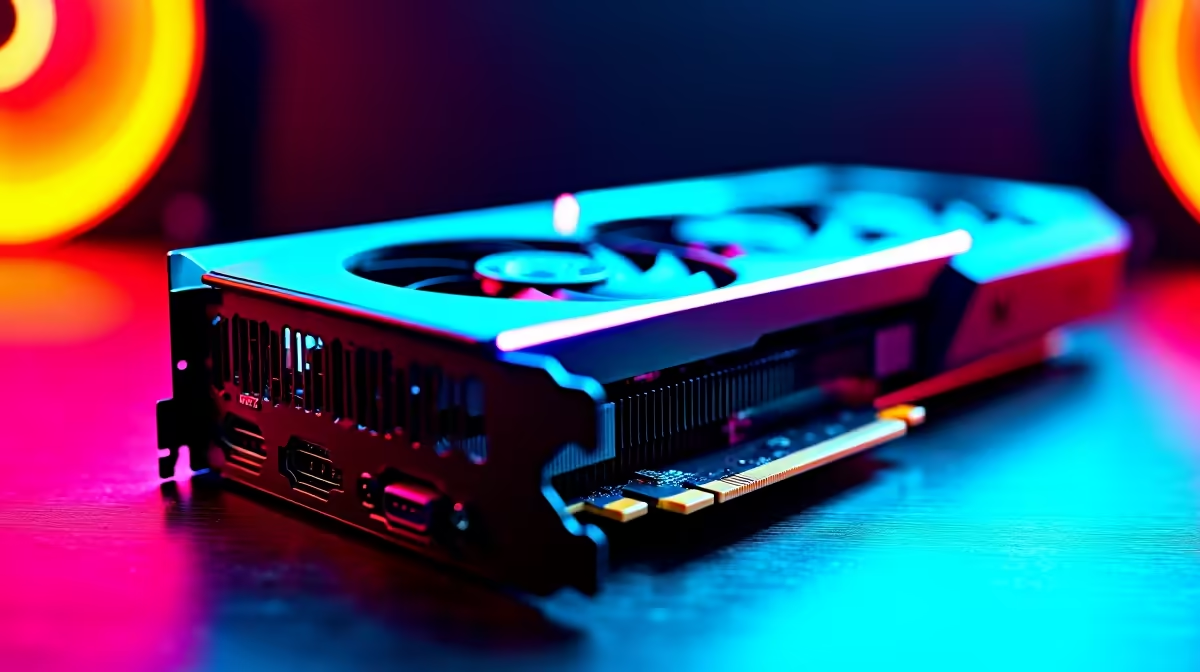
Elden Ring is a masterpiece... but stuttering frame rates can ruin your journey through the Lands Between. If you run AMD's stellar mid-range GPU, you might wonder how to optimize RX 7600 for Elden Ring. Fortunately, tweaking a few settings can unlock buttery-smooth 60fps gameplay. Let us dive into the best configurations so you can dodge attacks without any frustrating lag.
The AMD Adrenalin Setup 🔧
Before touching the game menus, open your AMD Adrenalin software. Ensure your drivers are fully updated. AMD regularly releases driver patches that specifically target major titles. If you are hunting for the right GPU, browse our range of graphics cards to find the RX 7600.
Enable AMD Radeon Anti-Lag. This reduces input delay... which is crucial for perfect dodge rolls. Keep Radeon Boost disabled for this specific title. It can cause resolution scaling issues that make the Erdtree look blurry.
In-Game Graphics Settings ✨
Now let us tackle the in-game settings. The RX 7600 has 8GB of VRAM. This is plenty for 1080p gaming... but you still need to balance your sliders.
Set your overall preset to High. Then, drop Volumetric Quality and Shadow Quality down to Medium. These two settings devour performance. For a complete rig upgrade, check our best gaming PC deals for machines that crush 1080p titles.
Turn off Motion Blur and Depth of Field. This makes the world look sharper and saves a few frames. For gamers who prefer portability, achieve great performance on modern gaming laptops with similar specs.
Stuttering Fix ⚡
Elden Ring is infamous for shader compilation stutters. If you experience massive drops when entering a new area, simply pause the game for a minute. This gives your PC time to load the assets without ruining your combat experience.
Pushing Performance Further 🚀
Ray Tracing is available in Elden Ring. However, we highly recommend keeping it off for the RX 7600. The visual difference is minimal... but the performance hit is massive. Your ZAR goes much further when you prioritise smooth frame rates over fancy shadows.
Pairing this GPU with a solid CPU is vital for a new build. Find perfectly balanced setups in our pre-built PC deals section.
Finally, if you play on a 1440p monitor, consider dropping your resolution to 1080p. The game still looks stunning. If you need extra gear, keep an eye on our weekly specials for massive savings.
Ready to Conquer the Lands Between? Smooth gameplay requires the right hardware. For maximum power and value in South Africa, our custom setups are hard to beat. Explore our massive range of laptop specials and find the perfect machine to conquer your world.











