

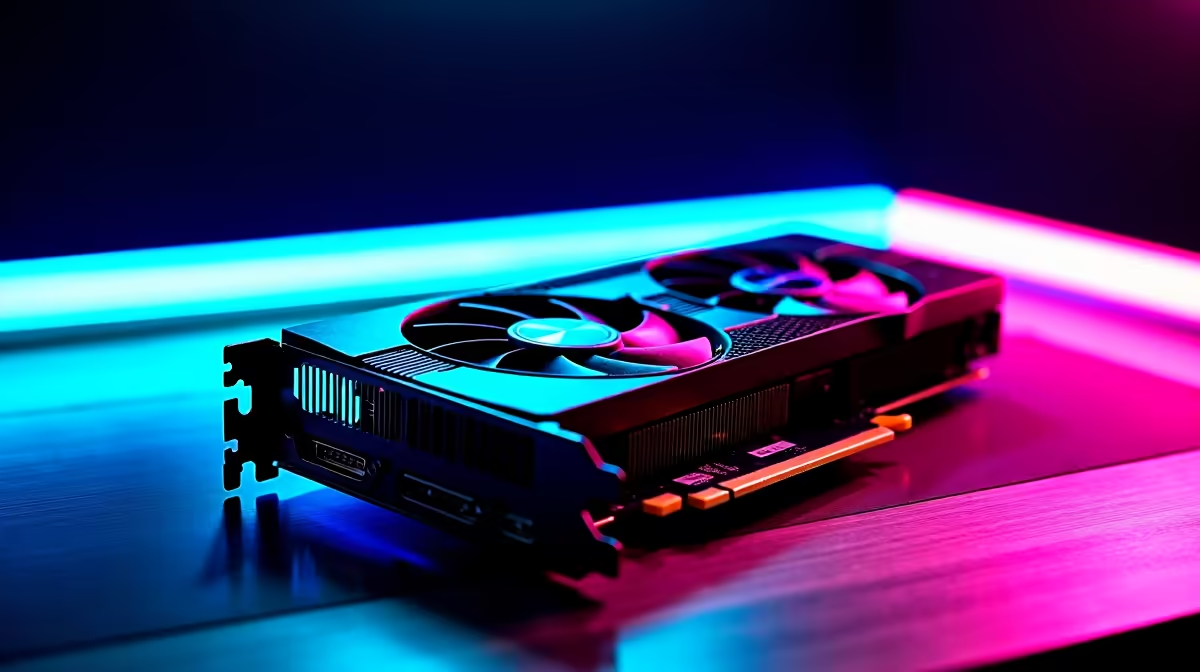
Unlock the Full Potential of Your RX 7600 for Fortnite ⚡
If you're serious about Fortnite and rocking the RX 7600, you want every frame and every millisecond to count. South African gamers know that smooth gameplay can make the difference between clutching the Victory Royale or eating dust. Optimising your RX 7600 tailored for Fortnite means better visuals, higher FPS, and a buttery smooth experience even on medium settings. Let’s dive into practical tips that help you squeeze maximum power from your GPU.
Key Optimisations for RX 7600 to Boost Fortnite Performance
Optimising your RX 7600 for Fortnite starts with the right driver and settings tweaks. AMD frequently updates Radeon Software, delivering game-specific optimisations that improve performance and stability. Always ensure your Radeon drivers are up to date from the official graphics cards page at Evetech.
Fine-Tune Radeon Settings for Fortnite
Inside the Radeon Software, turn on Radeon Anti-Lag. This reduces input lag, crucial for fast-paced Fortnite battles. Next, enable Radeon Chill to balance power and temperature while keeping your FPS stable. If you want to push visuals, try Radeon Image Sharpening—it enhances textures without killing your frame rate.
In-Game Settings Matter
Keep shadows and post-processing low or medium; Fortnite loves those settings for a reason—they improve visibility and FPS. If you’re running a 1080p monitor, lock the frame rate close to your display's refresh rate to avoid stutters.
Hardware Tips to Complement Your RX 7600 Optimisation
Your RX 7600 will thrive paired with a strong CPU and fast RAM. Fortnite benefits from fast single-core CPU performance, so something like a Ryzen 5 5600X or Intel i5 series CPU will mesh well. South African gamers can find exciting pre-built PC deals that combine balanced specs without breaking the bank.
Stay Cool, Stay Silent 🔧
Good airflow is essential. A cool RX 7600 keeps boost clocks higher for longer. Upgrade your case fans or consider an aftermarket GPU cooler if you notice throttling under load. For laptop gamers, check out notebooks for sale in South Africa offering powerful GPU options with decent cooling systems.
Quick Pro Tip
Adjust your power management mode in Radeon settings to ‘Prefer maximum performance’ during Fortnite sessions for stable and high FPS.
Budget-Friendly Upgrades and Deals in South Africa
Getting the most out of your RX 7600 shouldn't wreck your ZAR budget. Evetech's best gaming PC deals often include compatible GPUs, so keep an eye on those. If you're after accessories or an upgrade, the Evetech specials page has real opportunities to save big on components and peripherals.
Maintaining and optimising your PC’s software and hardware can keep Fortnite running smoothly whether you're a weekend warrior or a ranked pro. Small adjustments yield big improvements, especially when paired with a potent GPU like the RX 7600.
Elevate Your Fortnite Gameplay Today Experience buttery-smooth Fortnite battles with the optimised RX 7600 and unbeatable deals. Shop now at Evetech for performance that leaves lag in the dust.











