

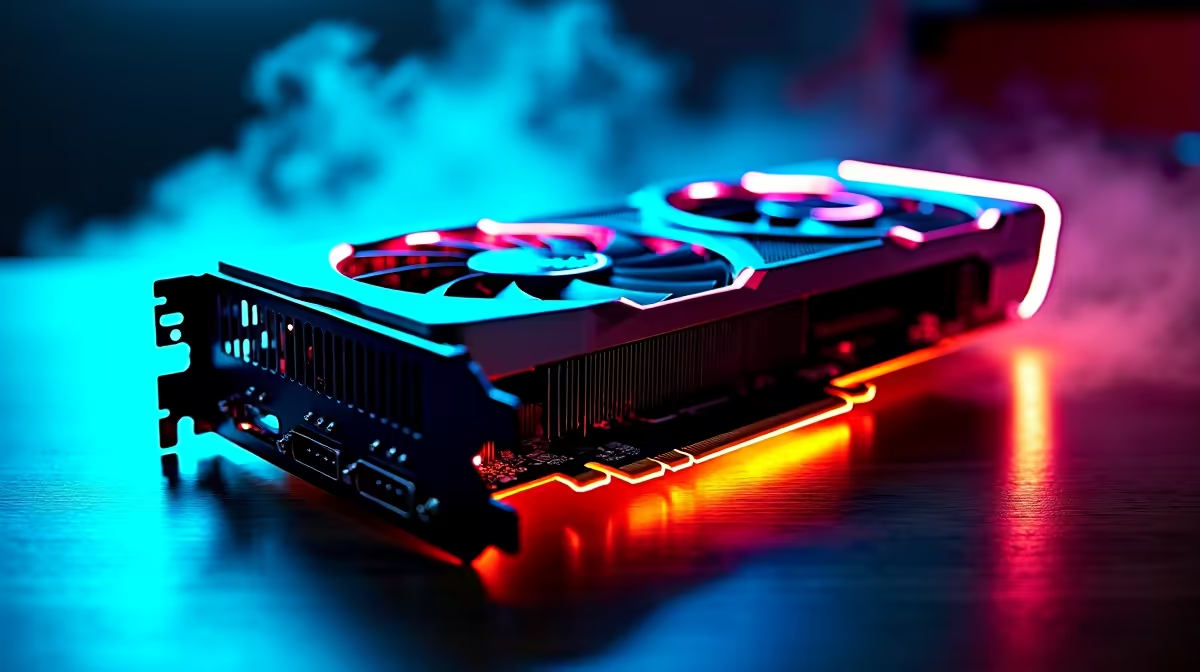
Get the Most from Your RX 9060 XT in Valorant ⚡
If you're hitting frame drops or stutters playing Valorant with your RX 9060 XT, there’s a smarter way to boost your gameplay. South African gamers demand smooth, ultra-responsive action — but it’s not just about throwing money at better gear. Optimising your RX 9060 XT graphics card settings can stretch every rand and unlock peak performance. Let’s break down how to tweak your setup so you get buttery-smooth aim and lightning-fast reactions.
RX 9060 XT: Why Optimise for Valorant?
The RX 9060 XT balances price and punch for popular shooters like Valorant. But default settings often leave potential on the table, causing those annoying dips in FPS or input lag that kill your killstreaks. Even slight gains in frame rate or latency reduction make a big difference. Whether you’re chasing the competitive edge or just want more consistent visuals, tuning your card helps.
For those considering a new rig, check out Evetech’s best gaming PC deals with RX 9060 XT options ideally built for FPS shooters.
How to Optimise RX 9060 XT Settings for Valorant
1. Update Drivers and Radeon Software
First off, ensure your AMD Radeon drivers are the latest version—older drivers miss out on crucial performance tweaks. Use the official AMD Radeon Software for customised features like Radeon Anti-Lag and Radeon Boost, made to reduce input delay and dynamically scale resolution.
2. Adjust In-Game Graphics Settings
Focus on high FPS rather than eye candy. Lower shadows, turn off unnecessary anti-aliasing, and set texture quality to medium. Valorant is designed for speed, so this preserves frame time. Disable V-Sync to avoid input lag, but keep a refresh rate aligned with your monitor for smooth gameplay.
Scaling down shadows and effects can help unlock higher FPS, especially important if you’re on a 1080p 144Hz setup popular in South Africa’s gaming cafes.
3. Fine-Tune Radeon Settings
Within Radeon Software, enable Radeon Anti-Lag. This feature reduces latency between your mouse and screen—perfect for quick flick shots. Also, experiment with Radeon Chill to balance performance and temperature if you game long hours.
For tweaks in finer details, you can manually adjust GPU clock speeds or power limits to maximise the RX 9060 XT’s efficiency without overheating.
Keep Your RX 9060 XT Cool and Quiet
Lower your fan curve by 5% to shave off 2°C… quieter rig, same FPS. Cooler temperatures support stable performance in heated local gaming spots!
Hardware and Peripherals Matter Too! 🔧
Optimization isn’t just software. Your whole kit plays a role. A good mouse with a high polling rate and low latency, plus a monitor with a fast refresh rate, complement your RX 9060 XT’s performance.
If you’re hunting for a powerful laptop or full rig built with gaming in mind, explore these notebooks for sale in South Africa featuring RTX and AMD graphics to compare your build.
Also, upgrading your GPU can make a noticeable difference; browse the latest graphics card selections that fit South African budgets and gameplay needs.
Don’t Miss Out on Ongoing Deals to Boost Your Setup 🚀
Finally, stay ahead by checking Evetech’s specials for discounted gaming gear and component bundles. These deals keep upgrading affordable without compromising on performance.
Whether you’re refreshing your RX 9060 XT system or building anew, these tips help you play Valorant at top tier with smooth frames and low latency. The right balance between software optimisation and hardware choice sets South African gamers apart on the leaderboard.
Elevate Your Valorant Setup Today! Ready to unleash your RX 9060 XT’s full power? Shop now at Evetech for precision-tuned gaming PCs that deliver silky smooth FPS and unbeatable responsiveness.











