

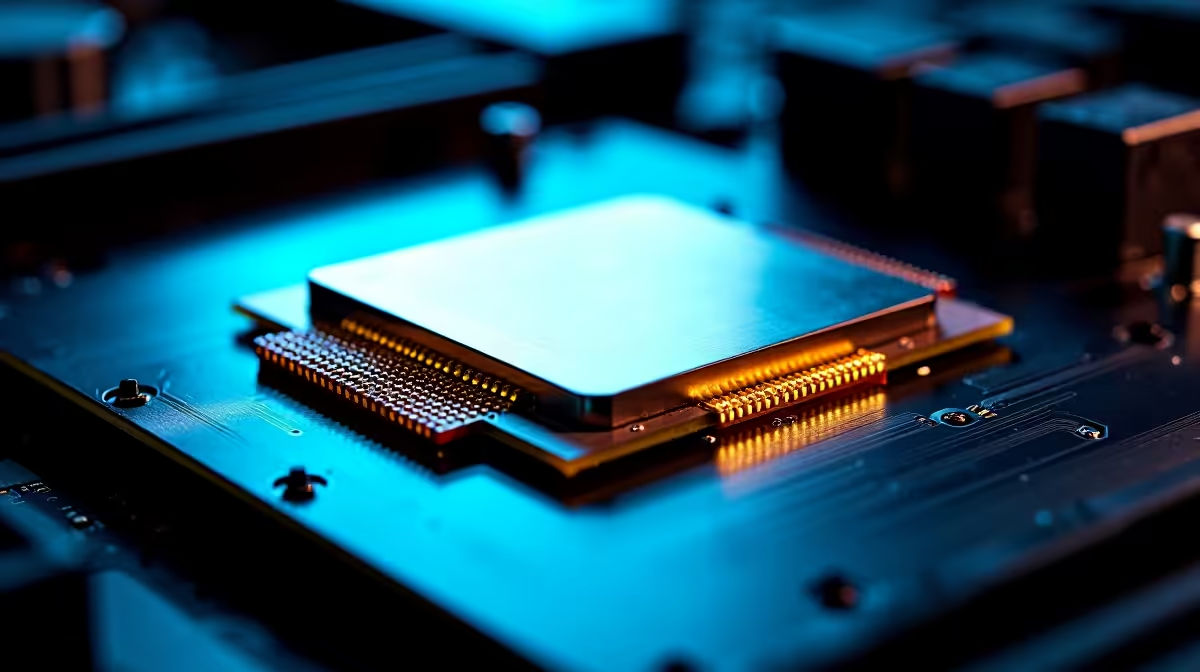
Want desktop performance that punches above its weight? You are not alone. South African gamers are always looking to squeeze every last drop of power from their rigs. Every Rand counts, so getting free performance is a massive win. If you want to know how to overclock Core i5-14600K safely, you have come to the right place. This chip is an absolute beast.
Why You Should Overclock Core i5-14600K Safely 🚀
Intel's 14th-generation architecture offers incredible headroom. Out of the box, it delivers fantastic speeds. The i5-14600K features 6 Performance cores and 8 Efficient cores. This hybrid design handles background tasks while your main game gets priority. Pushing those P-cores a little further gives you enthusiast-level performance. Before you start tweaking BIOS settings, you need a solid foundation. If you are still shopping for the right silicon, browse our extensive range of desktop processors to find your perfect match.
Pre-Flight Checks for South African Gamers 🔧
Overclocking generates extra heat. In our warm South African summers, cooling is your first priority. A standard cooler will not cut it. You need a robust AIO liquid cooler or a premium dual-tower air cooler. Make sure your power supply has enough wattage to handle the increased load. A good 750W gold-rated PSU is usually the sweet spot. If you prefer a system that is already stress-tested and optimised for our climate, check out our top-tier gaming PC deals. They come ready to dominate.
Cooling Pro Tip ❄️
Always apply fresh thermal paste before starting your overclocking journey. A high-quality paste costs around R150 but can drop your CPU temperatures by up to 5 degrees Celsius. This extra thermal headroom is crucial for maintaining stable clock speeds during intense gaming sessions.
The Overclocking Process Explained
Ready to boost those numbers? Restart your PC and enter the BIOS. Look for the extreme tweaker or overclocking menu. Start by adjusting your P-core multiplier. Move it up by a single step... usually from 53 to 54. Save your settings and boot into Windows. Do not touch the voltage just yet. Small, incremental changes are the secret to learning how to overclock Core i5-14600K safely.
If tinkering in the BIOS sounds too stressful, you can always skip the hassle. We build incredible rigs that do the heavy lifting for you. Explore our reliable pre-built PCs for plug-and-play performance.
Testing Stability in the SA Climate ⚡
Once you boot into Windows, you must test for stability. Download Cinebench R23 and run a ten-minute multi-core loop. Keep a close eye on your temperatures using HWMonitor. If your chip hits 95 degrees Celsius, scale back your settings. Stability is far more important than a minor speed bump.
Sometimes desktop setups are not practical for everyone. If you need portable power to survive loadshedding, we have you covered. Browse our massive selection of notebooks for sale to game anywhere. You can also find amazing discounts to stretch your Rands by visiting our daily specials.
Ready to Upgrade Your Gaming Experience? Pushing your hardware to the limit is thrilling, but sometimes you just need a brand-new powerhouse. Explore our massive range of PC specials and find the perfect machine to conquer your world.











