

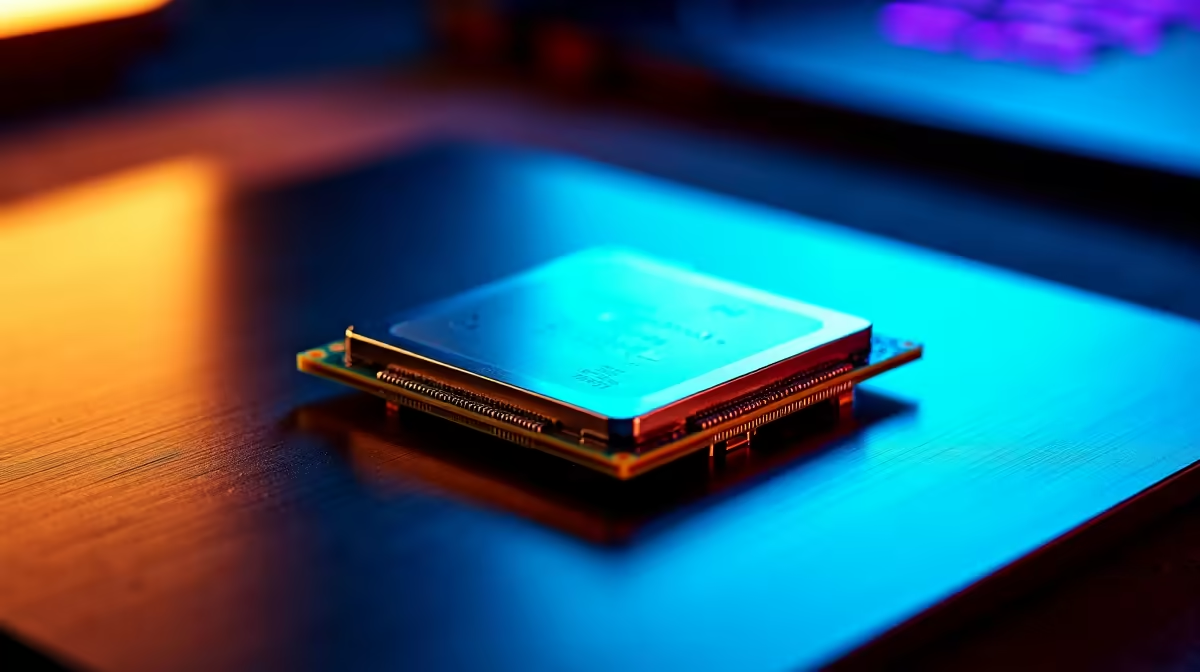
Dropping thousands of rands on a fresh CPU means you want every drop of performance. If you recently picked up AMD's latest silicon, you are probably wondering how to overclock Ryzen 7 9700X safely. Pushing your hardware past factory limits used to be a dark art. Today... it is easier than ever to squeeze out extra frames without melting your rig.
Understanding Zen 5 Tuning Limits 🔧
Before tweaking voltages, you need a solid foundation. The Ryzen 7 9700X is a beast straight out of the box. However, AMD leaves a little extra headroom for enthusiasts willing to tinker.
If you are still shopping for desktop processors, remember that a quality motherboard is essential. You want decent VRM cooling to handle the extra power draw safely. A cheap board will throttle your CPU before you even reach peak clock speeds.
Why the 9700X is a Tuning Dream ✨
AMD built the Zen 5 architecture with efficiency in mind. Out of the box, the 9700X runs incredibly cool compared to previous generations. This lower baseline temperature is exactly why learning how to overclock your CPU safely yields such great results. You have thermal headroom to play with.
By carefully adjusting your power limits, you can force the processor to maintain its maximum boost clocks during heavy gaming sessions. This translates to smoother gameplay and fewer frame drops during intense multiplayer matches.
The Magic of Precision Boost Overdrive ⚡
Manual tuning is mostly dead for daily driving. The smartest route is using AMD's Precision Boost Overdrive (PBO). You can find this setting in your motherboard BIOS.
Enable PBO and set a negative Curve Optimizer offset. Start with a conservative -15 on all cores. This lowers the voltage at any given frequency. Less voltage means less heat. Less heat means the CPU can boost higher for longer periods. It is basically free performance.
Once applied, run a stress test like Cinebench R23. If your system crashes... simply reboot, enter the BIOS, and change the offset to -10. Stability is your ultimate goal here.
Cooling Pro Tip ❄️
Always monitor your temperatures using Ryzen Master or HWiNFO64. If your CPU hits 95 degrees Celsius, it will throttle. Investing in a quality AIO liquid cooler is highly recommended before pushing any PBO limits.
Maximising Frame Rates in South Africa 🚀
Pairing your tuned CPU with fast DDR5 memory is crucial for maxing out your frames. AMD’s current sweet spot is 6000MHz with low latency timings. Tuning memory can be tricky... but it is totally worth the effort to optimise your system.
If tweaking deep BIOS settings makes you nervous, you do not have to do it yourself. You can grab one of our best gaming PC deals where the hardware is already balanced and tested. Alternatively, our pre-built PC deals offer plug-and-play performance delivered right to your door.
Desktop Power vs Mobile Flexibility
Desktop chips offer massive thermal headroom for tuning. Laptops are a different story entirely due to strict space limits. If you travel often or need to dodge stage six loadshedding, tweaking desktop voltages might not fit your routine.
In that case, exploring high-performance laptops is a much smarter move. You get built-in battery backups and incredible mobile power. Keep an eye on our weekly tech specials to score massive ZAR savings on portable rigs and desktop upgrades alike.
Ready to Upgrade Your Setup? Overclocking is a fantastic way to get free performance, but sometimes you just need raw, upgraded power. Explore our massive range of PC components and find the perfect hardware to conquer your favourite games in South Africa.











