

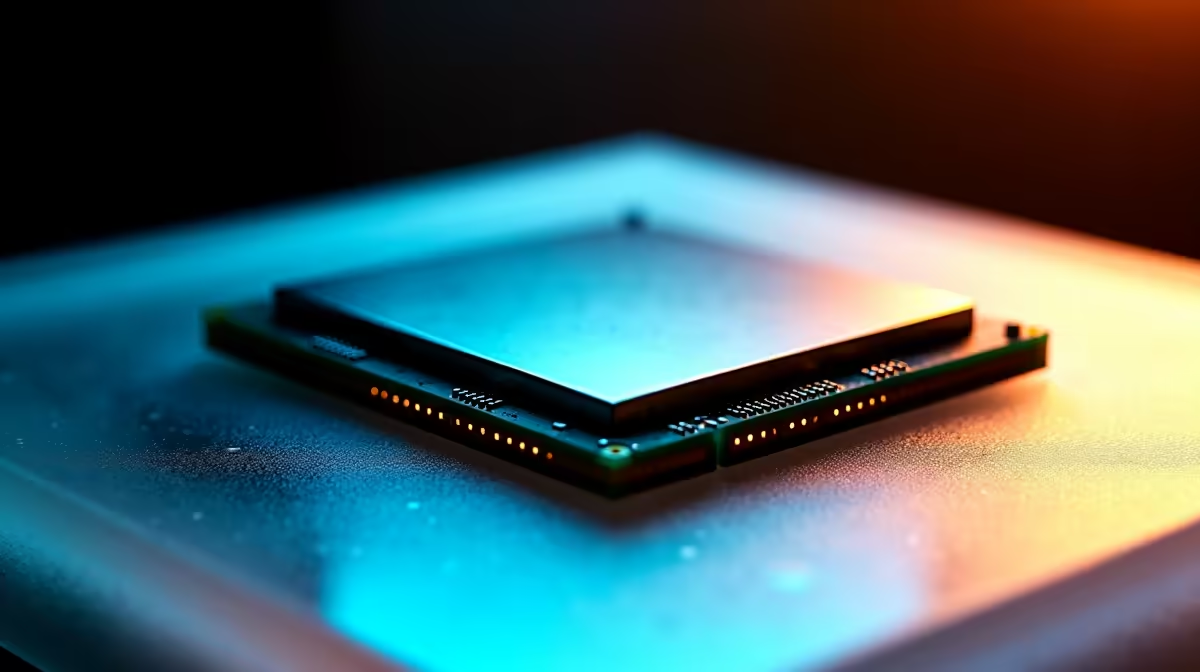
So, you finally got your hands on AMD's newest flagship beast. The Ryzen 9 9950X is a monster out of the box. But South African gamers always want that extra frame rate. If you want to push past factory limits without frying your silicon, you need a solid plan. Here is how to overclock Ryzen 9 9950X safely and squeeze out every drop of performance.
The Foundation of Safe Overclocking 🔧
Before tweaking any BIOS settings, ensure your cooling is up to the task. The 9950X runs extremely hot when pushed. A premium 360mm AIO liquid cooler is non-negotiable here. If you are still running an older stock cooler, it is time for an upgrade. Browse the latest AMD processors and cooling gear to avoid severe thermal throttling.
A robust X870E motherboard with excellent VRM cooling is also essential for stable power delivery. Do not forget about your system memory. Enabling your EXPO profile ensures your RAM runs at its advertised speeds. This feeds data much faster to your CPU.
Precision Boost Overdrive Explained ⚡
Forget manual all-core overclocking. The smartest way to overclock Ryzen 9 9950X safely is using AMD's Precision Boost Overdrive. PBO dynamically adjusts voltages and clock speeds based on your thermal headroom. It is the exact same tech we configure when building our premium custom gaming PCs. Simply enter your BIOS and locate the AMD Overclocking menu. From there, set Precision Boost Overdrive to 'Advanced'.
Undervolting for Higher Clocks
Here is the real secret sauce... undervolting actually increases your clock speeds. By using the Curve Optimizer tool within the PBO menu, you can set a negative offset. Start with a conservative negative 15 on all cores. This lowers the voltage, which immediately drops temperatures.
Cooler temperatures allow the CPU to boost much higher for longer periods. It is a trick we often use to optimise thermals in our high-end pre-built PCs. You can even tune individual cores if you have the patience. Use Ryzen Master to identify your fastest cores in Windows. Apply a smaller negative offset to them, while pushing the slower cores further.
Stability Testing Pro Tip 🚀
Always run Cinebench R23 and Prime95 after adjusting your Curve Optimizer settings. If your PC crashes, reduce the negative offset from 15 to 10. Stability is much more important than a slightly higher benchmark score!
What About Mobile Gamers?
Maybe desktop tweaking feels a bit too risky for your liking. If you prefer your power ready to go without BIOS anxiety, the mobile market is incredible. You can find massive desktop-class performance in modern high-performance laptops. These units come factory-tuned for optimal thermals straight out of the box. This means you never have to worry about voltage curves or thermal paste application. It is plug-and-play power at its absolute best.
Final Tweaks and Value Upgrades ✨
Always monitor your temperatures using Ryzen Master or HWiNFO64. If your CPU regularly hits 95 degrees Celsius under load, dial back your PBO limits. Keeping your hardware safe ensures it will last for many years of intense gaming.
Upgrading your rig does not have to cost tens of thousands of ZAR either. Keep a close eye on the latest weekly tech specials online. You can easily score great deals on extra cooling, RAM, and fast NVMe storage. These upgrades will perfectly support your newly overclocked setup.
Ready to Push Your PC to the Limit? Overclocking is an art, but it all starts with premium hardware. Whether you are building from scratch or upgrading your current rig, Evetech offers the best value in South Africa. Explore our massive range of AMD components and build your ultimate dream machine today.
**











