

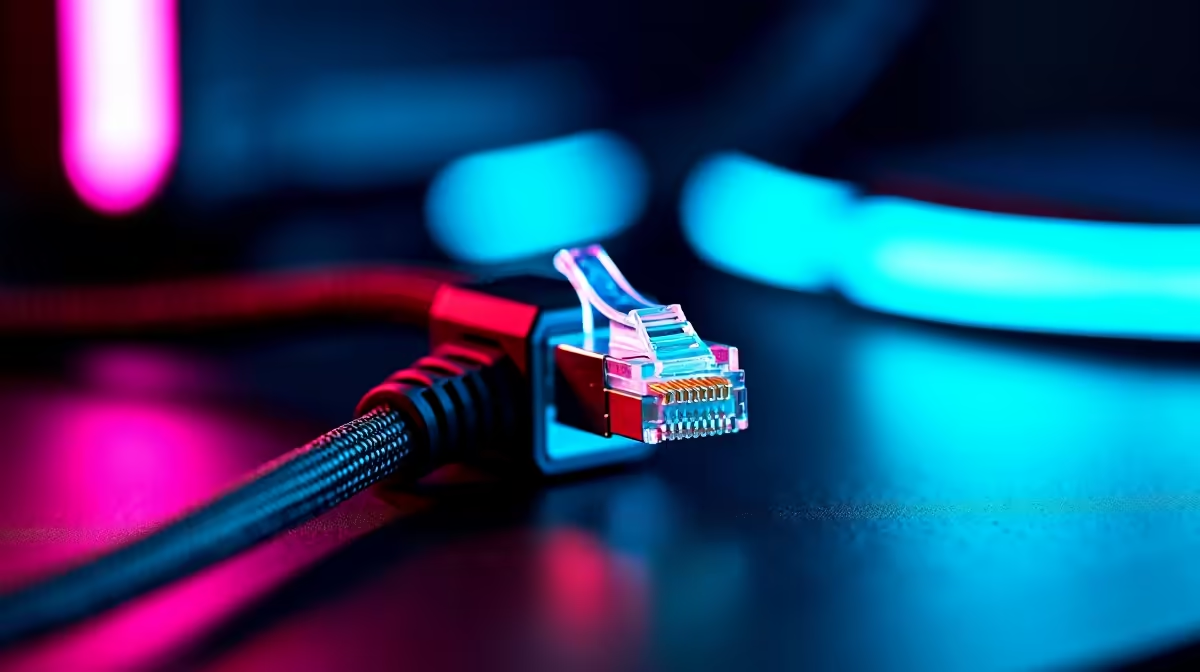
There is nothing quite like lining up the perfect headshot... only to rubberband into a wall. High latency is a frustrating nightmare for South African gamers. If you are tired of lag spikes ruining your competitive rank, learning how to reduce ping with an ethernet setup is your best move. Say goodbye to unstable Wi-Fi and hello to a rock-solid connection.
Why Your Wireless Connection Drops the Ball 🔧
Wi-Fi is incredibly convenient for scrolling social media or streaming a show. But for intense competitive gaming, wireless signals suffer from severe interference. Thick brick walls, microwaves, and even your neighbour's network can disrupt your data packets.
When you play on local Johannesburg or Cape Town servers, every millisecond matters. Even connecting to European servers requires the most stable route possible to avoid frustrating timeouts. A direct cable connection bypasses all of this invisible noise. It delivers your data straight to the source without dropping packets. This is exactly why professional esports tournaments never rely on wireless networks.
The Basics: How to Reduce Ping with Ethernet Setup
The first step to lower latency is getting the right gear. You need a high-quality cable connecting your machine directly to your router. A good network cable will barely cost you R150... making it the cheapest performance boost you can buy.
If your current hub is struggling to handle multiple devices streaming at once, it might be time to upgrade. You can easily find modern routers for sale that feature advanced Quality of Service settings to prioritise your gaming traffic over background downloads.
Cable Pro Tip ⚡
Do not just grab any old grey cable from the drawer. Upgrading to a Cat6 ethernet cable ensures you get maximum bandwidth and better shielding against electrical interference. It is a cheap upgrade that makes a massive difference for stable ping.
Pairing Your Connection with the Right Hardware
A stable network needs a strong machine to process those lightning-fast inputs. Whether you are building a custom rig or looking at the best gaming PC deals available... your motherboard network controller matters. Many modern boards feature 2.5Gbps LAN ports for ultra-low latency.
If you prefer a hassle-free setup, exploring pre-built PC deals ensures you get a system with updated ethernet drivers ready to go out of the box. Mobile gamers do not have to miss out on stable connections either. Most modern notebooks for sale in South Africa either have dedicated LAN ports or fully support high-speed USB-C to ethernet adapters.
Final Tweaks for Peak Network Performance 🚀
Once your cable is plugged in securely, dive into your router settings. Enable the Quality of Service feature and set your gaming machine as the absolute highest priority. Next, update your network drivers in Windows to ensure everything runs smoothly.
Cable management is also key. Try to avoid running your network cables directly alongside thick power cords to minimise any potential electrical interference. Keep an eye out for tech specials if you need to grab network switches or longer cables to route cleanly through your house.
By following these simple steps on how to reduce ping with an ethernet setup, you will instantly feel the difference. Your hit registration will improve... and those frustrating lag spikes will vanish for good.
Ready to Dominate the Lobby? Do not let outdated hardware hold back your new lag-free connection. Explore our massive range of gaming specials and find the perfect machine to conquer your favourite competitive titles.











