

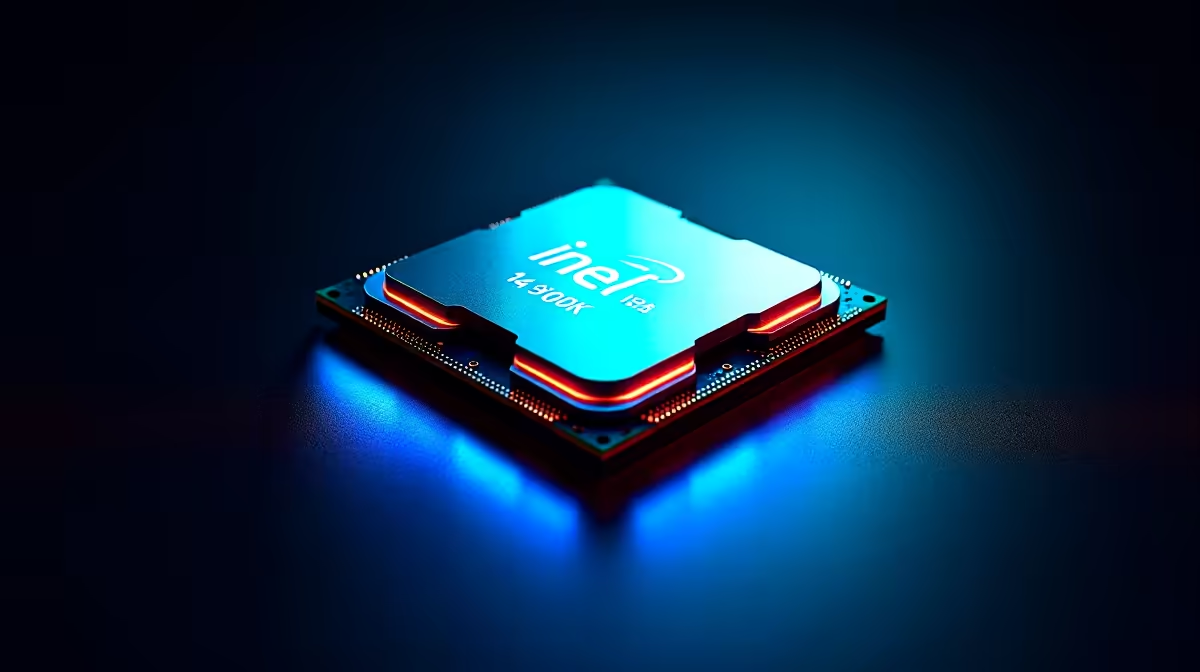
Why GTA 6 Stuttering Hits Your i7-14700K Setup
If you’re rocking an Intel i7-14700K and still face GTA 6 stuttering, it’s frustrating. You expect silky-smooth gameplay with such a beast of a CPU, right? The truth is, even top-tier processors can falter due to bottlenecks elsewhere — like GPU strain, memory hiccups, or software glitches. Many South African gamers overlook these small factors that pile up and cause those annoying frame drops. Let’s fix that.
Optimise Your Graphics Settings and Drivers 🔧
One common culprit for GTA 6 stuttering on an i7-14700K is outdated graphics drivers. Ensuring your GPU firmware is up to date can stabilise your frame rates immediately. NVIDIA and AMD often push crucial fixes tailored to big titles like GTA 6. Alongside that, dialing down some ultra settings — such as shadows or reflections — can ease the load on your graphics card.
For South Africans hunting the best GPUs, Evetech’s graphics card range has options that perfectly balance price and power. Selecting the right GPU ensures your CPU doesn’t get bottlenecked, smoothing out the entire gaming experience.
Memory Management and Background Tasks
Stuttering can also stem from slow RAM or too many background apps eating resources. Ideally, GTA 6 should run on at least 16GB of high-speed RAM paired with your i7-14700K. Closing unnecessary programs before launching the game frees up power. Windows’ Game Mode can help prioritise GTA 6 in processing power.
If you’re still running on older or slower memory modules, a system upgrade might be overdue. Check out Evetech’s pre-built PC deals — many come with optimized RAM and CPU combos designed to tackle modern games with ease.
Quick RAM Optimisation Tip
Consider increasing your virtual memory (pagefile) size by 25% to reduce game stutters caused by memory swapping. It’s a quick Windows tweak that can improve GTA 6 stability on your i7 setup. {{/TipBox}}
Optimise Your Storage for Swift Loading ⚡
Fast storage is often overlooked but crucial. GTA 6’s massive world demands quick data streaming. Running the game on an SSD rather than an HDD lowers stutter and load times dramatically. If your gaming rig is still using a slower drive, upgrading could be a game-quality investment.
Not sure about building or upgrading? Explore Evetech’s extensive collection of gaming PCs under special offers that come with blazing-fast SSDs and are ready to handle GTA 6 without breaking a sweat.
Don’t Forget the Laptop Gamers
Many South African gamers play GTA 6 on laptops, where thermals and power plans can throttle performance. Make sure your laptop is set to "High Performance" in Windows power settings, and regularly clean cooling vents to prevent overheating.
For those looking to upgrade, Evetech’s notebooks collection offers powerful gaming laptops that keep your GTA 6 stutter-free while on the move.
Balancing CPU and GPU for Peak Performance
Although the i7-14700K is a powerhouse, pairing it with a mismatched GPU or insufficient RAM causes bottlenecks. A balanced system lets GTA 6 run smoothly without hitching. Use benchmarking tools to check any component lag.
For tailored setups that complement your i7 perfectly, browse Evetech’s best gaming PC deals crafted for South African gamers who demand peak performance.
Upgrade Your Gaming Rig Today Tired of GTA 6 stuttering? Get hardware that delivers flawless gameplay. Shop now at Evetech for performance that leaves lag in the dust.











