

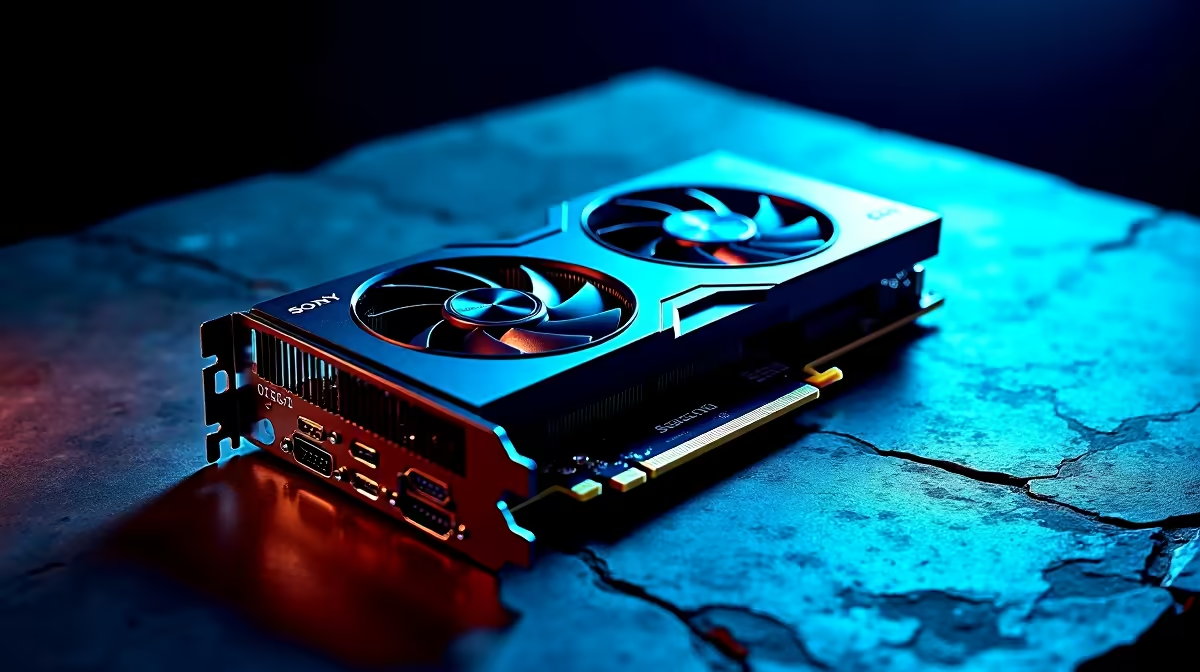
Is your Radeon RX 7600 sounding like a jet engine during intense gaming sessions? South African summers are unforgiving on PC components... and factory thermal paste often dries out faster than you might think. If you are experiencing frame drops or high hotspot temperatures, learning how to repaste thermal compound on your RX 7600 is essential. Let's get those temps down and performance back up.
Why Repaste Thermal Compound on Your RX 7600?
Over time, the factory paste on your graphics card degrades. This leads to poor heat transfer between the GPU die and the heatsink. When temperatures spike, your card automatically lowers its clock speeds to protect itself. This thermal throttling kills your frame rates. While upgrading your case airflow or investing in premium CPU coolers helps lower overall system temperatures, applying fresh thermal paste directly to your GPU is the ultimate fix for a targeted hotspot issue.
Essential Tools Before You Start
You don't need to spend thousands of ZAR to get this done. Grab some high-quality non-conductive thermal paste, high-percentage isopropyl alcohol, cotton swabs, and a small Phillips-head screwdriver. If you are shopping around for thermal paste or other PC upgrades, checking out our latest specials is a great way to save a few Rands. 🔧
Step-by-Step Guide to Repaste Your RX 7600
1. Disassemble the Cooler
Carefully remove the screws on the backplate holding the GPU cooler in place. Disconnect the fan cables gently... and slowly separate the heatsink from the PCB.
2. Clean the Old Paste
Dip a cotton swab in isopropyl alcohol. Gently wipe away the old, crusty paste from the GPU die and the copper cold plate. Make sure the shiny surface is completely spotless.
3. Apply Fresh Thermal Compound
Knowing exactly how to repaste thermal compound effectively comes down to the spread. Place a small pea-sized drop in the centre of the GPU die.
4. Reassemble
Carefully align the heatsink over the PCB. Reconnect your fan cables and tighten the screws in a diagonal cross pattern to ensure even pressure. ⚡
Application Pro Tip 🚀
Unlike a CPU where the cooler spreads the paste easily, a GPU die has no integrated heat spreader. Ensure your thermal paste covers the entire shiny silicon die to prevent dangerous hotspot temperatures.
When Repasting is Not Enough
Sometimes a repaste isn't the magic bullet. If your RX 7600 is still struggling to push the frames you want at 1080p, it might be time for a larger system overhaul. You can explore incredible best gaming PC deals to find a rig with a more powerful graphics card.
Alternatively, if you want a complete system ready to plug and play right out of the box, our pre-built PC deals offer unbeatable value in South Africa. Prefer taking your gaming on the go? Modern gaming laptops pack desktop-class performance into portable chassis... perfect for beating loadshedding. ✨
Ready to Upgrade Your Setup? Whether you are tweaking your current rig or looking to start fresh, having the right hardware makes all the difference. Explore our massive range of PC components and equip yourself with the best gear to conquer your favourite games.











