

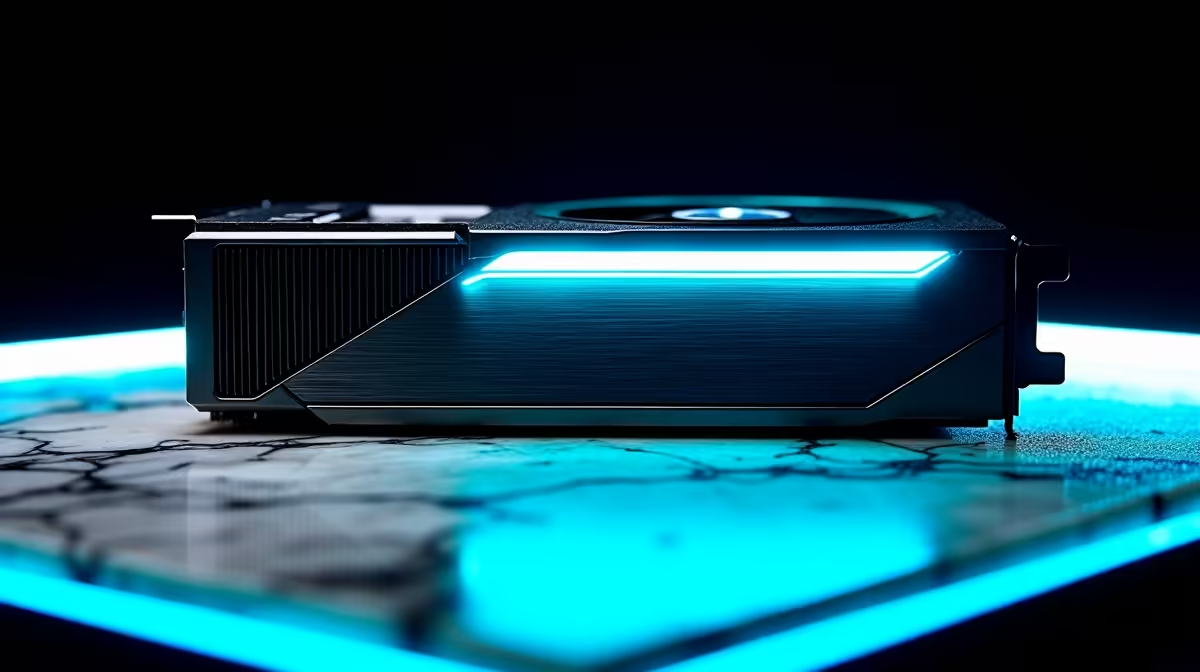
South African summers are unforgiving... and your gaming rig feels the heat. If your fans sound like a jet engine, your graphics card might be suffocating. Learning how to replace thermal pads your RTX 4060 can drop temperatures drastically. It keeps your frame rates high and your hardware safe. Let us get your cooling sorted.
Why Upgrade Your Cooling?
Even efficient GPUs need maintenance. Over time, factory thermal pads dry out. This causes memory modules to overheat. If you want to push your system to the limit, good cooling is essential.
While you are tweaking your GPU, do not forget your processor. To fully optimise your airflow, a high-quality CPU cooler is just as important for overall system stability.
Tools You Need for the Job 🔧
Before you open anything up, gather your supplies. You need precision screwdrivers, isopropyl alcohol, microfiber cloths, and premium thermal pads.
If DIY maintenance feels too risky, you can always skip the hassle. Grabbing one of our best gaming PC deals guarantees a system built and tested by professionals.
How to Replace Thermal Pads Your RTX 4060 Safely
Step one involves removing the backplate. Carefully unscrew the mounting bracket... keep track of every screw. Gently pry the heatsink away from the PCB. Clean off the old thermal paste and peel away the crusty pads.
Cut your new pads to size. Place them exactly where the old ones sat. Apply fresh thermal paste to the GPU die, then reassemble carefully. If you break something, do not panic. We stock a massive range of graphics cards to get you back in the game.
Pad Thickness Matters ⚡
Always check your specific GPU manufacturer specifications for pad thickness before buying. Using a 2mm pad where a 1mm pad belongs will prevent the heatsink from touching the GPU die... leading to instant overheating.
Alternatives to Opening Your Hardware 🚀
Not everyone wants to void their warranty. If you prefer a plug-and-play experience, exploring pre-built PC deals is a smart move. You get a perfectly balanced rig with full warranty support in ZAR.
Prefer gaming on the move? Modern mobile cooling is incredible. You can find massive cooling performance in our sleek range of gaming laptops.
Ready to Find Your Perfect Match? Whether you want to upgrade your cooling or buy a whole new rig, Evetech offers maximum power, choice, and value in South Africa. Explore our massive range of PC specials and find the perfect machine to conquer your world.











