

Quick Answer
On a Mac you right-click via two-finger trackpad tap, Control plus click, a Magic Mouse right edge tap, or a third-party USB or Bluetooth mouse plugged straight in. Windows switchers usually adapt fastest by enabling Secondary Click in System Settings and using the two-finger tap.
The Four Native Methods Built Into macOS
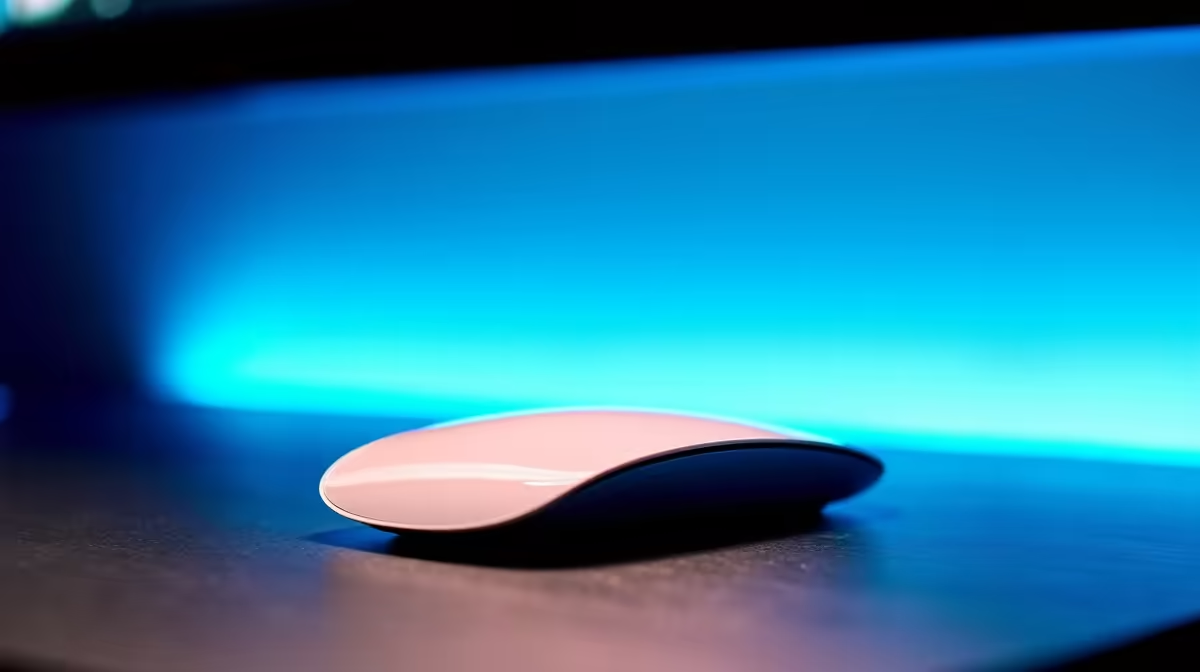
Apple hides right-click behind several gestures. Two-finger trackpad tap is the most natural for ex-Windows users, enable it under System Settings, Trackpad, Point and Click. Control plus click works anywhere with a single button. The Magic Mouse uses a touch zone, tap the right edge while it is set to Secondary Click. The Magic Trackpad supports both two-finger tap and a click in the bottom-right corner.
Plug In a Real Mouse, Job Done
Any standard USB or Bluetooth mouse from Logitech, Razer, or Corsair works the moment it touches a Mac. Right-click behaves exactly like Windows. macOS even respects extra side buttons for Forward and Back in browsers. If you are switching from a desktop Windows rig, your existing gaming mouse plugs in and works without drivers, which is honestly the cleanest fix.
Common Switcher Gotchas
Secondary Click is sometimes off by default on a clean install. Open System Settings, Trackpad, Point and Click, then tick Secondary Click and pick the gesture you want. If your mouse cursor jumps weirdly, turn on tap-to-click and tracking speed adjustments in the same panel. Force Click can also confuse newcomers, disable it if you keep triggering definition lookups by accident.
Frequently Asked Questions
How do I right-click on a MacBook trackpad?
Place two fingers on the trackpad and tap, that triggers Secondary Click in macOS. If nothing happens, open System Settings, Trackpad, Point and Click, and enable the Secondary Click gesture. You can also Control plus click for the same result.
What are common mistakes Windows switchers make on Mac?
Fighting the trackpad instead of configuring it, expecting two-button mice to just work without checking Secondary Click is enabled, and giving up on gestures too soon. Spend 10 minutes in Trackpad settings and the system feels almost identical to Windows for daily use.
Do I need special tools or parts in SA to right-click on Mac?
No special tools, every method is built into macOS. If you prefer a physical right-click button, any USB or Bluetooth mouse from local SA stock works instantly. ZAR pricing on entry-level mice starts well under R400 with same-week delivery.
Ready to Find Your Perfect Match? Get a proper mouse for your Mac and skip the gestures entirely. Browse compatible mice at Evetech











