

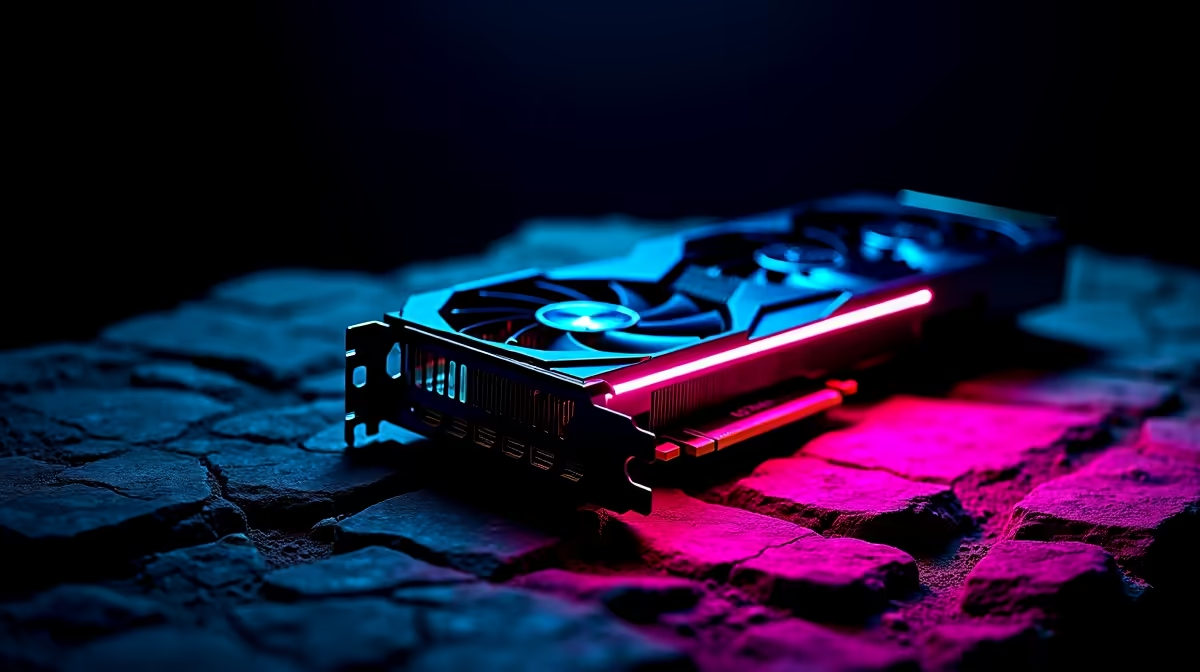
Why Running a GPU Stress Test is Crucial for South African Gamers ⚡
If you’ve just built a new rig or upgraded your graphics card, how confident are you that it will hold up under pressure? South African gamers and tech buyers know the frustration of unexpected crashes mid-match or overheating rigs during intense sessions. Running a GPU stress test is your first line of defence—it reveals stability issues so you can fix them before gaming. It’s like training your PC for the marathon ahead.
How to Run GPU Stress Test: Step-by-Step Stability Check
Step 1: Prepare Your Hardware and Software Setup 🔧
Before you jump into testing, make sure your PC is clean, well-ventilated, and latest drivers are installed. Popular stress test tools include FurMark, 3DMark, and MSI Kombustor. These simulate heavy graphical loads to push your GPU to its limits.
Don’t forget to monitor temperatures with tools like HWMonitor or GPU-Z. South Africa’s sometimes warm indoor climates mean you should keep an eye on heat to avoid thermal throttling or damage.
Step 2: Execute the Stress Test with Care
Start the stress test and watch your GPU’s temperature, clock speeds, and fan behaviour. Run the test for at least 15 minutes. Stability is key—look out for crashes, artifacting on screen, or unusual fan noise. If your system handles this without hiccups, your GPU is holding strong.
If instability shows, consider tweaking fan curves or undervolting your GPU for a cooler, more stable operation. That’s often enough to keep your rig steady during demanding gameplay or creative work.
Pro Tip for Stability Checks
Lower your fan curve by 5% to shave off 2°C… quieter rig, same FPS. Simple tuning can extend your GPU’s life.
When to Stress Test and What to Do Next 🚀
New builds or second-hand GPU buys? Definitely test. Also, after driver updates or overclocking. Regular stress tests catch issues early and protect you from downtime during your favourite esports battles.
If your GPU is struggling, exploring current graphics cards at Evetech can be a smart move. Upgrading may save frustration, especially with deals suited for South African users.
Optimise Your Entire Setup Beyond GPU Testing ⚡
A stable GPU is just part of the equation. Check out our best gaming PC deals to get balanced systems designed for smooth performance and reliability. Pre-built rigs are another hassle-free option, ready out of the box for South African gamers.
Want portability without compromise? Browse quality gaming laptops with robust GPUs and cooling solutions. They’re ideal if space or mobility is important.
For extra savings, visit Evetech’s specials page regularly. You’ll find limited-time offers that make upgrading easier on your wallet.
Upgrade Your Gaming Experience Don’t wait for crashes or overheating to surprise you. Shop now at Evetech for performance that leaves lag in the dust.











