

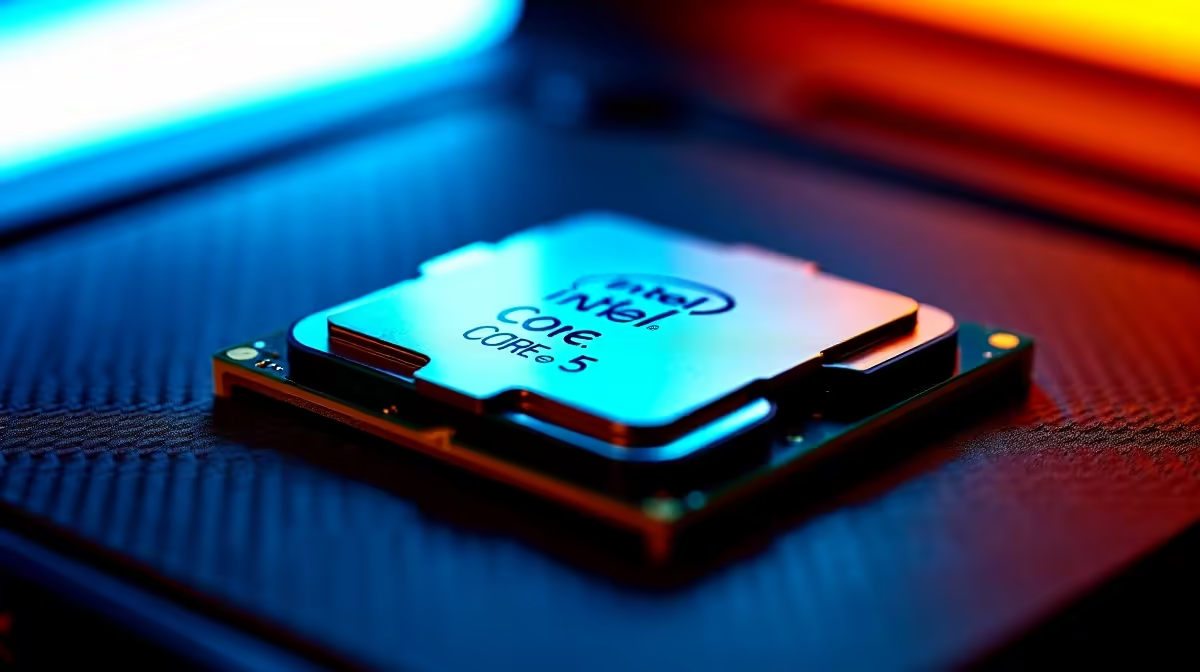
Want to squeeze every drop of performance out of your rig without causing a meltdown? If you are searching for a reliable How to Safely Overclock Core i5-14600K: SA Beginner Guide, you have finally found it. South African summers are notoriously hot, making thermal management tricky... but with the right tweaks, this 14th-gen beast can easily punch above its weight class. Let us get your system running faster today.
Preparing Your Hardware for the Heat ✨
Before you start pushing clocks, you need the right foundation. The 14th-gen i5 is an incredible chip right out of the box, offering fantastic multi-core performance for both gaming and productivity. If you are still hunting for the perfect silicon, you can browse our massive range of processors to find your ideal match.
Overclocking means pushing more power through your CPU... which naturally generates significantly more heat. In our warm SA climate, a robust 240mm or 360mm AIO liquid cooler is absolutely non-negotiable. Stock coolers simply will not survive the thermal load when you start increasing voltages.
The Best Systems for Tuning
Not every motherboard allows you to tweak CPU multipliers. You specifically need a Z790 or Z690 motherboard to unlock the overclocking magic. If building a custom rig from scratch sounds a bit daunting, you can always explore our top-tier gaming PC deals that feature unlocked boards ready for immediate tuning.
Alternatively, if you want a machine that is stress-tested and assembled by professionals, check out these premium pre-built PC deals. Just ensure your chosen spec list includes a "K" series Intel chip and adequate liquid cooling before you check out.
Step-by-Step Tweaking 🔧
Now for the fun part. Boot into your motherboard BIOS and locate the CPU core ratio settings. The 14600K features both Performance (P) cores and Efficient (E) cores. Start by bumping the P-core ratio up by just one step... for example, moving from 53 to 54 to hit a solid 5.4GHz. We recommend leaving the E-cores on auto initially to maintain maximum system stability.
Voltage is where things get risky ⚡. Keep your Vcore under 1.35V to prevent long-term silicon degradation. If you push the voltage too high, your system will hit thermal limits and throttle down... effectively destroying the performance gains you just worked so hard to achieve.
Desktop overclocking offers massive flexibility compared to mobile hardware. If you prefer portability over manual voltage tuning, you might want to view our latest notebooks for sale in South Africa instead. But for desktop enthusiasts, upgrading your cooling setup is the absolute best way to hit higher clock speeds safely. Keep an eye out for high-end cooling solutions by checking our daily tech specials so you can save some hard-earned ZAR while keeping your temperatures low.
Patience is key when tweaking your rig. Take it slow, test thoroughly, and enjoy the extra frames in your favourite competitive titles.
Stability Testing Pro Tip 🚀
Always use software like Cinebench R23 and HWMonitor to stress test your PC after every single tweak. If your CPU temperatures spike past 90°C during a benchmark, dial back your voltage immediately to protect your hardware.
Ready to Push Your Framerates Higher? Overclocking is a thrilling way to get free performance, but it all starts with the right hardware. Explore our massive range of PC components and build a rig that dominates the latest games without breaking a sweat.











