

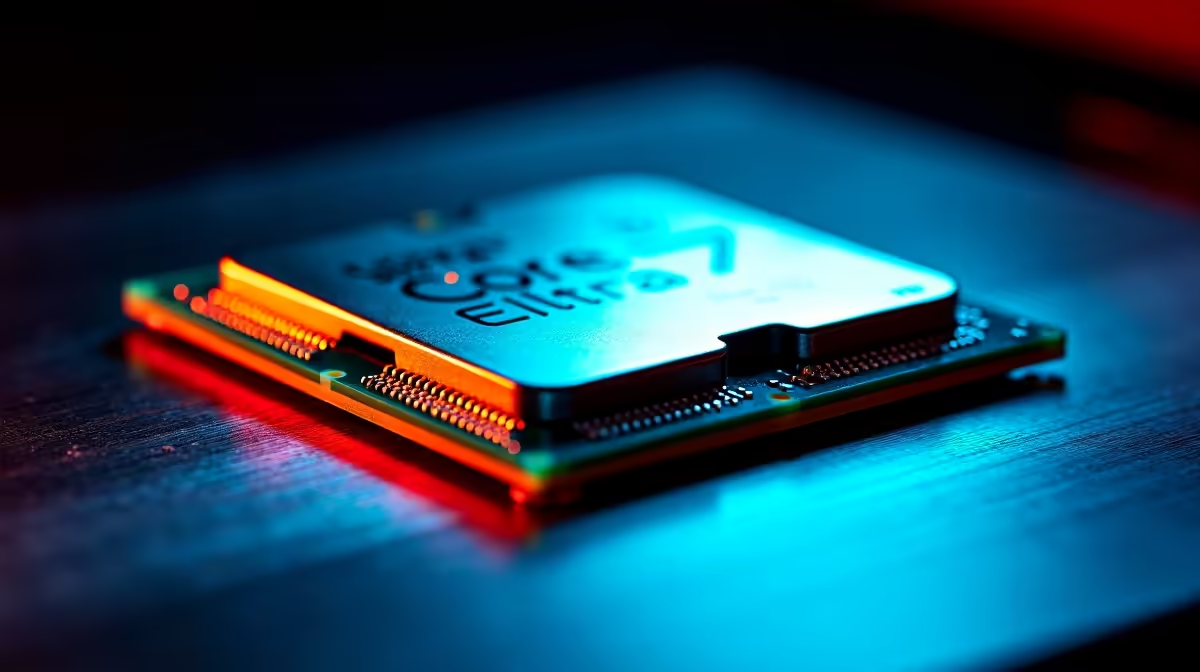
Understanding the Core Ultra 7 265K Architecture 🔧
Intel's Core Ultra 7 265K represents the Qualcomm Snapdragon X platform's desktop evolution, combining performance cores (P-cores) and efficiency cores (E-cores) on a 7nm process. Before overclocking, grasping this hybrid architecture matters—P-cores handle single-threaded workloads and gaming; E-cores manage background tasks. Overclocking methodology differs from traditional Alder Lake approaches because Intel's power delivery limits frequency scaling more than voltage headroom.
For SA beginners, the Core Ultra 7 265K offers a cautious overclocking path compared to enthusiast-tier chips. The architecture's efficiency means safe performance gains emerge without exotic cooling or concerning stability risks, making it ideal for builders learning overclocking fundamentals.
BIOS Foundation and Power Limits 💻
Enter BIOS and locate the "CPU Core Voltage" and "CPU Frequency" sections. Most modern motherboards present these clearly; if your board uses simplified menus, search for Advanced settings. Your first adjustment: increase Power Limit (typically "PL1" and "PL2") from Intel's stock 125W to 165W. This grants additional sustained power budget without drastic thermal implications.
Start with modest CPU core voltage adjustments—increase from stock (usually 1.30V) to 1.35V maximum. The 265K's architecture shows diminishing returns beyond 1.35V; pushing higher trades minimal performance for disproportionate heat and degradation risk. Set Efficiency Core voltage identically to prevent instability.
Frequency Scaling: P-Cores First, Conservative Gains
Increase P-core frequency in 50MHz increments. Start at base +50MHz and stress test using Prime95 for 30 minutes. If stable, increment another 50MHz and retest. Repeat until instability appears, then back off to the last stable frequency. Most 265K chips top out around +200–300MHz before requiring voltage increases, yielding roughly 3–4% performance improvement.
E-core frequency should increase identically to P-cores—decoupling these creates architectural imbalance that causes Windows scheduler confusion. Stability suffers unpredictably when E-cores and P-cores operate at divergent frequencies.
Core Ultra 265K Pro Tip ⚡
Don't skip voltage increases altogether thinking you'll find the frequency ceiling at stock voltage. The 265K's architecture benefits from modest voltage bumps—1.32V to 1.35V provides stable headroom that enables +200MHz P-core frequency in virtually all samples. Skip this and you'll plateau at +100MHz frustrated.
Thermal Management in South African Climates 🌡️
Air cooling proves adequate for conservative Core Ultra 7 265K overclocking. A quality tower cooler like the Noctua NH-D15 or be quiet! Dark Rock Pro 4 easily handles 1.35V operation at +250MHz. Ambient SA temperatures (28–32°C summer) mean your cooler needs approximately 25–30°C delta-T headroom; keep core temps below 82°C during stress testing.
Liquid cooling becomes valuable if pursuing aggressive overclocks (+350MHz+), but beginners should validate fundamental techniques with air cooling first. Budget for loadshedding—ensure your cooler's pump receives clean power, ideally through a UPS, to prevent thermal shock when power restoration cycles occur.
Stability Testing Methodology 🧪
Prime95 stress testing for 1–2 hours separates stable overclocks from those that crash unpredictably. Run the "Blend" test (stresses RAM + CPU simultaneously). If Prime95 completes without errors, your overclock is genuinely stable. Proceed to gaming—if Cyberpunk 2077 or Baldur's Gate 3 crashes, return to BIOS and reduce frequency by 25–50MHz.
Temperature monitoring during stress testing proves essential. Use HWiNFO64 (free download) to log core temps, package temps, and voltage droop. If Package Power Limit (PPL) throttles kick in (watch for frequency drops during Prime95), your PSU is undersized or power delivery insufficient—address this before further overclocking.
Voltage and Degradation Risk Assessment
Intel's official guidance suggests keeping Core Ultra chips below 1.40V for extended lifespan. Staying at 1.35V with modest frequency increases (±200MHz) introduces negligible degradation risk over 3–5 years. Your Core Ultra 7 265K will likely see replacement before silicon fatigue becomes relevant.
If you exceed 1.37V, degradation accelerates measurably. Most SA enthusiasts never need to venture there; performance-per-watt gains vanish at that voltage level anyway.
Fine-Tuning and Validation
Once you achieve stable frequency at your target voltage, tweak LLC (Load Line Calibration) to minimize voltage droop under load. Set LLC to medium or medium-high—too high causes voltage spikes, too low allows excessive droop. Rerun Prime95 to validate the adjustment didn't introduce instability.
Document your final stable settings in a text file. If future BIOS updates occur, you'll need to revalidate; having baseline parameters expedites this process.
Ready to unlock your Core Ultra 7 265K's hidden performance? Grab a quality CPU cooler and begin your overclocking journey with confidence. Explore CPU Coolers for Your Build.











