

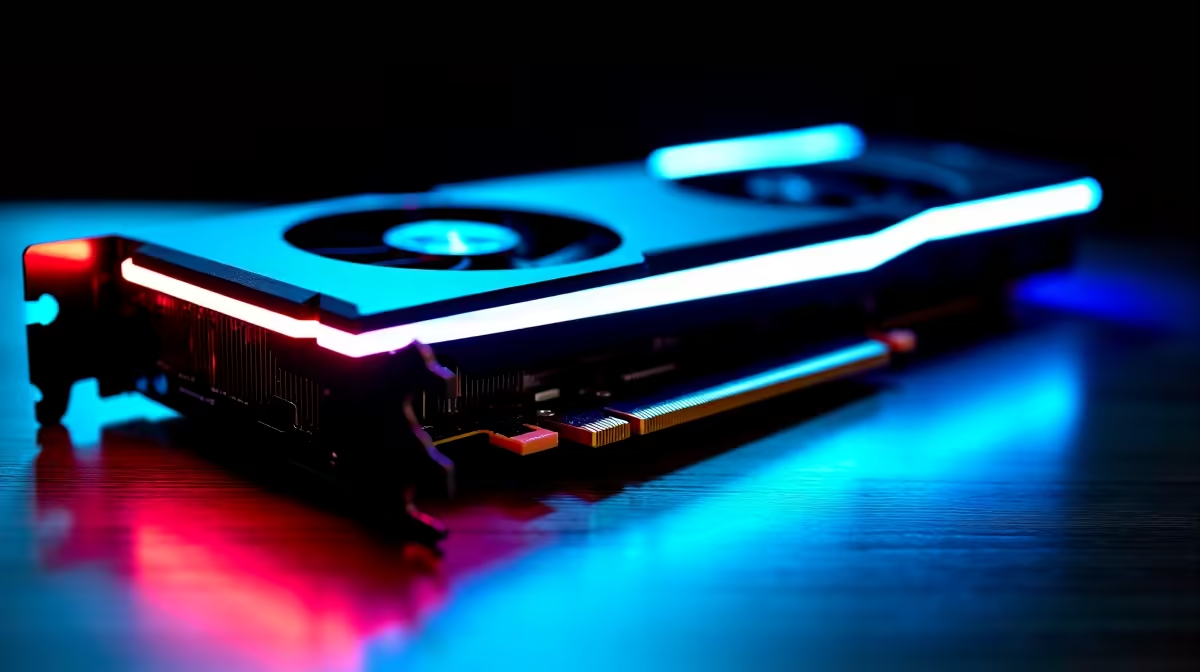
Load shedding might interrupt our sessions... but it cannot stop our desire for higher frame rates. You just got your hands on the new Intel Battlemage architecture. Now you want to push it further. If you want to safely overclock Intel Arc B580 GPUs without risking a costly ZAR replacement, you are in the right place. Let us unlock that hidden performance together.
Why Push the Intel Arc B580 Further? ✨
Intel has packed serious value into their latest graphics cards. The B580 offers fantastic 1080p and 1440p gaming out of the box. But South African gamers always want more bang for their hard-earned ZAR. By tweaking clock speeds and voltage, you can squeeze out an extra 5 to 10 percent performance. That means free frame rates for your favourite esports titles... all without spending an extra cent.
Preparation and Baseline Testing 🔧
Before you slide any dials, you need a rock-solid foundation. Make sure your system has adequate cooling. Good airflow prevents nasty thermal throttling during hot summer days. You also need a CPU that will not bottleneck your GPU. Upgrading to one of the latest processors ensures your rig is ready for those extra frames.
Run a benchmark like 3DMark Time Spy to get your baseline score. Write this number down. This tracks exactly how much you gain when you safely overclock Intel Arc B580 cards. If you prefer skipping the DIY hassle entirely, grab one of our best gaming PC deals that come perfectly optimised.
Step-by-Step Tweaking Guide ⚡
Now for the fun part. Open the Intel Arc Control software. This built-in tool makes tweaking straightforward for beginners. Navigate directly to the Performance tab. First, increase your power limit to the maximum allowed. This gives the card headroom to boost.
Next, slowly increase the GPU Performance Boost slider. Add about 10MHz at a time. Test for stability after every single adjustment. Play a demanding game for twenty minutes. If it crashes... dial it back down immediately.
Stability Pro Tip 🚀
Always monitor your temperatures while testing. Keep your GPU core under 85 degrees Celsius to ensure maximum longevity. If your screen flickers or games crash, you have pushed the clock speed too high. Just revert to your last stable setting and save the profile.
System Synergy and Final Polish
Overclocking is always a delicate balancing act. Once you find your maximum stable core clock, try bumping up the memory clock slightly. Remember that patience is your best friend. A rushed overclock leads to frustrating crashes mid-match.
Sometimes a single component upgrade is not enough. If your older rig is struggling with your tuned B580, it might be time for a full system refresh. Browse our latest pre-built PC deals for perfectly balanced rigs. Alternatively, if you need portability, modern laptops offer desktop-class performance you can take anywhere.
Ready to Upgrade Your Gaming Experience? Whether you are tweaking your current rig or building a brand new battle station, Evetech has everything you need. Explore our massive range of gaming specials and find the perfect hardware to dominate your favourite games today.











