

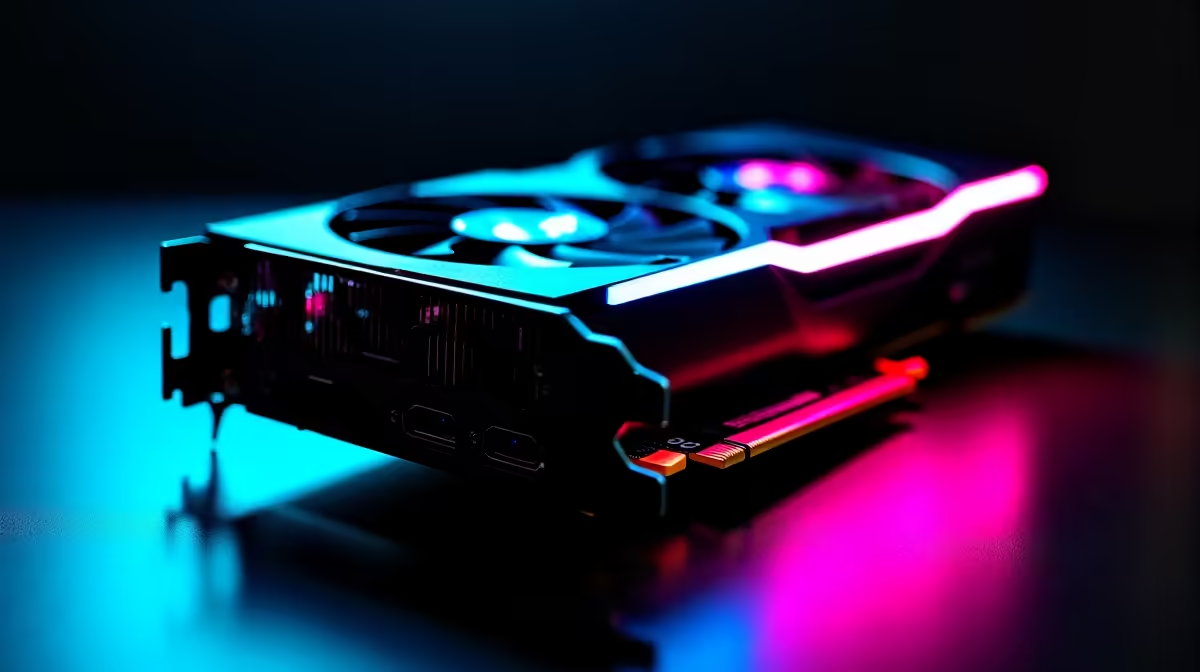
Dropping 20,000 ZAR or more on a high-end GPU is a serious investment. If you want to squeeze every drop of performance out of your rig, keep reading. Learning how to safely overclock RTX 4080 Super GPUs gives you a competitive edge. Let us dive into this SA beginner guide... and unlock free performance without melting your hardware.
Why Push Your RTX 4080 Super Further? 🚀
The RTX 4080 Super is already an absolute beast. However... Nvidia leaves a little extra headroom on the table. By tweaking clock speeds, you can push frame rates higher. Whether you are upgrading or browsing for premium graphics cards, overclocking maximises your Rand value. Free performance is always a win for local gamers.
Preparation and Essential Tools 🔧
Before adjusting any sliders, you need the right software. Download MSI Afterburner and a reliable benchmarking tool like 3DMark. Good airflow is completely non-negotiable here. If your current chassis feels like an oven, consider upgrading. Explore some pre-built PC deals featuring high-airflow cases to keep your temperatures incredibly stable.
The Step-by-Step Overclocking Process
Start by increasing your power limit to the maximum allowance. Next, bump up your core clock in small increments. Usually, adding +15MHz to +30MHz at a time works best. Run a benchmark test after every single tweak. If you experience crashes or visual glitches... dial it back. This cautious approach mirrors how experts configure the best gaming PC deals available today.
Overclocking Pro Tip ⚡
Always keep an eye on your GPU temperatures during benchmarks. The RTX 4080 Super will start thermal throttling if it hits 84°C. Set a custom fan curve in MSI Afterburner to keep your card cool under heavy South African summer heat.
Testing Memory Clocks and Stability
Once your core clock is perfectly stable, repeat the process. This time, adjust your memory clock. You can usually push memory much further... sometimes up to +1000MHz. Just remember that every silicon chip is unique. Prefer portability over manual desktop tuning? Look into high-performance laptops that come factory-optimised for mobile gaming out of the box.
Final Thoughts on GPU Tuning ✨
Finally, save your stable profile in Afterburner. Overclocking is completely safe when done patiently. You do not need to push voltage to see real gains. Want to upgrade your cooling or grab a beefier power supply? Keep an eye on our latest tech specials to save some hard-earned cash while building your ultimate dream machine.
Ready to Dominate the Leaderboards? Pushing your hardware to the limit is thrilling, but starting with the right gear is essential. Explore our massive range of RTX 4080 Super PCs and find the perfect machine to conquer your favourite games today.











