

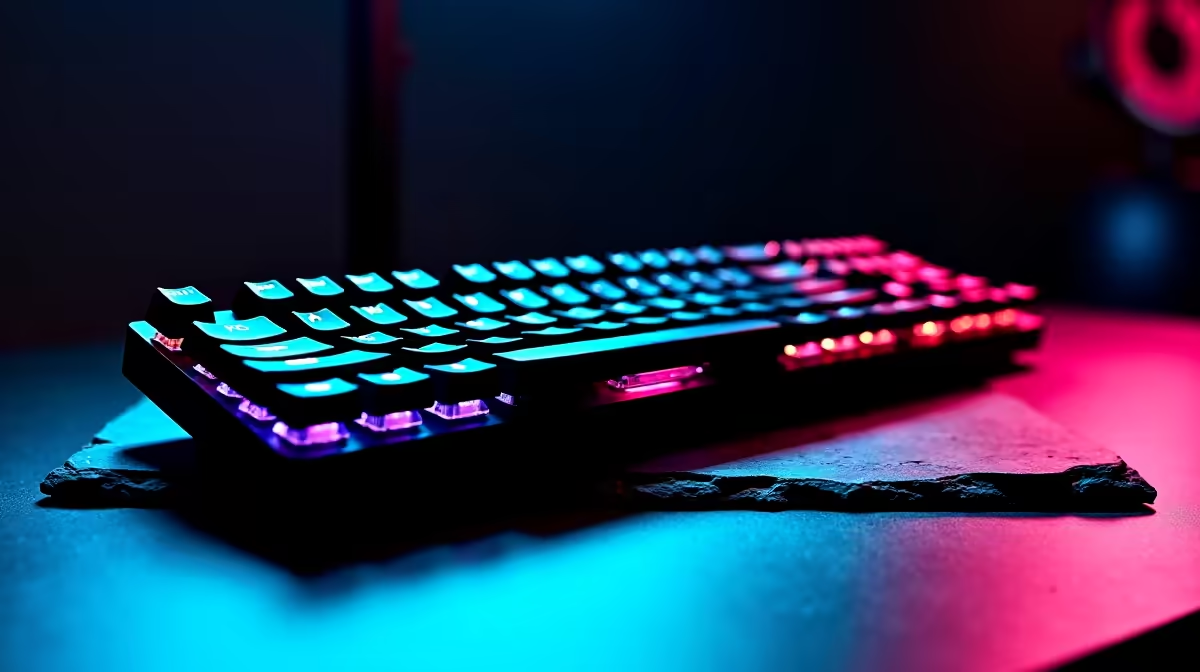
Why Safely Overclock Your TKL Keyboard?
South African gamers, want to squeeze extra speed from your TKL (tenkeyless) keyboard without risking damage? Overclocking your keyboard can boost response times and optimise your gaming experience 🔧. But it’s not just about cranking up speeds blindly — overclocking safely guarantees your hardware stays reliable and responsive. Whether you’re diving into competitive FPS or fast-paced MOBAs, your keyboard’s reaction time matters.
Overclocking a TKL keyboard demands precision and care, so let’s break down how to do it step-by-step with confidence.
Understanding TKL Keyboard Overclocking Basics ⚡
Most mechanical keyboards communicate through USB at set polling rates, usually 125Hz to 1000Hz. Increasing this polling rate is a common overclocking method, reducing input lag by refreshing signals more frequently. However, exceeding safe limits might cause unstable behaviour or connection drops.
Before starting, identify your keyboard model’s maximum supported polling rate via manufacturer specs or the official Evetech gaming keyboards range here. High-end TKL models often support up to 1000Hz polling safely.
To overclock:
- Download reliable overclocking software compatible with your keyboard.
- Test your current polling rate with tools like "USB Analyzer".
- Increase polling rate in increments — e.g., from 125Hz to 250Hz, then test session stability.
- Monitor for input lag improvements or glitches.
Regular stability tests prevent hardware strain and ensure performance gains are real.
Hardware & Software to Optimise Alongside Your TKL Keyboard 🚀
Overclocking your keyboard's polling rate won’t show its full promise if your PC setup isn’t balanced. A fast keyboard plugged into an underperforming PC can feel limiting.
Consider pairing your upgraded TKL with one of Evetech’s best gaming PC deals starting from around ZAR 15,000. These rigs are tailored for input latency optimisation and smooth frame rates—critical for seamless gameplay.
Explore these top deals here.
If portability matters, Evetech’s notebooks for sale in South Africa offer gaming-grade components in sleek packages perfect for LAN sessions or café gaming with mates. Check them out here.
Testing & Troubleshooting Your Keyboard Overclock
Never skip this step! Successful TKL overclocking is as much about continuous testing as it is about speed boosts.
You can use benchmark utilities from communities or tools bundled with your keyboard driver software. Look out for dropouts, sticky inputs, or disconnects during extended gaming sessions — these are red flags to dial back.
If things get tricky, consider exploring pre-built PC deals that include carefully balanced setups, reducing the load on your peripherals and your patience! See some budget-effective options here.
Regularly updating your keyboard’s firmware and drivers is also key. Vendors often refine overclocking support and fix stability issues in updates.
Keep it Balanced
Oftentimes, pushing your keyboard above 1000Hz polling offers little real-world benefit and risks instability. Stick to proven safe increments and enjoy smoother gameplay.
Where to Find Great TKL Keyboards & Accessories in South Africa
Ready to start? Evetech supplies a wide range of tenkeyless keyboards, robust enough for overclocking and crafted for South African gamers. Plus, the specials section regularly features discounts, fuel for upgrading your setup without denting your rand. Browse specials here.
Upgrading your peripherals can dramatically improve responsiveness—just remember the mantra: “Fast and safe overclocking beats reckless tweaking every time.”
Boost Your Setup Today Don’t wait for lag to ruin your climb. Shop now at Evetech for top-tier TKL keyboards and gear built for speed and safety.











