

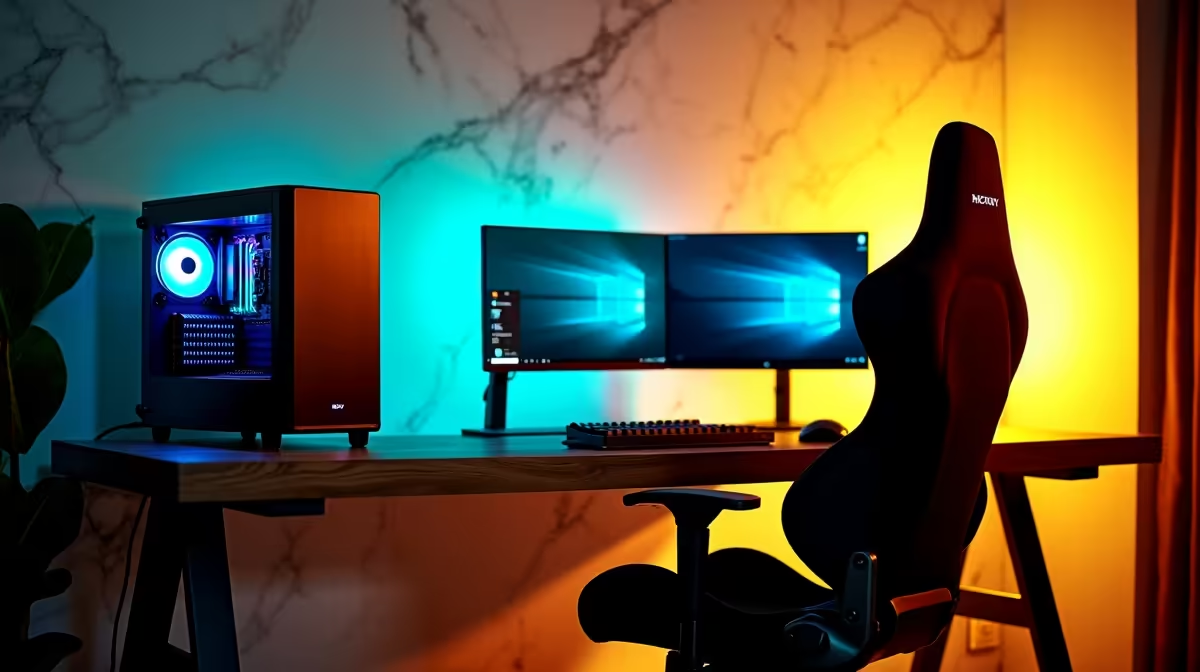
Creating a shared homework and gaming station for kids in South Africa requires balancing ergonomics, screen time management, and budget in a way that works for both school tasks and weekend gaming. A well-designed dual-purpose setup can support better study habits while giving kids a dedicated gaming space - without requiring two separate desks or two separate monitors.
Quick Answer
The ideal kids' homework and gaming station in South Africa combines a height-adjustable desk, a 24-inch monitor with blue light filter, a comfortable and adjustable chair, a mid-range PC or laptop, and parental control software. Budget setups start from around R8,000–R12,000 for a functional dual-purpose station.
🪑 The Setup Foundation: Desk, Chair, and Ergonomics
Kids spend hours at study and gaming stations, making ergonomics critical for posture and focus. Key considerations for South African households:
Desk: A desk with adjustable height (manually or motorised) allows the setup to grow with a child from primary school through high school. Fixed-height desks at adult height force younger children into poor posture. Width of at least 120cm accommodates a monitor, keyboard, and open textbook simultaneously.
Chair: A gaming chair with adjustable armrests, seat height, and lumbar support is a better long-term investment than a standard task chair. Look for models with a height range that suits your child's current size - most quality gaming chairs adjust from 42–55cm seat height, covering ages 10 and up comfortably.
Monitor placement: Position the screen so the top of the monitor is at or slightly below eye level. A 24-inch monitor at 60cm viewing distance is appropriate for children. Enable the monitor's Eye Care or Low Blue Light mode during homework hours.
🖥️ Hardware Recommendations for SA Budgets
For a dual homework and gaming station, a mid-range desktop PC or gaming laptop delivers the best flexibility:
- Entry-level (R8,000–R12,000): A refurbished or budget desktop with a Ryzen 5 5600 or Core i5-12400, 16GB RAM, 512GB SSD, and an entry-level dedicated GPU handles school software, YouTube, and light gaming in titles like Minecraft, Fortnite, and Rocket League comfortably.
- Mid-range (R12,000–R18,000): A Ryzen 5 7600X or Core i5-13600K with an RTX 4060 or RX 7700 XT handles demanding games at 1080p High settings while keeping productivity software responsive. This tier suits kids aged 12+ who game more seriously. Check current gaming PC deals for complete configurations.
A keyboard with a compact layout (TKL or 75%) keeps more desk space free for textbooks. A wired optical mouse is reliable and requires no battery management.
🔒 Screen Time and Study-Gaming Balance in SA
South African parents face the same challenge as parents globally - managing the transition from homework mode to gaming mode. Practical strategies that work:
- Use Windows Family Safety or your router's parental controls to enforce a gaming start time (e.g., only after 15:30 on school days)
- Set a dedicated "homework mode" with the monitor's Night mode enabled to signal study context
- Keep the gaming peripherals packed away in a drawer during school hours - physical separation reinforces mental separation
- Schedule offline gaming days on weekends to encourage outdoor time between gaming sessions
A clear homework-first routine helps kids develop discipline around the shared station rather than treating it purely as a gaming space.
❓ FAQ
What age is appropriate for a dedicated gaming station for kids in SA? Most child development experts suggest 10–12 as an appropriate age for a dedicated gaming setup with parental controls in place. Younger children benefit more from shared family device time. At 10+, a dedicated station with clear time limits supports both educational and recreational use effectively.
Should I buy a gaming laptop or desktop for a kids' station? A desktop provides better value, upgradeability, and ergonomic screen placement. A gaming laptop is preferable if the child uses the device at school or moves between rooms regularly. For a fixed homework station at home, a desktop is almost always the better long-term choice in terms of rands-per-performance.
How do I protect the station from kids breaking components? Use a full tower case with a locked side panel if children are young and curious. Store peripherals in a designated drawer. A cable management solution prevents pulled connections. Most importantly, supervise initial gaming sessions to establish expectations around hardware care before granting independent access.
Evetech stocks Graphics Card Deals and Evetech Best Sellers — shop online with fast delivery across South Africa.











