

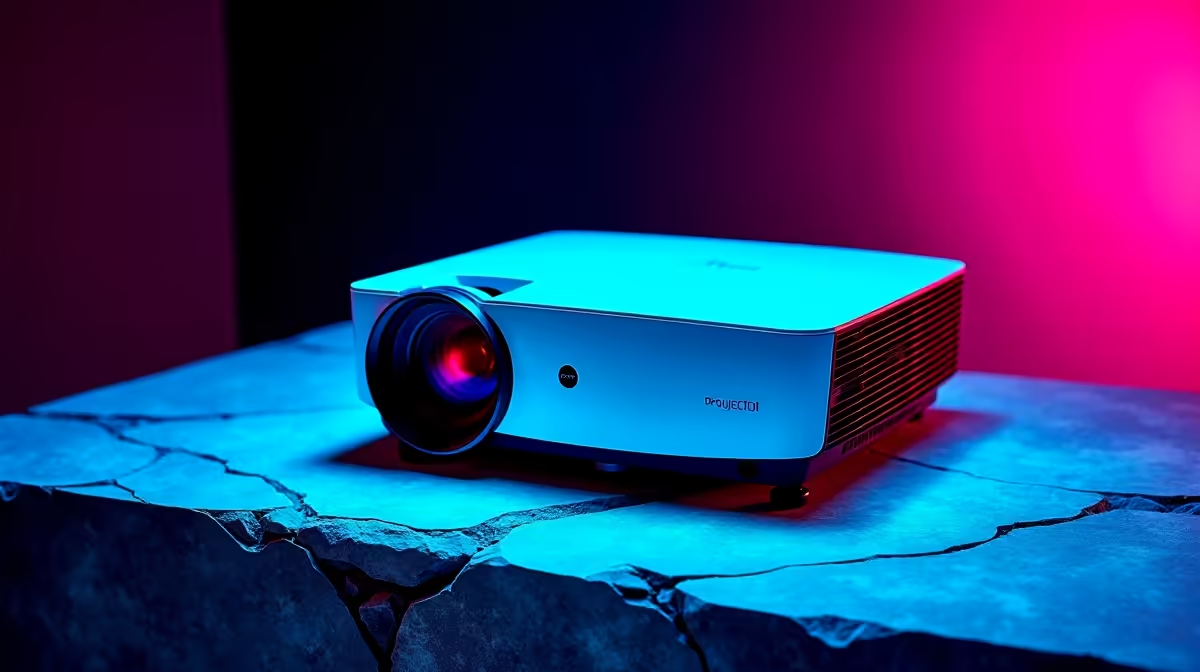
Ever tried squeezing a massive TV into a standard South African bedroom? It usually ends in tears... or a very cramped setup. But what if you could project a massive 100-inch display from just a few centimetres away? Knowing how to set up a short throw projector for gaming solves the ultimate space problem. You get cinematic visuals without knocking over your desk every time you stand up.
Why Choose a Short Throw Projector for Gaming?
Traditional projectors need metres of space to work properly. A short throw model uses special lenses to beam massive images from right up close. This means no more annoying shadows when someone walks past the lens. To push those massive resolutions, you need serious pixel-pushing power. If you are starting fresh, checking out the best gaming PC deals is your absolute first step to making that massive screen shine.
Essential Hardware for the Big Screen 🚀
You cannot just plug a potato into a 4K projector and expect miracles. High refresh rates and crisp colours demand solid hardware underneath. If you prefer a simple plug-and-play solution, exploring pre-built PC deals saves you the hassle of building from scratch. Or maybe you need portability for LANs? You can easily hook up one of the top gaming laptops to your new projector for big-screen action anywhere in the house.
Step-by-Step Setup Instructions
Finding the perfect placement is crucial. Place the projector on a low TV unit directly below your wall. Check your manual for the exact throw ratio distance. A plain white wall works... but a proper tensioned screen is much better for colour accuracy.
Next, you need to connect your powerhouse. Always use a high-speed HDMI 2.1 cable for the best bandwidth. If your current rig is struggling with input lag at higher resolutions, it might be time to buy a new graphics card to keep those frame rates buttery smooth.
Fine-Tuning Your Visuals ✨
Dive straight into the projector settings once everything is plugged in. Turn on "Game Mode" immediately to drop the input lag down to acceptable levels. Adjust the keystone settings carefully to make sure the image is perfectly square. Setting up a short throw projector for gaming is all about tweaking these small details. Keep an eye out for weekly specials on gaming peripherals to complete your ultimate cinematic room without breaking the bank in ZAR.
Do Not Forget the Audio
A massive screen paired with tiny built-in speakers is a complete waste. You will want a dedicated soundbar or a quality surround sound headset. Position your audio gear before you finalise the projector placement... you do not want messy cables ruining your clean aesthetic.
Optimise Your Lighting 💡
Short throw projectors are incredibly bright, but ambient light is still the enemy of contrast. Invest in some good blackout curtains. If you are gaming during the day, switch your projector to its highest brightness setting to keep colours popping.
Ready to Build Your Dream Cinema Setup? A massive projector screen deserves a PC that can push every single pixel to the limit. Explore our massive range of gaming PC specials and find the perfect machine to conquer your world.











