

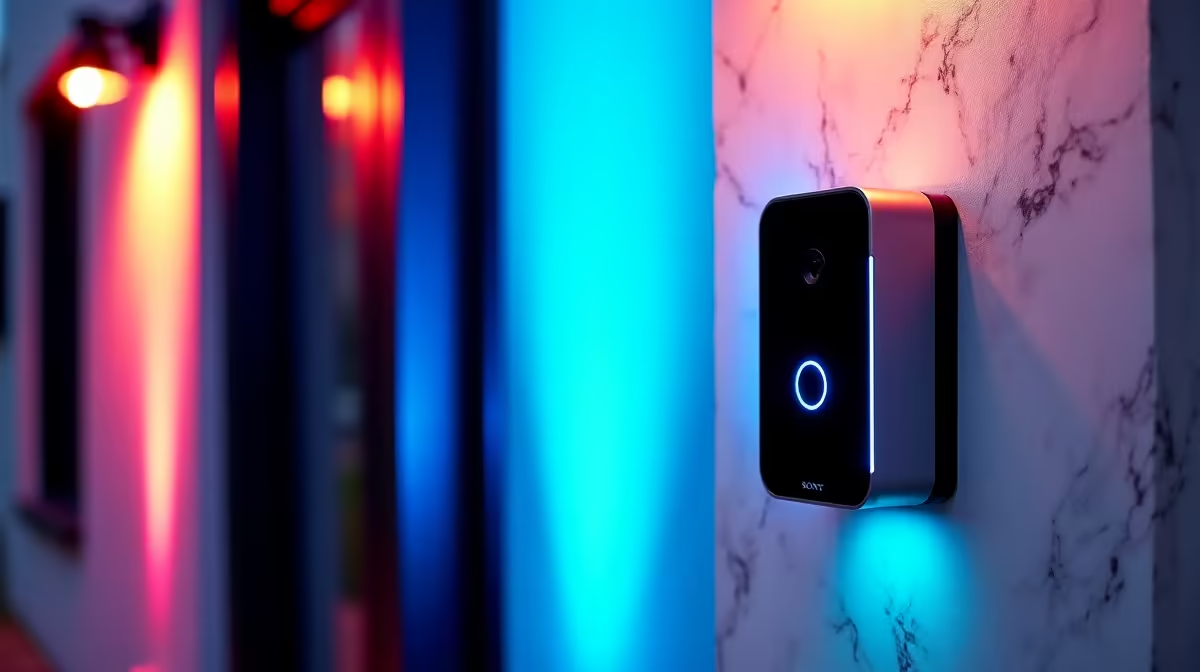
You just spent thousands of ZAR building your dream setup. The last thing you want is a security risk at your front gate. Protecting your gear starts before anyone even knocks. If you are wondering how to set up a smart doorbell in South Africa, you are not alone. It is surprisingly simple... and absolutely vital for your peace of mind. Let us dive into the setup process.
Why Your Tech Needs Front Door Security 🛡️
Let us be honest. When you finally score one of the best gaming PC deals on the market, you want to keep it safe. High-end tech is a serious financial investment. Whether you are hoarding premium graphics cards for a custom rig or simply want a safer home environment, a smart doorbell adds a massive layer of security. It acts as a digital bouncer for your property. You get instant alerts the moment someone steps onto your porch.
Step-by-Step: How to Set Up a Smart Doorbell in South Africa
First, you must check your Wi-Fi signal strength. South African homes are famous for their solid, thick brick walls. These walls love to kill wireless signals. Take your smartphone or one of your household laptops out to the front door. Check if you have a stable connection. If the signal drops, you will definitely need to install a Wi-Fi extender near the entrance.
Next, you need to decide on your power source. You can hardwire the unit directly to your existing doorbell chime. However, battery-powered models are incredibly popular locally. They keep recording even when the grid goes dark. Just remember to unclip and recharge the battery pack every few months.
Load Shedding Pro Tip ⚡
Always connect your home Wi-Fi router to a mini UPS. Your smart doorbell cannot send alerts to your phone if your internet goes down during power cuts. A small 30W UPS will keep your network alive for hours.
Mounting and App Synchronisation 🔧
Grab your drill and mount the included bracket at roughly chest height. This height gives the camera an optimal viewing angle to see faces clearly. Secure the doorbell unit firmly into the bracket. Now, it is time to download the companion app on your mobile device.
Most security apps will guide you through a quick QR code scan to sync the device to your network. Once connected, you can monitor the live feed directly from your phone. You can even keep a browser tab open on your pre-built PC while you work or game. It is the ultimate convenience for busy tech enthusiasts.
Upgrading Your Entire Ecosystem ✨
A smart doorbell is usually just the beginning of a fully connected home. Once you see how easy it is to monitor your front gate, you might want to upgrade your indoor tech too. Having a dedicated screen just for your security feeds is a great idea. Keeping an eye on our weekly tech specials is a brilliant way to find affordable monitors, faster routers, and essential upgrades. Security and performance always go hand in hand.
Ready to Upgrade Your Home Setup? Now that your front door is secure, it is time to focus on the tech inside. Whether you need a massive performance boost or just a reliable daily driver, Evetech has you covered. Explore our massive range of laptop specials and find the perfect machine to conquer your world.











