

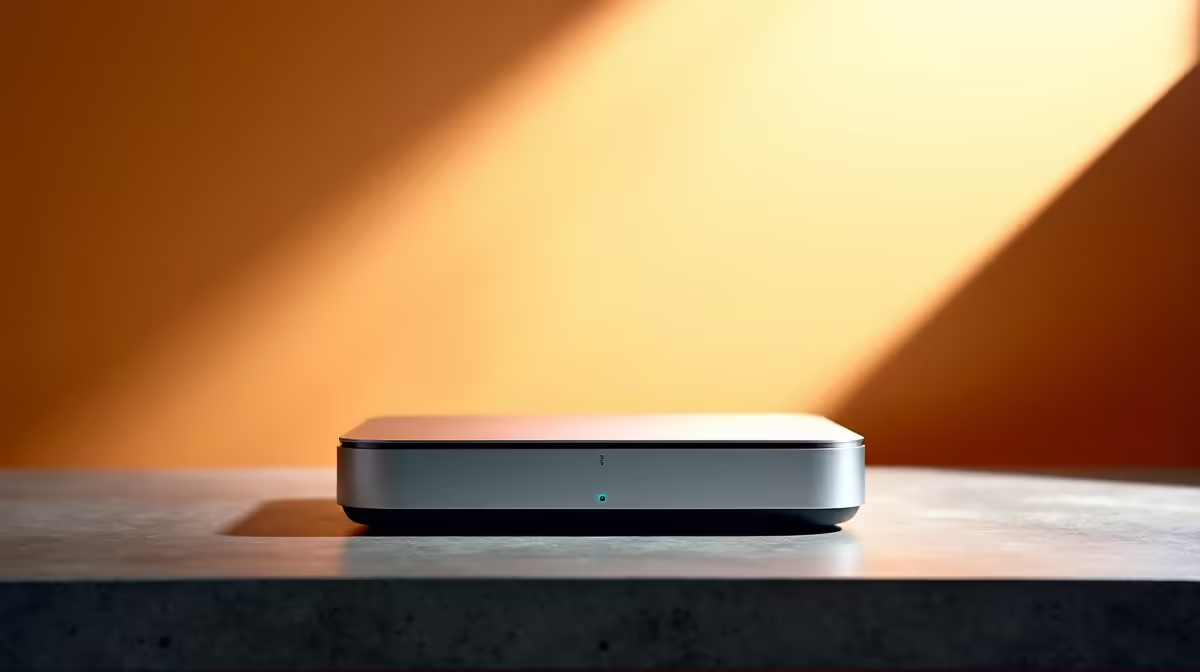
You just unboxed your sleek new Apple machine. It looks fantastic on your desk. But reality hits hard when you realise your preferred local accounting software is heavily optimised for Windows. Do not panic... you can easily bridge the gap. Whether you run Sage Pastel for your enterprise or manage side hustle finances, here is exactly how to set up Mac Mini for South African accounting software.
Understanding the Mzansi Compatibility Gap
Most legacy accounting packages trusted by local accountants were built exclusively for Windows. While modern cloud platforms work perfectly in your browser, local installations like Sage 50cloud Pastel require a clever workaround. Because modern Apple silicon chips use ARM architecture, they cannot run Windows natively. You will need robust virtualisation software to create a seamless Windows environment.
If you prefer avoiding virtual machines entirely... grabbing one of the best gaming PC deals provides a dual-purpose powerhouse. It gives you native Windows compatibility for tax season and massive frame rates for after-hours entertainment.
Steps to Set Up Mac Mini for South African Accounting Software
To get your financial software running smoothly, follow these straightforward steps. First, download and install Parallels Desktop. It remains the most reliable way to run Windows 11 on Apple hardware. Once installed, the software will automatically download the correct Windows version for you.
Next, install your accounting package just like you would on a standard desktop. Ensure your regional settings are set to South Africa so your ZAR currency symbols and VAT calculations format correctly.
If your business requires heavy multitasking across multiple spreadsheets and tax portals... you might find that exploring pre-built PC deals offers superior native compatibility. Alternatively, checking out premium notebooks for sale in South Africa gives you portable Windows power without the virtualisation overhead.
Virtualisation Pro Tip ⚡
When allocating resources in Parallels, assign at least 8GB of RAM and four CPU cores to your Windows virtual machine if your hardware allows. This ensures smooth performance when processing large ledger files or generating complex compliance reports for SARS.
Performance Expectations and Hardware Needs 🔧
Running a virtual machine constantly consumes system resources. Your base machine will handle basic bookkeeping just fine. However, if you manage massive databases alongside other demanding applications, you need serious hardware. Unlike traditional desktops, you cannot simply upgrade your Apple RAM later.
For professionals who also tackle creative work or PC gaming, virtualised graphics often fall short. You can always browse our latest specials to find a high-performance alternative. If you already have a desktop, you can buy graphics cards to build a dedicated Windows rig that handles intensive workloads effortlessly.
Cloud Alternatives for Local Businesses 🚀
If configuring virtual machines sounds too complex, consider migrating to cloud-based accounting. Platforms like Xero or Sage Business Cloud run entirely in your web browser. This bypasses operating system limitations completely and keeps your data backed up during unexpected load shedding.
Knowing how to set up Mac Mini for South African accounting software gives you great flexibility. You get the aesthetic you want with the functionality you need. But sometimes native hardware performance is simply better for your daily workflow and your wallet.
Ready to Find Your Perfect Match? The Mac vs Windows debate is complex, but for maximum power, choice, and value in South Africa, Windows is hard to beat. Explore our massive range of laptop specials and find the perfect machine to conquer your world.











