

Quick Answer
Setting up remote work tech for South African employees requires a reliable laptop or desktop with at least 8GB RAM, a stable internet connection (fiber or LTE backup), a quality webcam and headset, and a UPS to handle loadshedding. The right tech stack allows SA remote workers to stay productive through power outages and connectivity challenges that are unique to the local environment.
Core Hardware for SA Remote Workers
The foundation of any South African remote work setup is the primary compute device. For most knowledge workers, a laptop is preferable to a desktop because it continues running on its internal battery during loadshedding without requiring a separate UPS. Look for a business-class laptop with at least 8GB RAM (16GB for developers and designers), a 12th-gen Intel or Ryzen 5000 series CPU or newer, and a minimum 256GB SSD.
For video conferencing on platforms like Microsoft Teams, Zoom, and Google Meet, which are standard in South African corporate environments, the CPU needs to handle real-time video encode and software denoising simultaneously. Processors with at least 4 cores and 8 threads handle this without dropping frames or throttling. Integrated GPU is sufficient for video calls, but a discrete GPU becomes relevant for creative professionals who use Premiere, DaVinci Resolve, or similar tools.
For desktop-based employees, pair the PC with a UPS rated for at least 400W, which is sufficient to run a mid-range desktop and monitor through a Stage 2 loadshedding cycle of two hours.
Connectivity: Fiber, LTE, and Backup Planning
Fiber remains the gold standard for South African remote workers. Providers like Vumatel, Openserve, and MetroFibre offer uncapped packages in most urban areas, and speeds of 50Mbps or higher are sufficient for video conferencing and cloud collaboration tools.
The critical SA-specific consideration is loadshedding's effect on your router and fiber ONT box. Both require power, and most load-shedding schedules mean two to four hours of no connectivity twice daily. Solutions include:
A mini UPS or power bank specifically for your router and ONT (these draw under 20W and can run for 6+ hours on a medium power bank). An LTE or 5G SIM backup in a dedicated WiFi router or smartphone hotspot. Most South African mobile networks maintain LTE connectivity during loadshedding since towers have battery backup.
For critical meetings, schedule them outside your loadshedding window using the EskomSePush app, which gives accurate stage forecasts and push notifications.
Peripherals for Professional Remote Work
A quality webcam and microphone setup is non-negotiable for remote workers representing their company in video meetings. The Logitech C920 or C925e provides 1080p video that significantly outperforms the webcam built into most budget laptops. For audio, a USB headset with noise cancellation (like the Jabra Evolve2 series or Logitech H390) eliminates the background noise common in South African home offices shared with family members.
A secondary monitor adds substantial productivity for analysts, developers, and project managers who work across multiple applications simultaneously. A 24-inch Full HD IPS monitor paired with a laptop creates an effective dual-screen setup that fits most home office spaces. Ensure your laptop has a spare HDMI or USB-C DisplayPort output before purchasing a monitor.
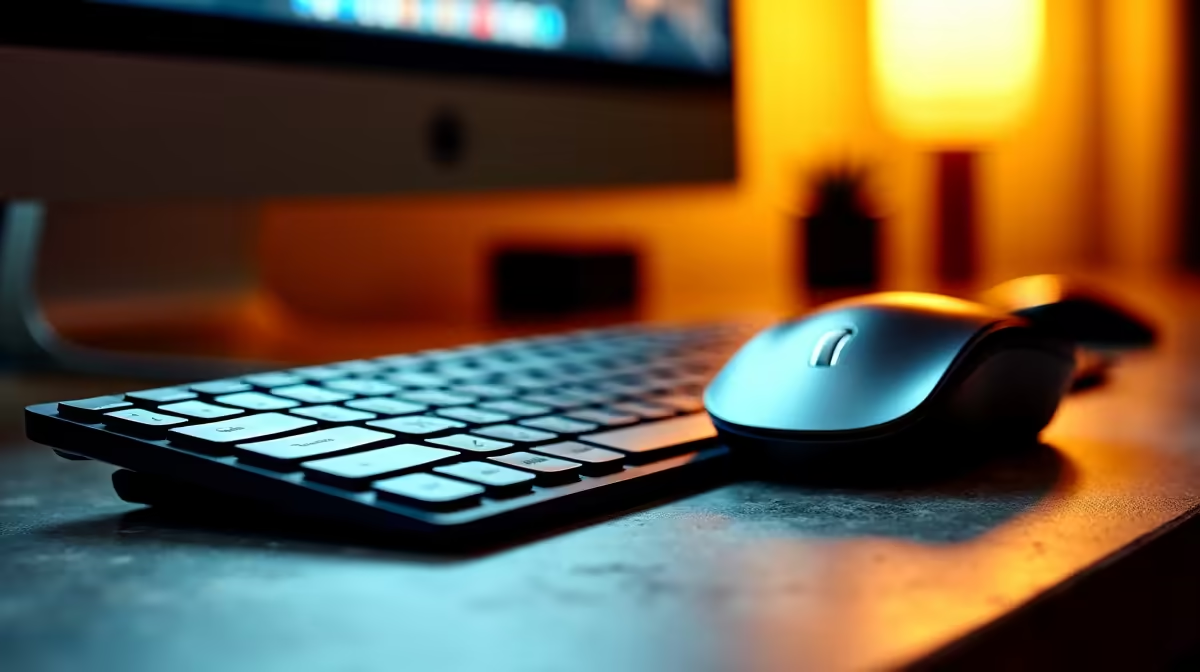
An ergonomic keyboard and mouse reduce fatigue during long work sessions. Wired peripherals are preferable for reliability, especially in environments with multiple 2.4 GHz devices competing for wireless bandwidth.
Software and Security Considerations
South African remote workers often operate under IT policies set by their employer, but self-employed and freelance workers need to manage their own software stack. A VPN is important for accessing company resources securely from home networks. Ensure your antivirus and firewall software is current.
Cloud storage using OneDrive, Google Drive, or Dropbox ensures that work files survive hardware failures and can be accessed from any device. For employees in regulated industries (finance, healthcare, legal), check with your IT department about data residency requirements before storing files on third-party cloud services.
Frequently Asked Questions
What is the minimum internet speed for remote work in South Africa? For video conferencing alone, 10Mbps upload and download is the minimum. For comfortable use with multiple simultaneous streams, file uploads, and cloud sync, 25Mbps or higher is recommended. Fiber packages at 50Mbps or above are ideal.
How do I stay online during loadshedding while working remotely? The most reliable solution is a mini UPS for your router and fiber ONT combined with an LTE backup data SIM. For laptops, the internal battery handles compute, so only the router requires battery backup. For desktops, a 400W+ UPS covers both the PC and monitor.
Do I need a dedicated webcam or is my laptop camera sufficient? For occasional calls, your laptop webcam is adequate. For daily video conferencing representing a professional image, a dedicated 1080p webcam like the Logitech C920 produces noticeably better video quality, especially in rooms with mixed lighting.
What remote work allowance policies exist for SA employees? The Basic Conditions of Employment Act does not mandate a specific remote work hardware allowance, but many South African companies provide a once-off equipment stipend or monthly connectivity reimbursement. Check your employment contract or HR policy for specifics.
Ready to Find Your Perfect Match? Equip your South African home office with quality tech from Evetech, from laptops to monitors and peripherals.











