

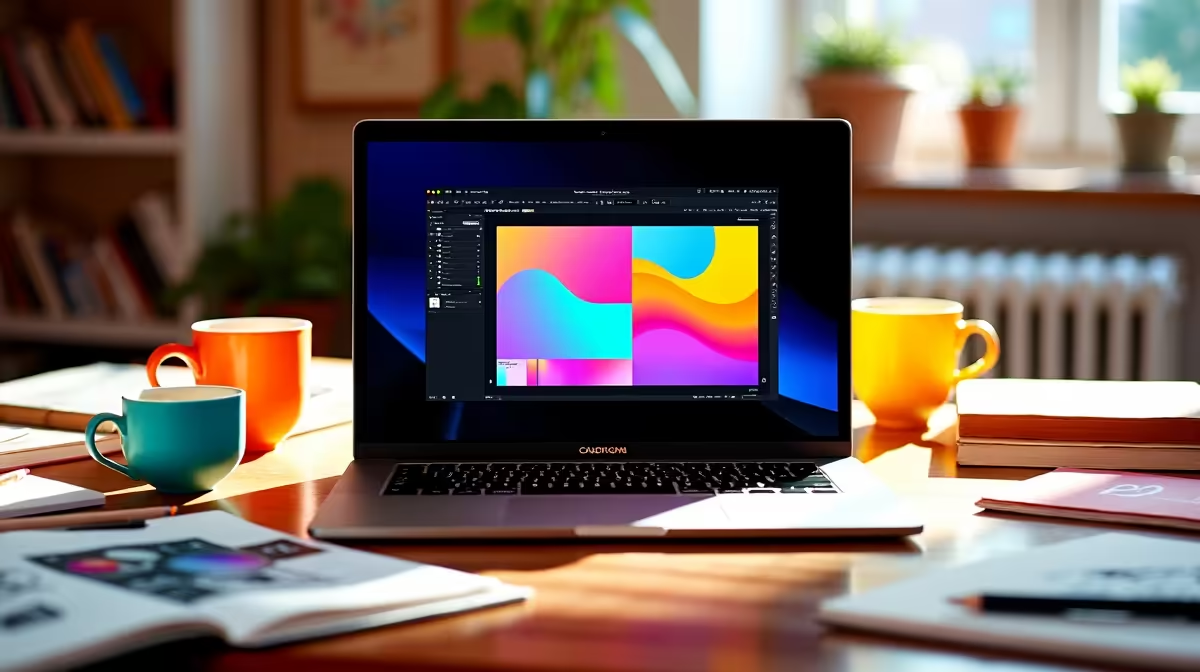
Essential Setup Tips for Your MacBook UI/UX Design Journey
South African designers know the power of a well-optimised MacBook in crafting seamless UI/UX projects. Whether you're sketching wireframes or prototyping interactions, setting up your MacBook properly can save hours and fuel creativity ⚡. In this guide, we’ll reveal how to get your MacBook optimised for UI/UX design, from software essentials to hardware choices that blend perfectly with Apple’s ecosystem.
Choose the Right MacBook Model for UI/UX Design
When selecting a MacBook, prioritise performance and display quality. The latest MacBook Pro models offer Retina displays with true-to-life colour reproduction—crucial for UI/UX design where colour accuracy matters. If you’re just starting out or on a budget, consider entry-level MacBook Air models as a cost-effective option that still delivers smooth workflows.
For those wanting broader options or even gaming alongside design, check out Evetech’s notebooks for sale in South Africa. There’s a range tailored for creatives and gamers alike, balancing power with portability.
Software Setup: Your UI/UX Design Toolbox
Next, load your MacBook with the best UI/UX tools. Industry favourites like Sketch, Adobe XD, and Figma streamline design and prototyping. Keep your system lean by disabling unnecessary startup apps and focusing on software that truly boosts productivity ✨.
Consider also cloud storage and version control integration—services like Google Drive or Dropbox keep projects synced and safe. For MacBook users with the M1 or M2 chip, native apps run excellently, so pick software optimised for Apple Silicon for smoother performance.
Enhance Performance with External Hardware
While MacBooks are powerful, powerful external hardware can elevate your design setup. Investing in an external 4K monitor gives you more screen real estate for multistep UI workflows. To handle complex rendering and visualisation tasks, a compatible external GPU (eGPU) can provide a significant boost.
Explore Evetech’s PC components to find graphics cards and accessories that complement your MacBook setup or desktop alternatives. South African designers often blend MacBooks with Windows machines for specialised tasks, so browsing pre-built PC deals might inspire your next upgrade.
Optimize Your Workspace
Clear clutter and keep your desk ergonomic. A comfortable chair and good lighting prevent fatigue during long design sessions.
Extra Tips for Seamless Design Workflows
- Customise your trackpad gestures for quicker navigation through design software.
- Use Night Shift mode to reduce eye strain during late-night brainstorming.
- Back up regularly with Time Machine or cloud services to avoid pain from sudden data loss.
If your work morphs into gaming after-hours, it pays to explore the best gaming PC deals. These rigs offer value and frame rates that make downtime just as engaging as design time.
Stay Updated with Deals and Upgrades
Design tools and hardware improve fast, so keep an eye on specials and bundle offers. Evetech’s specials page is the place to hunt deals tailored for South African creatives and tech enthusiasts. Upgrading thoughtfully ensures your MacBook stays a powerful UI/UX design hub for years.
Ready to Upgrade Your Creative Setup? Discover unbeatable deals and performance options tailored for South African designers—Shop now at Evetech for performance that leaves lag in the dust.











