

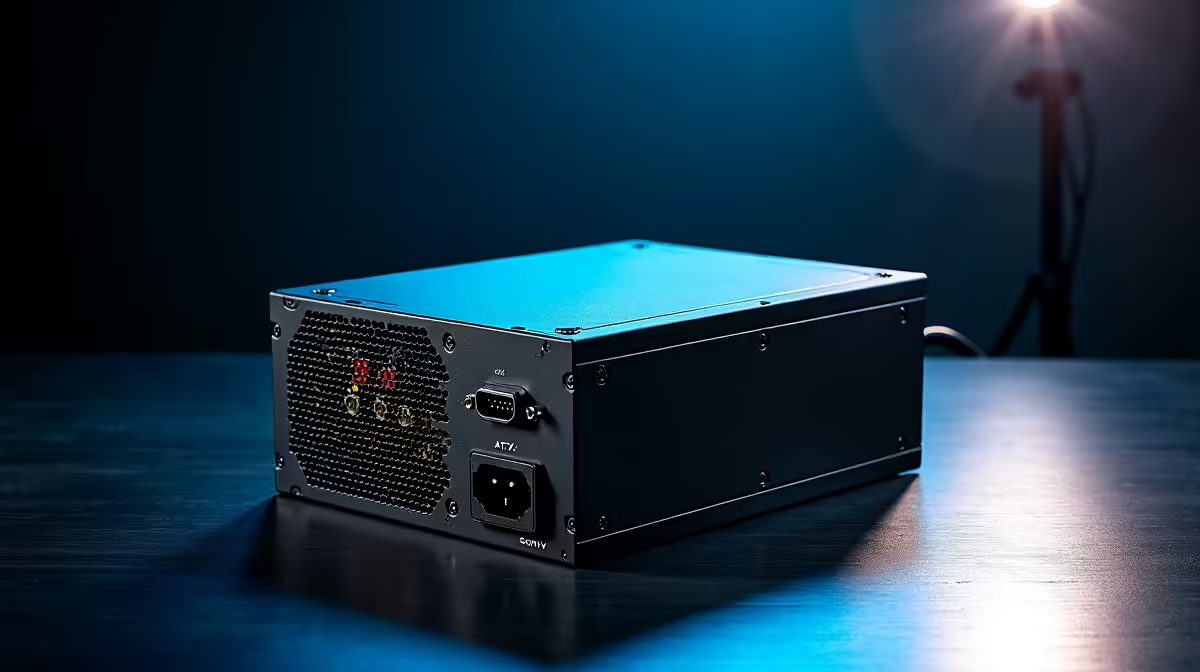
A faulty power supply is one of the harder components to diagnose in a PC build - the system simply won't POST, and the culprit could be the PSU, the motherboard, or even the CPU. South African builders dealing with a dead system often reach for the paperclip test as a quick, free first step before spending money on replacements.
Quick Answer
The paperclip test (PSU jumpstart test) involves shorting the green wire (PS_ON) and any black wire (Ground) on the 24-pin ATX connector using a bent paperclip or wire. If the PSU fan spins and voltage is present on other connectors, the PSU itself is functional. If nothing happens, the PSU is likely faulty.
🔌 What You Need for the Paperclip Test
Before starting, gather:
- A standard metal paperclip (or a short piece of wire)
- A multimeter (optional but recommended for voltage verification)
- The PSU you want to test - fully disconnected from all components
Safety note: Disconnect the PSU from the wall outlet before inserting the paperclip. Only reconnect to mains power after the clip is in place. Never perform this test with the PSU connected to a motherboard or any components.
📋 Step-by-Step: How to Do the Paperclip Test
- Disconnect the PSU from all components and remove it from the case if possible.
- Locate the 24-pin ATX connector - this is the large rectangular connector that normally plugs into the motherboard.
- Find the green wire - on the standard ATX 24-pin layout, pin 16 (PS_ON) is the single green wire. All other wires are either black (ground), red (+5V), yellow (+12V), or orange (+3.3V).
- Bend the paperclip into a U-shape and insert one end into the green wire socket and the other end into any adjacent black wire socket.
- Plug the PSU into mains power and switch the rear power switch to ON.
- Observe: If the PSU fan spins, the unit is receiving the turn-on signal and is operational. If nothing happens, the PSU is not functioning.
- Optional voltage check: Use a multimeter on DC voltage setting. Insert the positive probe into a yellow wire socket (should read +12V) and the negative probe into a black wire socket. Check red wires for +5V and orange for +3.3V. Significant deviation (more than ±5%) indicates a failing PSU.
If your PSU fails this test, browse replacement PSU options from reputable brands available locally.
⚠️ Limitations of the Paperclip Test
The paperclip test confirms that a PSU can power on under no load, but it doesn't test behaviour under the real load a gaming system generates. A PSU can pass the paperclip test and still fail when powering a high-end GPU and CPU under gaming load. If your system crashes under load but works at idle, the PSU may still be the culprit despite passing this test. A proper PSU tester device (available for R150–R300 at electronics retailers) provides more comprehensive rail testing.
❓ FAQ
Is the paperclip test safe to perform at home? Yes, when performed correctly with the PSU disconnected from all components. The 12V and 5V rails present on PSU connectors are not dangerous to handle briefly, but avoid touching exposed contacts during the test and never short wires other than the designated PS_ON and Ground pins.
What does it mean if the PSU fan doesn't spin during the paperclip test? The PSU is not functioning. It could be a blown internal fuse, a failed control circuit, or a dead unit. In most cases, replacing the PSU is more cost-effective than repair in the SA market, as quality replacement units start from around R700.
Can I run my PC without a case using this method? The paperclip test is specifically for testing a PSU in isolation. If you want to breadboard test a full system outside a case, you'll need to use the motherboard's power button header or briefly bridge the power pins - not the PSU jumpstart method.
Evetech stocks All Power Supplies and Graphics Card Deals — shop online with fast delivery across South Africa.











