

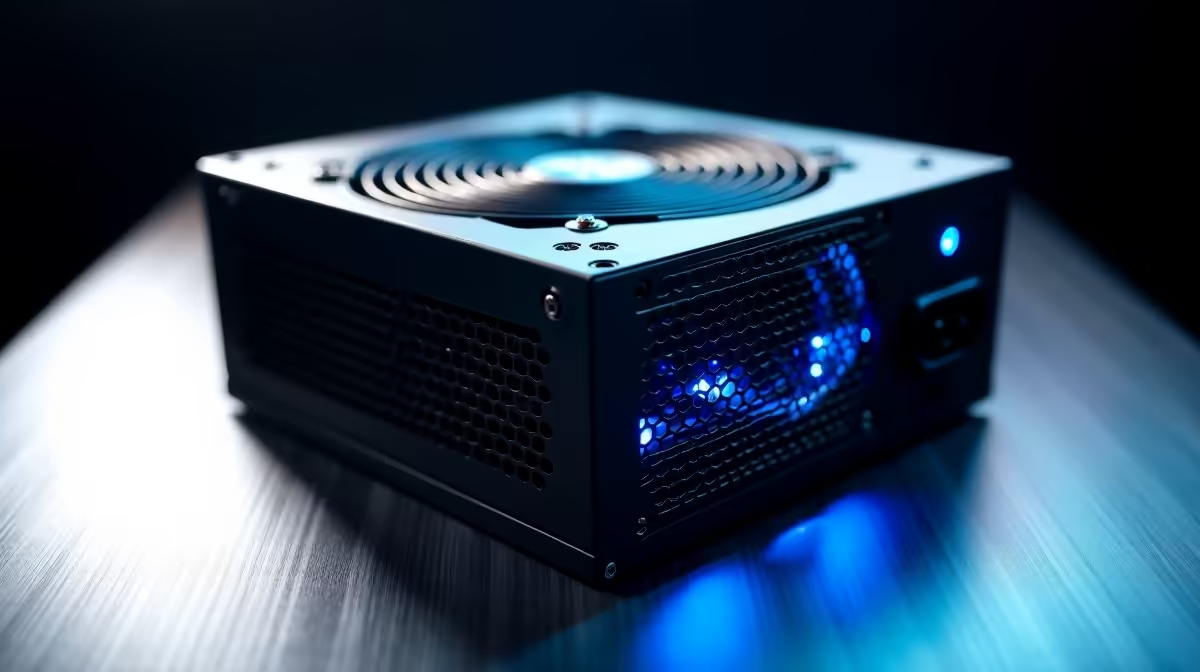
Load-shedding and random power surges in South Africa can wreak havoc on your rig. There is nothing worse than pressing the power button and getting zero response. Before you panic and assume your motherboard is fried, the culprit might just be your power supply. Want to know how to test if your 1000W PSU is working properly? You are in the right place. 🔧
Performing the Paperclip Test
The simplest way to check your power supply is the classic paperclip trick. First, completely disconnect your unit from the wall and your motherboard. Safety always comes first... especially when dealing with high-wattage components.
Take a standard paperclip and bend it into a U-shape. Find the 24-pin connector. Insert one end into the green colour wire pin and the other into any black ground pin. Plug the unit back in and flip the switch. If the fan spins, it is receiving power. If it stays dead, it might be time to browse some new power supplies.
Checking Voltages with a Multimeter
A spinning fan does not guarantee your system is getting the right juice. To truly know how to test if your 1000W PSU is working properly, you need a multimeter. Set your device to read DC voltage.
Probe the 24-pin connector while the unit is tricked into running. You want to see stable readings around 3.3V, 5V, and 12V. Fluctuating voltages can cause random crashes during intense gaming sessions. If your readings are wildly off, your rig is at risk. Sometimes gamers prefer upgrading to reliable best gaming PC deals that come with warranty-backed power units.
Safety First ⚡
Never open the casing of your power supply. The capacitors inside can hold a lethal charge for days even after being unplugged. If the unit fails the paperclip or multimeter test, it is always safer to replace it entirely.
System Stability and Stress Testing
Perhaps your PC boots up fine but shuts down when you load up a heavy title. This often points to a failing unit that cannot handle peak loads. A 1000W power supply should effortlessly power high-end graphics cards. 🚀
If it trips under load, the internal components might be degrading. You can use software like HWMonitor to watch voltages while running a stress test. If your desktop keeps failing, you might want a fresh start. We have incredible pre-built PC deals that take the guesswork out of system stability. Alternatively, if you need mobility during power cuts, modern laptops for sale offer incredible battery-powered performance.
Knowing When to Replace Your Unit
Testing your hardware regularly saves you money in the long run. A faulty power supply can easily take your motherboard or GPU down with it. If your 1000W PSU fails any of these tests, do not try to repair it. Always replace it with a reputable brand. Keep an eye on our latest tech specials to find a high-quality replacement without breaking your ZAR budget.
Ready to Power Up Your Rig? Don't let a faulty power supply hold back your gaming experience. Whether you need a stable 1000W beast or a complete system overhaul, Evetech has you covered. Explore our massive range of power supply specials and keep your PC running flawlessly.











